Easiest Remote Desktop Solutions for Non-Techy Folks: Real-Life Picks
Finding Remote Access That Doesn’t Stress Out Your Parents (or You)
Man, if I had a dime for every time someone asked, “What’s the simplest remote desktop app for my grandma?” I’d probably be able to afford a MacBook for every family member who ever clicked ‘X’ on an error message instead of reading it. Point is: the best solution is the one your least computer-literate relative can actually use—on their own, while you’re miles away and silently crossing your fingers.
Let’s skip the jargon and focus on plain-language tools anyone can use without needing an IT certification. Here are my top contenders, with examples pulled straight from the “I tried this on my aunt’s 2009 PC via phone call” school of experience.
No-Brainer, No Headache Options: Quick Comparison
This isn’t another corporate checklist. Here’s a real-user rundown of what works and why:
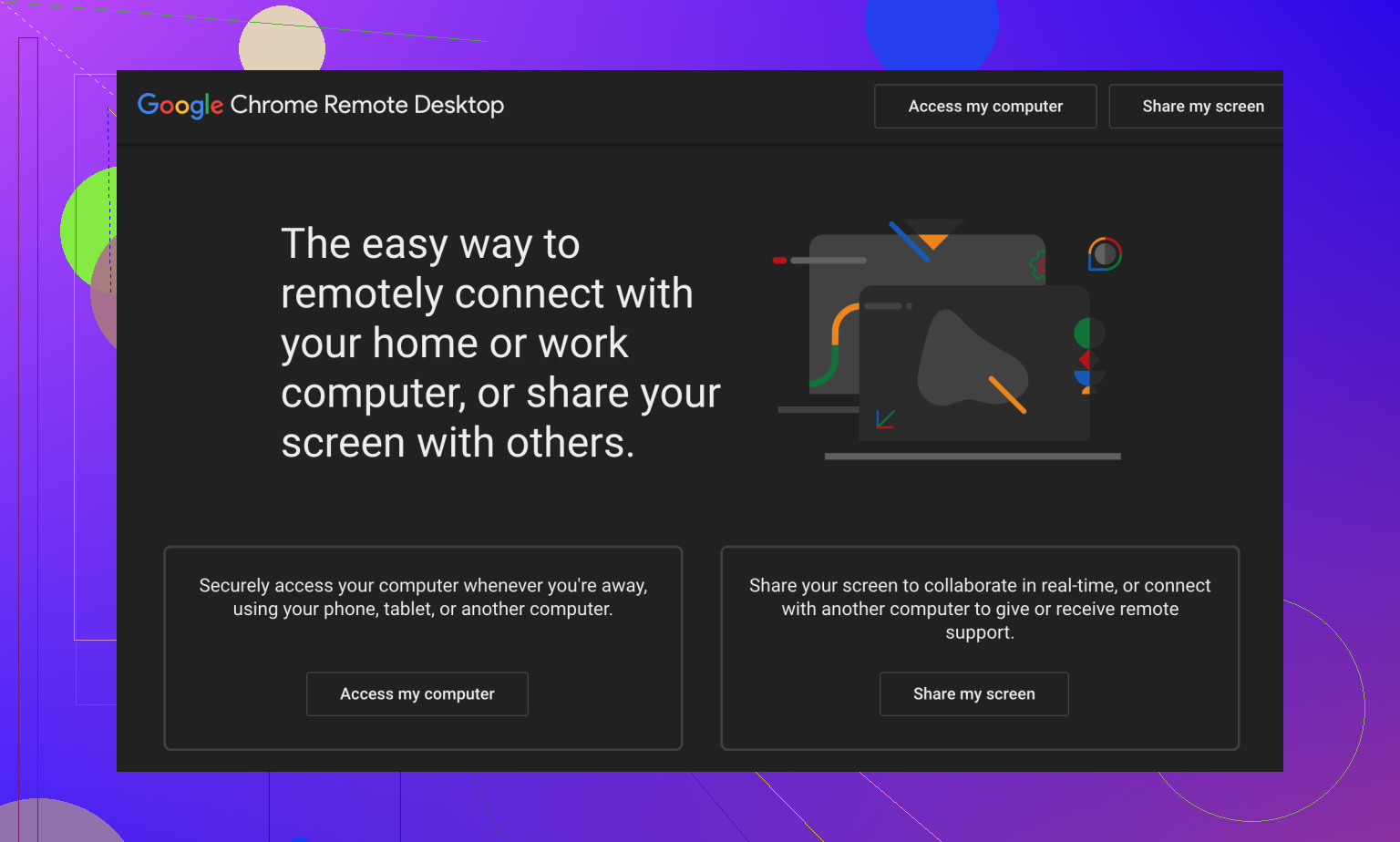
- Chrome Remote Desktop – Google’s no-frills, just-works screen sharing. Great for when you need “click this link and read me the number” simplicity.
- HelpWire – Stupid simple and doesn’t care what OS you’re on. Free, with live chat built-in, and you don’t have to explain what a firewall is.
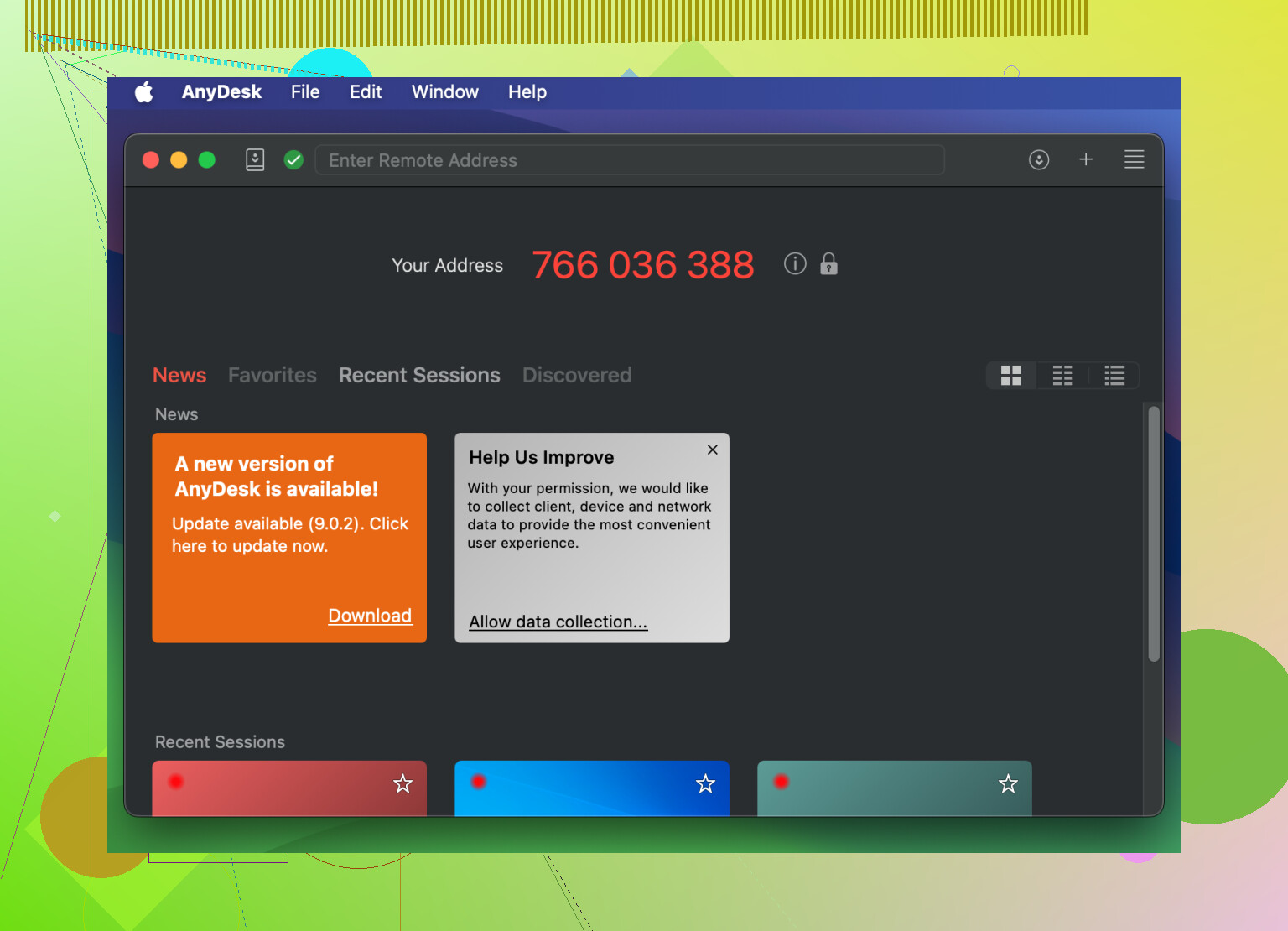
- AnyDesk – Zippy, lightweight, idiot-proof interface. Works for tech dunces and small businesses alike.
- TeamViewer – Maybe overkill, but it’s as mainstream as remote desktop gets. Anyone can figure it out, and it’s everywhere.
- Zoho Assist – Straight up cloud-based. If they can open a browser, they’re all set. No installs. No eye rolls.
My TL;DR: Each of these means fewer panicked phone calls and less “no, click the OTHER button” frustration.
Chrome Remote Desktop
Okay, story time: My dad once called me from 800 miles away because his printer stopped working and he was “pretty sure he’d deleted Microsoft.” Turns out, with Chrome Remote Desktop, I didn’t have to explain fancy software or walk him through cryptic downloads. Just had him add the Chrome extension, read me a code, and suddenly I was clicking around his desktop. Took five minutes. No tears. No existential threats to his laptop.
Why it just works:
- 100% free. Literally, zero nags for credit cards.
- Runs right in the Chrome browser—Mac, PC, Linux, whatever.
- No full installs. Just “add to Chrome,” then done.
- You get remote control fast; non-obtrusive and basic enough that you can’t accidentally reset the WiFi router through it.
- Best for: Home setups, older family members, or when you just need five-minute access. Not for fancy business features.
HelpWire
Picture this: Your cousin is pinging you from their Mac, your mom from a PC, and your friend just got a weird Linux laptop. You can’t send everyone the same software and hope for magic, right? Wrong. HelpWire lets you jump onto any of their computers, chat with them live, and not worry if Windows updates will wreck the day.
Useful stuff it does:
- Free (like, really free)
- Ridiculously simple design—nobody’s going to mess up the setup
- File transfer and chat in real time
- Works across Windows, macOS, and Linux (so you never have to ask “what version are you on?” again)
- Unattended access: You don’t even need them to sit there nervously staring at you
- Proper encryption so you don’t have nightmares about privacy
- Great for: Anyone supporting multiple platforms, or if you need to share files mid-session without backflipping through menus.
If you’re the curious type, enjoy some comparative head-to-heads:

AnyDesk
Let me be real: Not all my remote jobs have been sunshine and roses. One time, a friend’s laptop was slower than a snail on dial-up, but AnyDesk’s low-latency connections made it feel like I was sitting right there, not hunched over at 2am in my apartment cursing at lag. Its buttons are big (no hunting for micro-menus) and the interface doesn’t throw unnecessary options at you.
It nails the basics:
- Dead simple layout, massive buttons
- Speedy connections, seriously—almost no delay
- Works on pretty much every OS and mobile device
- Can send files, print remotely, or copy-paste from afar
Who’s it for?
Perfect for businesses needing solid speed, or regular folks who dislike waiting.
TeamViewer
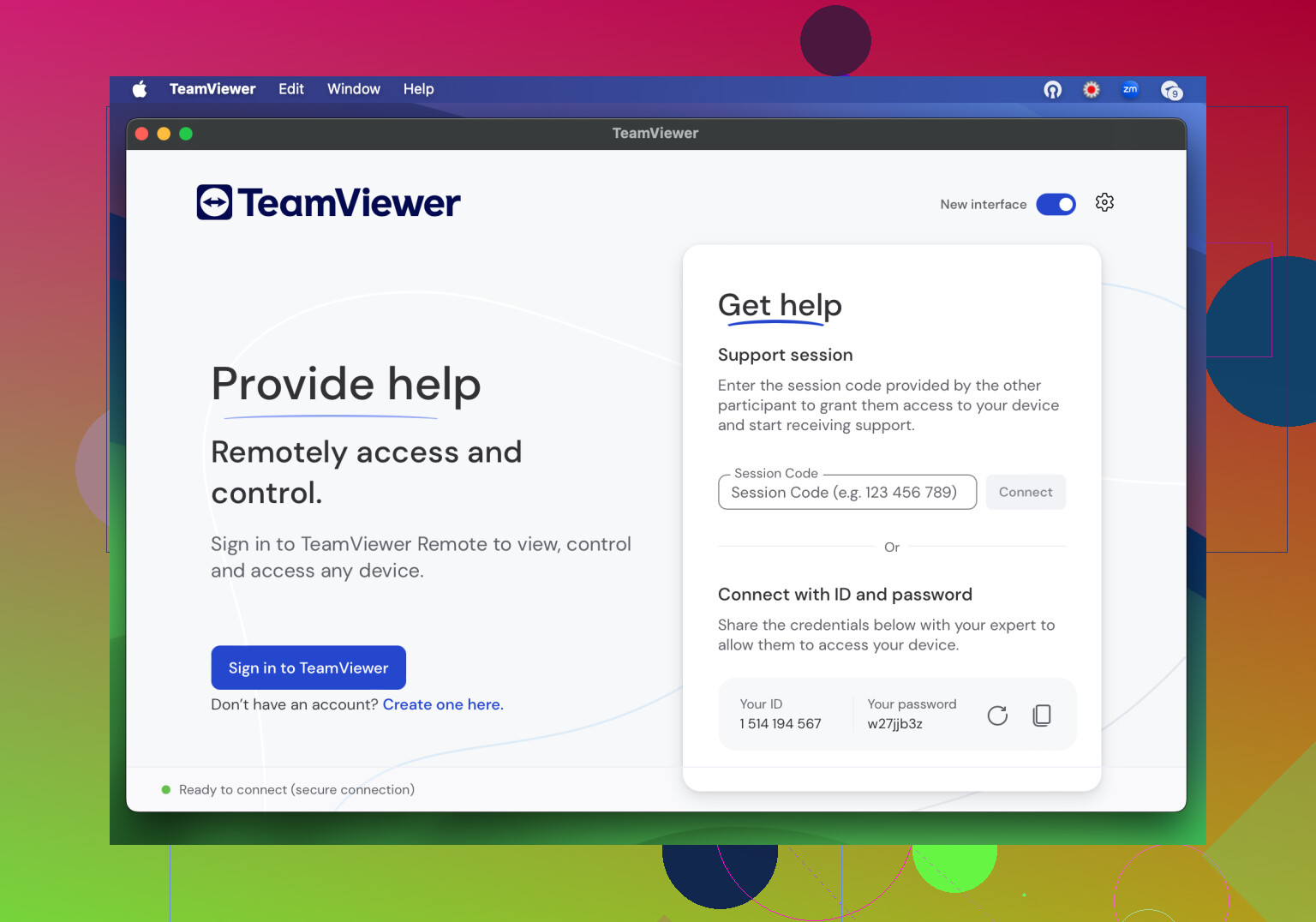
You either love TeamViewer, or you’ve only ever seen it pop up when a tech support guy takes over your screen. Pretty much everyone recognizes the blue interface, and setup (especially with their QuickSupport tool) is as close to “push here for help” as any software gets. My neighbor once got me to fix her laptop using it—she literally only had to click a link and let me in.
What’s great:
- Readable, uncluttered screens
- Does unattended sessions—IT’s dream for silent updates
- File transfer, remote reset, cross-platform, and more
- One-click magic via QuickSupport: They don’t even need to know what an installer is
Perfect for:
Businesses or individuals who like bells and whistles but not headaches. If you help people for work, you already have an opinion about it.
Zoho Assist
Sometimes, simplicity means never having to call your user and say, “Now, double check what you downloaded.” Zoho Assist runs right from a web browser. No downloads, no OS compatibility quizzes, no fiddly dialogues. It’s for that person who uses their laptop monthly but still expects instant answers when something breaks.
Why you want it:
- Web-based—startup in seconds
- The interface is super obvious: three buttons and you’re in
- Supports screen sharing, file sending, remote reboots
- Works on anything—so even your friend’s ancient Mac will comply
Sweet spot:
Companies that help clients remotely, or just anyone tired of talking people through installs.
In Conclusion
Don’t waste another afternoon translating tech-speak. Each of these tools is proven to put remote help in everyone’s hands—no “IT Guy” badge needed. Try one, set it up for your next “help me please” call, and notice the dramatic drop in both stress and exasperated sighs.
You can also check this guide to remote desktop solutions for non-technical users that focuses on accessibility and ease of use. Good luck out there—hopefully, your next remote session is a one-click breeze, not a war story.