My iPhone storage is almost full, and I need to delete all photos quickly to free up space. I’m trying to see if the iPhone storage section updates in real time while photos are being removed, because the numbers seem delayed and I’m not sure if the space is actually clearing. Looking for the fastest way to delete all photos and confirm storage updates correctly.
I ran into this with a huge library too, around 30k photos, and the stock Photos app fell apart once I tried to clean it in bulk. It feels built for scrolling and looking back at old stuff, not for heavy cleanup when your library has been piling up for years.
Why your selection keeps getting wiped
The drag-select thing works fine when you’re picking a few hundred items. Past roughly 10,000 to 15,000 files, things get messy. My phone got hot. Scrolling started lagging. Then one bad finger move and the whole selection was gone. I don’t think this is you doing it wrong. It looks more like the app hitting its limit.
If you want to stay inside Apple’s app, the only method I found that doesn’t turn into a mess is doing it in smaller batches:
- Open Albums, not All Photos. Some albums show a Select All option, the full library usually does not.
- Work in chunks of 2,000 to 3,000 photos.
- Delete one batch, then wait. Let the phone finish before you start the next round.
- Keep repeating until you’ve cleared what you want gone.
Yeah, it takes longer. It also fails less.
Before you delete anything, check iCloud Photos
This part trips people up. iCloud Photos is sync, not backup. When I deleted photos from my iPhone, the same photos vanished from my iPad, my Mac, and iCloud too. It all mirrors across your Apple devices on the same account.
If your goal is to free up phone storage but keep the originals:
- Go to Settings, then Photos.
- Turn on Optimize iPhone Storage.
- Your phone keeps smaller local versions, and the full-resolution files stay in iCloud.
If you already copied everything to an external drive, a PC, or something like Google Photos, then wiping the phone library is fine. I’d still double-check the backup first. I’ve seen people assume a transfer finished when it didn’t. Bad day.
Why storage numbers don’t change right away
I noticed two common reasons for this.
| Problem | What’s causing it | What fixed it for me |
| Storage bar stays the same | Recently Deleted still holds the files for 40 days | Go to Albums, then Recently Deleted, then Delete All |
| Photos show up again after deletion | The phone is too full to finish processing the delete job | Remove one big app first so iOS has some working room |
When the phone is sitting at 99% full, iOS starts acting weird. I had better luck after deleting one large app first, usually a game or streaming app over 500MB. Once there was some free space, photo deletion stopped choking halfway through.
After you empty Recently Deleted, restart the phone. Mine didn’t update the storage count until after a reboot. Annoying, but it worked.
A more usable option for giant libraries
After fighting the stock app for way too long, I ended up using a third-party cleaner for the big purge. Most of the ones in the App Store let you scan for free, then ask for a subscription when it’s time to delete anything. I got tired of that fast.
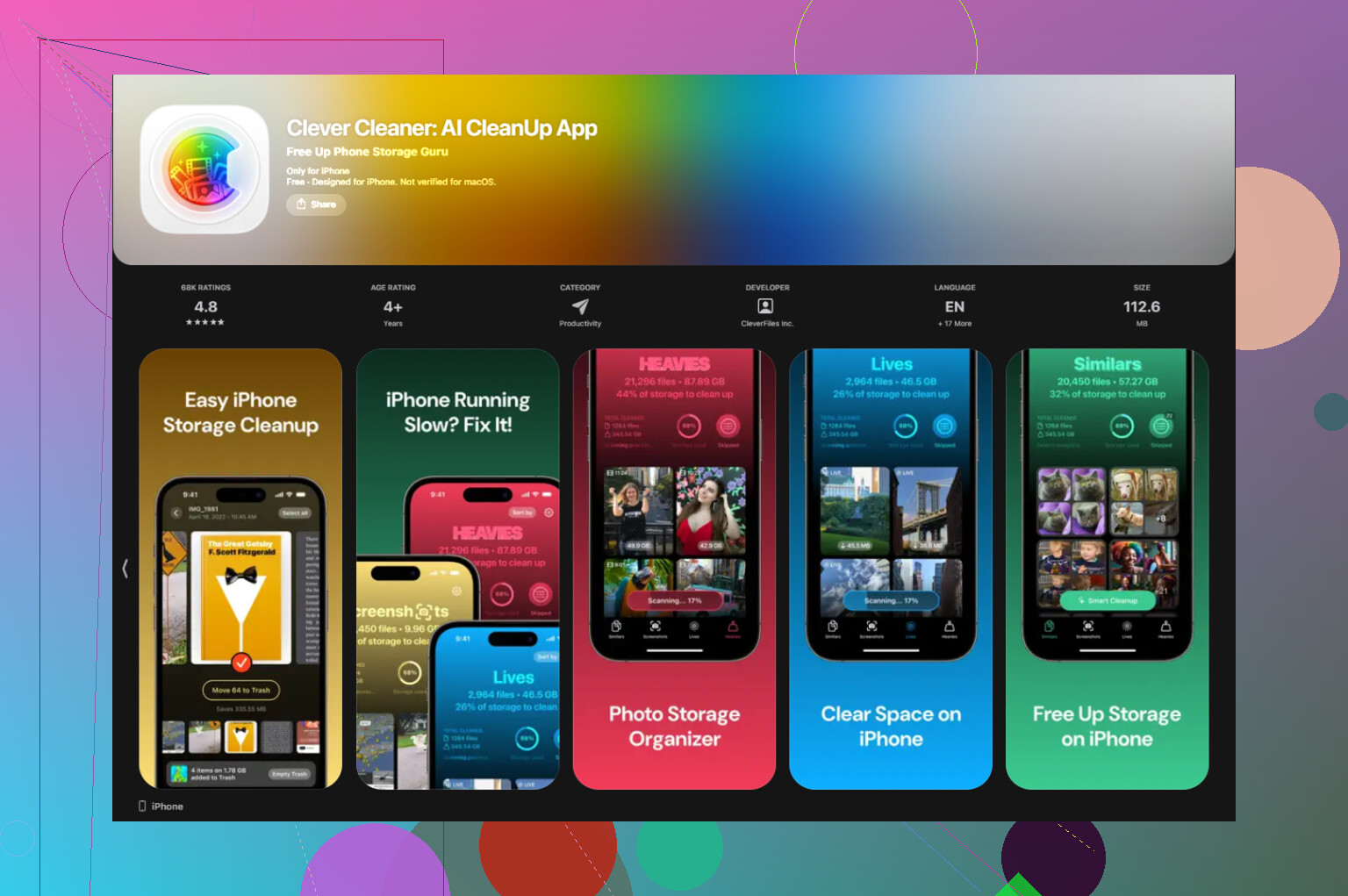
Clever Cleaner was the one I found that didn’t do that. No ads. No paywall blocking the cleanup step.
The parts I found most useful were these:
- Heavies tab. It sorts your library from biggest file down to smallest. In my case, huge 4K clips and old burst stacks were eating most of the space. Deleting those first made the biggest dent.
- Similars tab. It groups near-duplicate shots together. If you’ve got fifteen photos of the same thing with tiny differences, this is where you trim fast.
- Screenshots tab. Each thumbnail shows file size, so you know what you’re getting back before you remove it.
- It runs on-device. My photos didn’t get uploaded somewhere else for sorting.
One weird part with Shared Albums
This confused me the first time. Deleting a photo from your main library does not pull it out of a Shared Album if you already posted it there. Shared Albums act like separate containers. If you want something gone from one, open the Shared Album itself and delete it there. If it’s your album, deleting the whole album removes everything inside it.
7 Likes
No, the iPhone Storage screen does not update in true real time. It refreshes in chunks. Sometimes fast, sometimes way late. On a full phone, it gets worse. iOS has to index, move items to Recently Deleted, then recalc storage. So if the number looks stuck, that part is normal.
One thing I’d add to what @mikeappsreviewer said, watch the Photos app count first, not the storage bar. If your total photo count is dropping, deletion is happening. The storage graph is often the last thing to catch up. I’ve seen it lag 5 to 30 minutes on a packed device. A reboot often forces it to refresh, yeah, but I don’t think rebooting after every batch is worth it.
Fastest route if you want all photos gone:
- Use a Mac or PC and delete the library there, sync is often more stable for giant wipes.
- Then empty Recently Deleted on the phone.
- Leave the phone plugged in with screen on for a bit so indexing finishes.
If you want the biggest space back fast, deleting videos first beats wiping random photos. A few 4K clips eat more storage than thousands of small pics. That’s where Clever Cleaner helps, since it sorts heavy files first. If you want a quick look at how it works, this review is decent: see this Clever Cleaner iPhone storage cleanup review
One more thing people miss. If iCloud Photos is on, deleting from one Apple device deletes from all synced devices. Seen too many ppl learn this the hard way.
Nope, not truly in real time. The iPhone Storage page is more like ‘eventually accurate’ than live. It recalculates after the delete job, after Photos updates, and sometimes after the system stops choking on itself a bit.
I slightly disagree with @mikeappsreviewer on one part though. If you’re trying to free space fast, deleting in tons of tiny batches can actually drag the whole process out. Sometimes it’s faster to target the worst offenders first, not everything. @viajeroceleste touched on that with videos, and that part is dead on. A handful of large videos can free more space than nuking 5,000 random pics.
Also, if your goal is literally ‘delete all photos,’ the fastest clean result is often:
- Delete from Photos
- Empty Recently Deleted
- Wait
- Check storage later, not every 10 seconds because iOS lies lol
One more thing people miss: the Photos app number and the Storage bar can disagree for a while. That’s normal. If Recently Deleted is still full, your storage won’t bounce back properly yet.
If the Photos app is lagging hard, Clever Cleaner is worth a look since it helps surface giant files faster instead of making you fight Apple’s clunky selection system. This is also a decent quick walkthrough for how to clear iPhone storage fast and free.
Short version: no live update, yes delayed numbers, and yes iOS can be annoyng about it.

I’m with @viajeroceleste and @waldgeist on the lag part, but I slightly disagree that watching the Photos count is always the best signal. On a very full iPhone, even that can stall or look inconsistent while iOS is still processing deletes in the background.
What I’d trust more is this:
- check if Recently Deleted is filling up
- check if the phone stops throwing low storage warnings
- wait for Spotlight and Photos indexing to settle before judging the final number
Another thing people do not mention enough: if you use iCloud Photos, the real bottleneck can be sync state, not deletion itself. If the phone is stuck uploading or syncing, storage math can stay weird longer than expected.
As for deleting everything fast, I would avoid doing it while on Low Power Mode. iOS background cleanup gets slower there.
Clever Cleaner can help if the Photos app is choking before you even get through the library.
Pros of Clever Cleaner:
- easier to spot space hogs fast
- useful for duplicates, screenshots, and big videos
- less frustrating than mass selection in Photos
Cons:
- still depends on iOS to finish deletion and recalculate storage
- third-party app, so some people will prefer staying fully inside Apple’s tools
- not necessary if you already know exactly what to remove
So no, storage does not update in real time. It updates when iOS feels like being done. Annoying, but normal.