I’m trying to use Undetectable AI’s humanizer to rewrite some AI-generated content so it passes AI detection tools and sounds more natural. I’ve seen mixed reviews online and I’m not sure if it’s actually safe or effective for SEO and plagiarism checks. Can anyone share their honest experience or tips on using it without hurting rankings or getting flagged?
Undetectable AI review, from someone who pushed the free tier a bit too hard
Undetectable AI
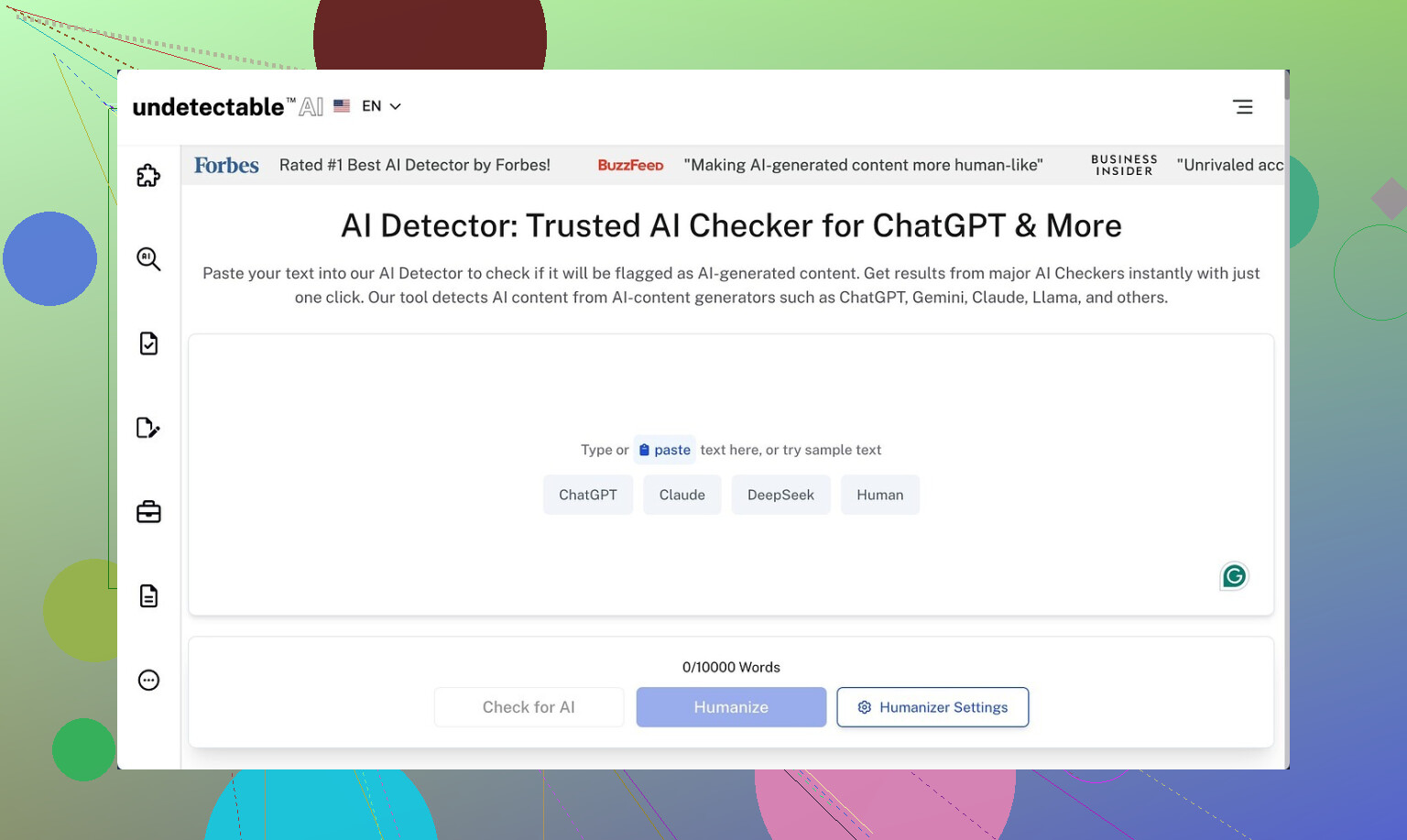
I tested Undetectable AI because I wanted to see how far you get without paying. Short answer on that part, the free Basic Public model is not awful for dodging detectors, but you trade a lot of writing quality for it.
Their own writeup with screenshots is here:
What the free model did with AI detectors
I ran a batch of stuff through it and then through ZeroGPT and GPTZero.
On the free Basic Public model, using the “More Human” setting:
• ZeroGPT dropped to around 10 percent AI in my tests. That is low compared to most tools I tried.
• GPTZero landed around 40 percent AI likelihood on similar samples.
That lines up with the numbers in the link above. For a free tier, those scores beat a lot of paywalled tools I tried earlier in the week.
If you pay, they claim you get extra models called “Stealth” and “Undetectable,” plus:
• Five reading levels
• Nine “purpose” modes
• Intensity controls
I did not upgrade, but if the free one hits 10 percent on ZeroGPT, I assume the paid tiers push lower on some detectors, at least on short or medium content.
Where it goes wrong, hard
The detection scores look good on paper, then you read the output.
On “More Human” mode, my notes looked like this:
• I had first-person phrases everywhere. “I think,” “I feel,” “in my experience,” crammed into places where it made no sense. Even in technical descriptions.
• It repeated key terms like it was trying to hit SEO quotas from 2010. Same phrase, again and again, within a few lines.
• Sentence fragments showed up often. Not stylistic fragments, but broken thoughts that look sloppy in any context.
If I had to put a number on it, I would put that mode at 5 out of 10 for writing quality. Usable for draft ideas that you manually rewrite, not something you paste into a client doc.
“More Readable” was slightly less chaotic:
• Fewer random “I” statements
• Slightly smoother sentence flow
• Still not close to “copy and paste into production”
For blog posts or essays, I had to rewrite whole paragraphs to make them sound like one writer with one voice.
Pricing, word counts, and the awkward fine print
Here is what they advertise on the lower tier:
• Starts at about $9.50 per month if you pay annually
• Around 20,000 words included at that level
That is not extreme for this type of tool, but there are two flags I noticed.
- Data collection
Their privacy policy goes beyond the usual email-and-IP stuff. They ask for demographic details that include:
• Income bracket
• Education level
I do not love that for a tool you might use for sensitive content. If you care about privacy, read their policy slowly before you sign up.
- Refund conditions
They promote a money back guarantee, but the conditions are tight.
To get a refund, you have to:
• Prove your processed content scored under 75 percent “human”
• Do this within 30 days
So you need to run your text through detectors, save evidence, and fall below their threshold. That is not very helpful if:
• Detectors update their models during your 30-day window
• Your specific use case needs 90 percent human or better
• You do not feel like turning this into a mini QA project
How I would use it (and when I would skip it)
If you are thinking about trying it, here is how I would approach it based on my tests:
Use it when:
• You only need to nudge AI content away from obvious detector hits on tools like ZeroGPT or GPTZero.
• You are willing to heavily edit the output by hand.
• You do not mind signing up with an email that is not tied to anything important.
Avoid it when:
• You need clean, client-ready content.
• You are not comfortable with detailed demographic data collection.
• You rely on a guarantee that works without jumping through proof hoops.
My takeaway
Free Basic Public model:
Strong at pushing down detector scores, weak at sounding like a real person who knows what they are talking about.
Paid tiers:
Look stronger on paper, but the refund rules and data collection make them something you think about twice before committing real workloads.
3 Likes
Short version from my side: it works to drop scores, but you pay for it in style, risk, and time.
I tested Undetectable AI on longer blog content and some technical docs, both written by GPT-4. My focus was:
- Detector scores
- Readability
- Consistency of tone
- Risk for school / clients
What happened in my runs
Settings: “More Human,” free tier, and a friend’s paid account on “Stealth” for comparison.
Detectors
ZeroGPT:
• Raw GPT-4 text hit 80–95 percent AI.
• After Undetectable AI on aggressive settings, it dropped to 5–20 percent AI on most samples.
GPTZero:
• Raw text sat in the “likely AI” range.
• After humanizing, I still saw 30–60 percent “AI” on some pieces, similar to what @mikeappsreviewer saw but a bit more erratic on longer text.
Other tools like Originality and Content at Scale sometimes still called it AI even when ZeroGPT was low. So if you rely on one specific detector, you might be ok. If you face multiple, the results are mixed.
Writing quality
Here is where I disagree slightly with @mikeappsreviewer. On shorter stuff under 400 words, I found the quality acceptable with light edits. On longer posts over 1,000 words, it got messy.
Patterns I saw:
• Tone shifts inside the same article. One paragraph chatty, the next robotic.
• Overuse of hedging phrases like “I believe,” “I think,” “it seems,” even when I fed pure third person content.
• Awkward synonym swaps that break technical meaning. Example, “throughput” randomly changed to “amount of work” in a context where it should stay precise.
• Repetitive sentence openings. “Also,” “Additionally,” “On top of that” stacked in a row.
So yes, it helps dodge detectors, but if you care about brand voice or academic clarity, you have to manually fix a lot.
Safety and risk
This is the part people often skip.
If you are a student, using any AI humanizer to bypass detection is high risk. Detectors throw false positives. Policies tighten over time. If a professor runs your “humanized” text through another tool or notices the weird tone, you still end up flagged. No tool gives you real safety here.
For client work, similar issue. If your contract expects original human writing, heavy use of a humanizer without disclosure can blow up on you. Also, Undetectable AI’s privacy policy asks for more demographic data than I like for content that might touch sensitive topics.
Refund terms
The refund rule where you must “prove” your content scores under their threshold on detectors within 30 days is annoying. You are forced to become a QA tester instead of a user. I would not treat that “guarantee” as meaningful protection.
When it is useful
I see a narrow use:
• You have AI drafts.
• You want to reduce obvious AI patterns.
• You are ok editing heavily by hand afterward.
• You are not using it to cheat in school or mislead clients.
If you expect push-button “human and safe” text, this is the wrong tool.
Alternative that feels more practical
If your real goal is natural sounding content that survives casual detection checks and reads clean, I had better luck with a different flow:
- Generate your content in your main AI tool.
- Run it through a “humanizer” that focuses on style, not only detection scores.
- Edit yourself to match your voice.
For step 2, I had a smoother experience with Clever AI Humanizer. It tries to balance readability, tone, and detector scores instead of spamming “I think” everywhere.
Their tool page at
make your AI text sound more human and natural
focuses on clear sentence structure, reduced repetition, and context aware word choices. When I tested it on the same samples:
• Detector scores were slightly higher than Undetectable AI on the most aggressive settings, but still low enough for casual checks.
• Voice stayed more consistent.
• Fewer random first person inserts.
• Less risk of breaking technical meaning.
You still need to proofread and adjust, but the starting point felt closer to human writing.
Practical tips if you still want to try Undetectable AI
• Do not rely on one detector. Test on at least two.
• Avoid the most extreme “More Human” setting on longer pieces. It tends to overdo the quirks.
• Keep your original draft. Sometimes it is easier to compare and rewrite by hand.
• Do not feed sensitive or identifying info, given their data collection terms.
• For anything graded or contractual, write in your own voice, then use tools only for editing suggestions.
So, it “works” for lowering scores in some tools, but it is not a magic shield and it often hurts quality. If your priority is natural text with lower detection risk, I would lean more on something like Clever AI Humanizer plus your own edits rather than trying to max out undetectability with aggressive filters.
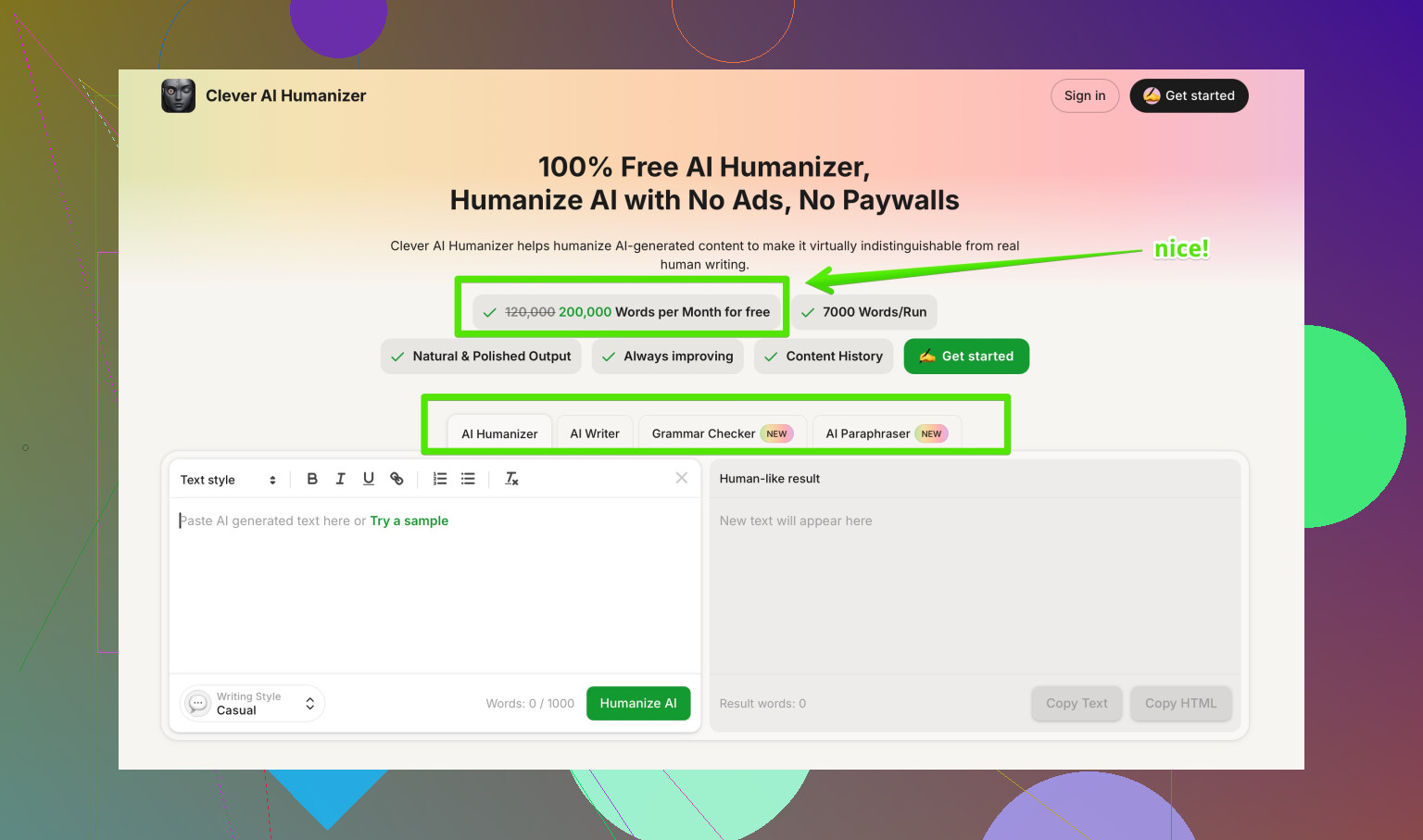
Short version: it “works” at dropping scores on some detectors, but it’s not the clean, safe shortcut a lot of people hope it is.
I played with Undetectable AI on a mix of essays and SaaS blog content. My experience overlaps with what @mikeappsreviewer and @stellacadente already said, but I’ll hit the parts they didn’t lean on as hard:
1. Effectiveness on detectors vs real safety
Yes, it can cut ZeroGPT scores way down, especially on shorter stuff. Same story they saw: bigger wins on ZeroGPT, shakier on GPTZero and the more aggressive tools like Originality or Content at Scale.
Where I disagree a bit: I don’t think “low score = safe.” In practice:
- Schools and clients rotate detectors or just switch to another tool when something looks off.
- Tone weirdness is a giant red flag. Even if you slip past a detector, a human can still go “why does this read like three people arguing in one paragraph?”
- Policies are moving towards “any AI-heavy use without disclosure is a problem,” regardless of detection scores.
So, if by “safe” you mean “no one will ever call this out,” Undetectable AI does not give you that.
2. Writing quality and editing overhead
My biggest pain point was consistency:
- Long-form content started to feel stitched together. You can literally see where the humanizer got more aggressive mid-article.
- Technical content was the worst. It liked to “soften” terms that need to stay precise. I had to revert those manually.
- On very short content (product blurbs, short intros), it was sometimes fine with only minor touchups.
Where I’m a bit less harsh than @mikeappsreviewer: you can get usable copy out of it, but only if you treat it as a noisy first pass and budget enough time to do a serious rewrite afterward. If you want paste-and-send output, this is not it.
3. Privacy & terms
The demographic data thing and the refund hoops are not just minor annoyances:
- If you’re handling anything sensitive or under NDA, I would not funnel that through a tool that wants extra personal and demographic info.
- The “prove your text doesn’t score X% human in 30 days” refund policy basically turns you into their QA department. If a detector updates mid-month, you’re stuck.
If privacy or clean contracts matter to you, that alone might be a dealbreaker.
4. When Undetectable AI actually makes sense
Reasonable use cases in my view:
- You have AI drafts and want to break some obvious patterns, then you plan to properly rewrite in your own voice.
- You’re experimenting on non-critical content and don’t care if the style gets a bit choppy.
- You’re ok with the risk that some detectors and some humans will still flag it as “feels AI-ish.”
I’d skip it if:
- You’re a student trying to dodge academic policies. That’s a gamble with your record, not just a grade.
- You owe clients genuinely original work. “I ran it through a humanizer” is not going to sound great when there’s a dispute.
- You need consistent tone across a brand or a long report.
5. Alternative approach
Without repeating the exact flow others described: instead of betting everything on max “undetectable” output, I’ve had better luck with tools that care about readability first and detection second.
Clever AI Humanizer fits that niche for me. It’s not magic, but in my tests:
- It preserved tone more consistently across long articles.
- It didn’t spam first-person hedging as aggressively.
- It was less likely to break technical meaning.
You still need to edit, but you start closer to “real writer” and farther from “this feels like a panicked AI trying to sound quirky.” If your goal is natural content that survives casual checks rather than hardcore anti-AI audits, something like Clever AI Humanizer plus your own edits is a lot saner than cranking Undetectable AI to “more human” and praying.
6. For finding other tools / opinions
If you want to see what people are recommending and complaining about in one place, this thread has a pretty solid rundown of options and tradeoffs:
deep dive into popular AI humanizer tools
It gives you a broader view of “best AI humanizers” than just Undetectable AI vs one or two competitors.
So in your shoes: I’d treat Undetectable AI as a rough de-AI-ifier for drafts, not a shield. Use it lightly, keep expectations low, and don’t rely on it for anything where getting caught would actually hurt.
Short version: Undetectable AI “works” for lowering some detector scores, but it is not what I would call safe or efficient if your reputation or grades are on the line.
Where I overlap with @stellacadente, @espritlibre, and @mikeappsreviewer:
- It can drop ZeroGPT and similar scores a lot, especially on shorter text.
- The tradeoff is tone chaos, odd phrasing, and a lot of manual cleanup.
- Using it to bypass school or client rules is still a serious risk.
Where I slightly disagree: I do not think the issue is just “edit more.” On longer or technical content, Undetectable AI often scrambles structure in a way that is harder to fix than just rewriting from scratch. I have also seen it introduce subtle factual shifts when it tries to avoid “AI-sounding” phrasing, which is a bigger problem than awkward style.
On “safety”:
- Low detector scores do not equal protection. Policies are shifting toward “disclose AI use,” regardless of what any scanner says.
- If a human reviewer senses inconsistent voice, that can trigger deeper scrutiny even if you passed one detector.
- The demographic and data collection angle is another underplayed risk if your content touches sensitive topics.
If you still want a tool in this space, I would treat Undetectable AI as a last-pass stylistic scrambler for non-critical drafts, not a main part of your writing workflow.
For a more practical approach, I have had better results with Clever AI Humanizer when the priority is natural reading rather than max “stealth” at any cost.
Pros of Clever AI Humanizer in my tests:
- More consistent tone across long pieces, so you do not get that “three writers in one paragraph” effect.
- Less random first-person hedging inserted into neutral or technical text.
- Better at preserving key terms and domain-specific language.
- Output usually needs light to moderate editing instead of a full rewrite.
Cons:
- Detector scores are often slightly higher than Undetectable AI on the most aggressive settings.
- You still need to proofread carefully, especially for brand voice and nuance.
- It is not a magic shield either, so the same ethical and policy concerns apply if you are trying to hide AI use.
If your real goal is:
- “Readable content that sounds like a single human wrote it”
- “Low enough AI footprint to survive casual checks, not forensic-level audits”
then something like Clever AI Humanizer plus your own editing is a more realistic path than leaning hard on Undetectable AI and hoping it keeps you safe.