I accidentally deleted some important GoPro videos from my SD card while trying to free up space, and I really need to get them back without formatting the card first. The footage is from a recent trip and hasn’t been backed up anywhere else. I’m looking for the safest way to recover deleted GoPro files, what recovery software actually works, and what I should avoid doing so I don’t make things worse.
I’ve lost GoPro clips more than once, and this kind of recovery is a pain compared with restoring a deleted photo or Word file. The decent part is simple, deleted footage often still sits on the SD card. The annoying part is getting a usable video back without corruption.
Start here
First thing I’d do, stop using the card right now.
Don’t shoot more footage. Don’t format it. Don’t run random “fix” tools. Once new data lands on the card, old video chunks get overwritten, and your odds drop fast.
Before installing anything, I’d check a few boring things first because they sometimes save a lot of time:
- GoPro cloud Trash or Recently Deleted, if your account includes it
- Any copy you already dumped to your laptop or external drive
- LRV files on the card, those low-res preview clips
- Whether the camera itself offers a repair prompt after you insert the card again
If none of that turns up the missing clip, then I’d move on to recovery software.
Why GoPro recovery goes sideways
This is where people get tripped up. A deleted JPG is one thing. A modern action cam video is a different mess.
GoPros don’t always write one neat MP4 in one clean piece. They often store the main video, preview data, audio, location info, thumbnails, and other metadata in separate chunks. On the card, your footage might be spread across hundreds or thousands of fragments.
So yeah, a scanner might “find” an MP4 and still hand you a file that refuses to play. I’ve seen this happen. The software grabs pieces, but it doesn’t rebuild them in the right order.
This comes up a lot with devices like these:
- GoPro Hero models
- DJI drones
- Insta360 cameras
- Newer Sony, Canon, Nikon, and Panasonic cameras
- Dash cams
With video recovery, the scan alone isn’t the whole story. The rebuild method matters a ton.
What I’d try first
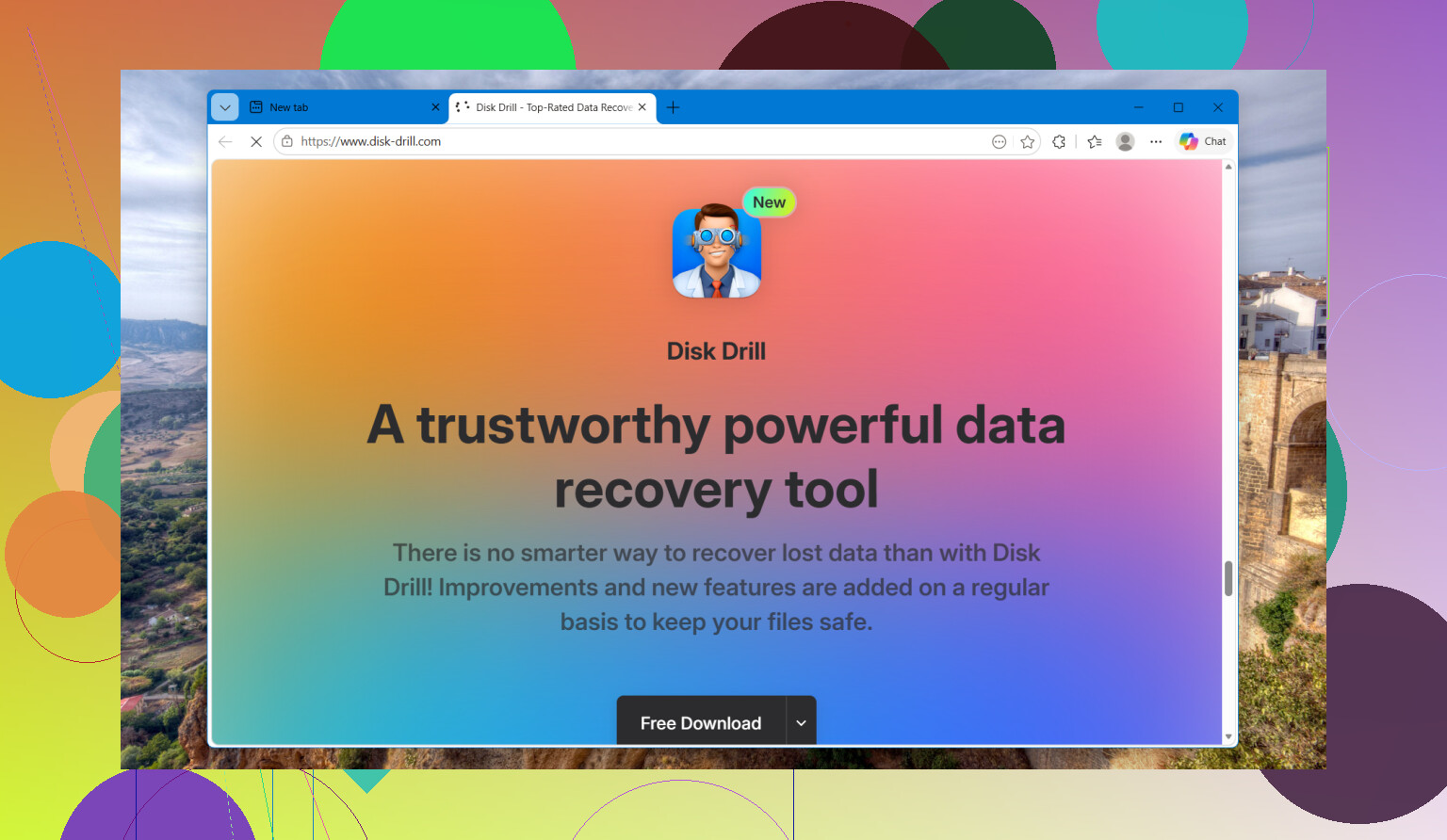
I’d start with Disk Drill.
The part I’d use is Advanced Camera Recovery. From what I saw, it was made for this exact problem, fragmented footage from cameras like GoPros, drones, and dash cams. Instead of treating the clip like one solid file, it looks through scattered video pieces and tries to stitch them into something playable.
The steps are plain enough:
- Put the SD card in a proper card reader
- Open Disk Drill
- Pick the memory card
- Select Advanced Camera Recovery
- Run the scan
- Preview what it finds
- Save recovered files somewhere else, not back to the same card
The preview part matters. I like being able to test whether the recovered clip opens before saving a pile of junk. I also noticed Disk Drill suggests making a byte-to-byte image of the card first if the card looks unstable. That tracks with what recovery techs usually do, and it’s worth doing if the card has errors or disconnects.
Other options people bring up
PhotoRec gets mentioned all the time for a reason. It’s free, it supports a huge pile of file types, and it does recover stuff. The catch is pretty obvious once you use it. There’s no dedicated camera-video reconstruction, no preview system, and sorting the output feels like digging through a junk drawer. I’ve ended up with thousands of files before. Not fun.
UFS Explorer is on the other end of the scale. It’s strong, more technical, and in hard cases it sometimes beats the usual consumer apps. But it’s also less friendly, and for this specific GoPro problem it doesn’t have the same focused Advanced Camera Recovery workflow.
If I were dealing with deleted footage from a recent GoPro or a DJI drone, I’d go in this order. First, Disk Drill. If I wanted a free fallback, PhotoRec. If the case looked uglier and I needed more control, UFS Explorer.
7 Likes
Yes, if the card was only deleted and not formatted, your odds are still decent.
I agree with @mikeappsreviewer on the big thing. Stop using the SD card now. I disagree a bit on putting the card back in the GoPro to look for repair prompts. I would avoid the camera at this point. Use a card reader on a computer so nothing else gets written by mistake.
What I’d do:
- Slide the SD card’s lock switch, if your adapter has one.
- Make an image of the card first. A full backup file of the card. This matters more than people think.
- Run recovery against the image, not the original card.
- Save recovered clips to your computer or another drive.
Why image first? If the card has weak sectors, one long scan can make things worse. A clone gives you more than one shot. That’s standard practice in data recovery.
For GoPro footage, plain file carving often pulls broken MP4s. That’s where Disk Drill tends to help more than older free tools, since it handles camera media better than the usual “find deleted files” apps. If Disk Drill doesn’t return a playable clip, try GoPro SOS or Grau Video Repair after recovery. Those tools repair damaged MP4 structure. They do not recover deleted data, but they sometimes fix files other tools brought back half-broken.
Also check for split chapters. GoPro often saves long recordings as GX01, GX02, etc. If one part is missing, your “lost video” might be only one chapter segment.
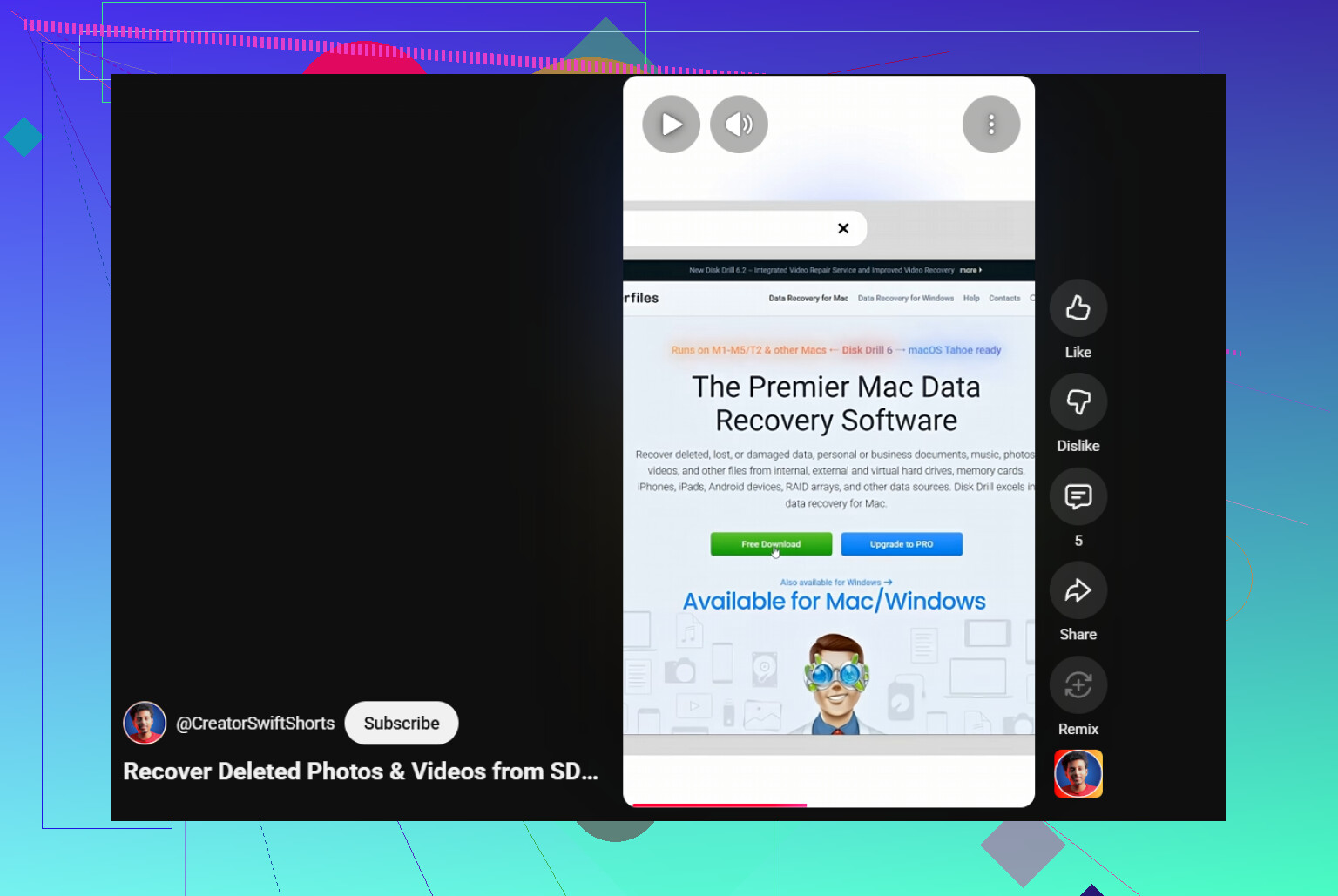
If you want a quick visual guide, this short video on recovering deleted SD card video files is useful:
watch this quick SD card video recovery tip
Main point, don’t format, don’t record, don’t run CHKDSK. That last one has burned people before. tbh, CHKDSK is great for file systems, bad for deleted footage cases.
If the card was only deleted and not formatted, yes, recovery is still possible. The part I’d add to what @mikeappsreviewer and @jeff said is this: don’t assume “not formatted” automatically means “easy.” GoPro clips can vanish from the file table but still be there in raw chunks, and sometimes the real problem is the SD card itself starting to act flaky.
One thing I’d check that people skip: try another card reader and another USB port/computer before doing anything major. I’ve seen cards look “empty” just because the reader was garbage. Sounds dumb, but it happens.
Also, I’m a little less sold on trying every repair utility right away. If the file is truly deleted, repair tools won’t help until you actually recover the data first. Otherwise you just end up chasing ghosts, lol.
My order would be:
- Stop using the card
- Test it in a reliable reader
- Check whether the missing clips were part of a long recording split into multiple chapter files
- Recover from the card, preferably from an image if possible
- Only then try repair tools on any recovered but unplayable MP4s
For the actual recovery side, Disk Drill makes sense here because GoPro and action cam footage is way more annoying than basic file recovery. If normal undelete doesn’t find anything usable, camera-focused recovery has a better shot. Just don’t recover back onto the same SD card. That’s how people turn “maybe recoverable” into “welp, it’s gone.”
Also, if the footage matters that much, stop DIY attempts after one solid pass. Repeated scans and random utilities can make the situation messier.
Related reading here too: GoPro video recovery tips from real users