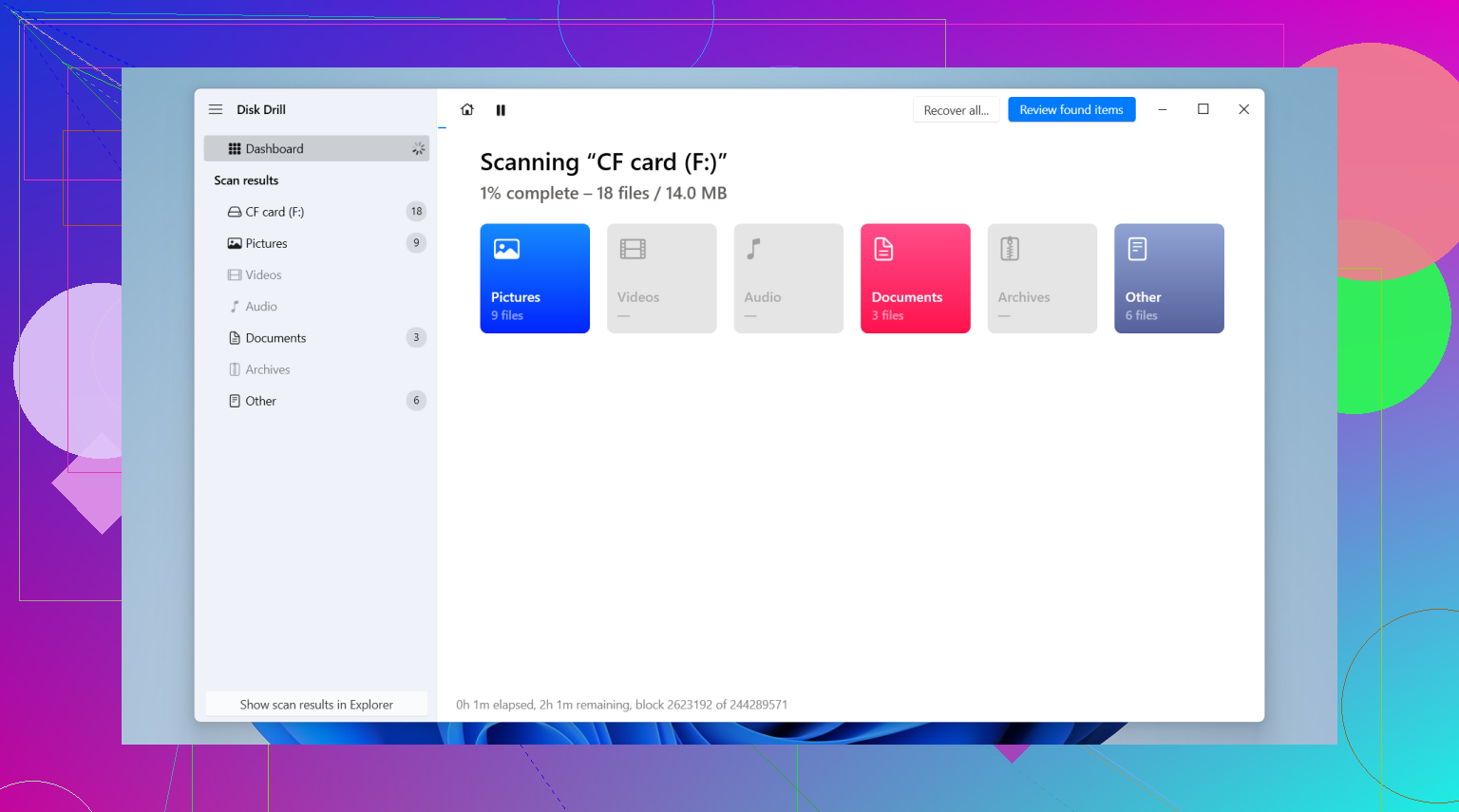
I accidentally deleted a full photo shoot from my CompactFlash card before backing it up, and I’m trying to find the best way to recover the lost RAW and JPEG files. The images were from an important client session, so I really need help with safe CF card photo recovery steps and software that won’t make things worse.
I had this happen after a long shoot, got home, put the CF card in the reader, and the computer acted like the card had amnesia. Missing files, unreadable volume, the whole mess. It feels bad fast. Still, if the card isn’t physically destroyed, your odds are decent. I’ve pulled photos and clips off damaged CompactFlash cards more than once, including RAW sets and chunky video files.
The first part matters more than the software.
Do these 3 things first
- Stop using the card. Take it out of the camera. Don’t shoot more frames. Don’t test it by copying junk onto it. Any new write puts old data at risk.
- Refuse the format prompt. Windows and macOS love to suggest formatting an unreadable card. Don’t do it. If you hit yes, recovery gets harder for no good reason.
- Use a real CF card reader. I learned this the annoying way. Connecting the camera over USB is worse for recovery work. You want direct access to the card, not the camera’s transfer mode getting in the way.
After that, plug the card into your Mac or PC and see whether the system sees the device at all. On Windows, check Disk Management. On Mac, open Disk Utility. If the card shows up with roughly the right size, you still have something to work with. If it does not appear there, or if the card is bent, cracked, or got soaked, home recovery starts looking less realistic. At that point, a lab like the CleverFiles recovery center might be the next step.
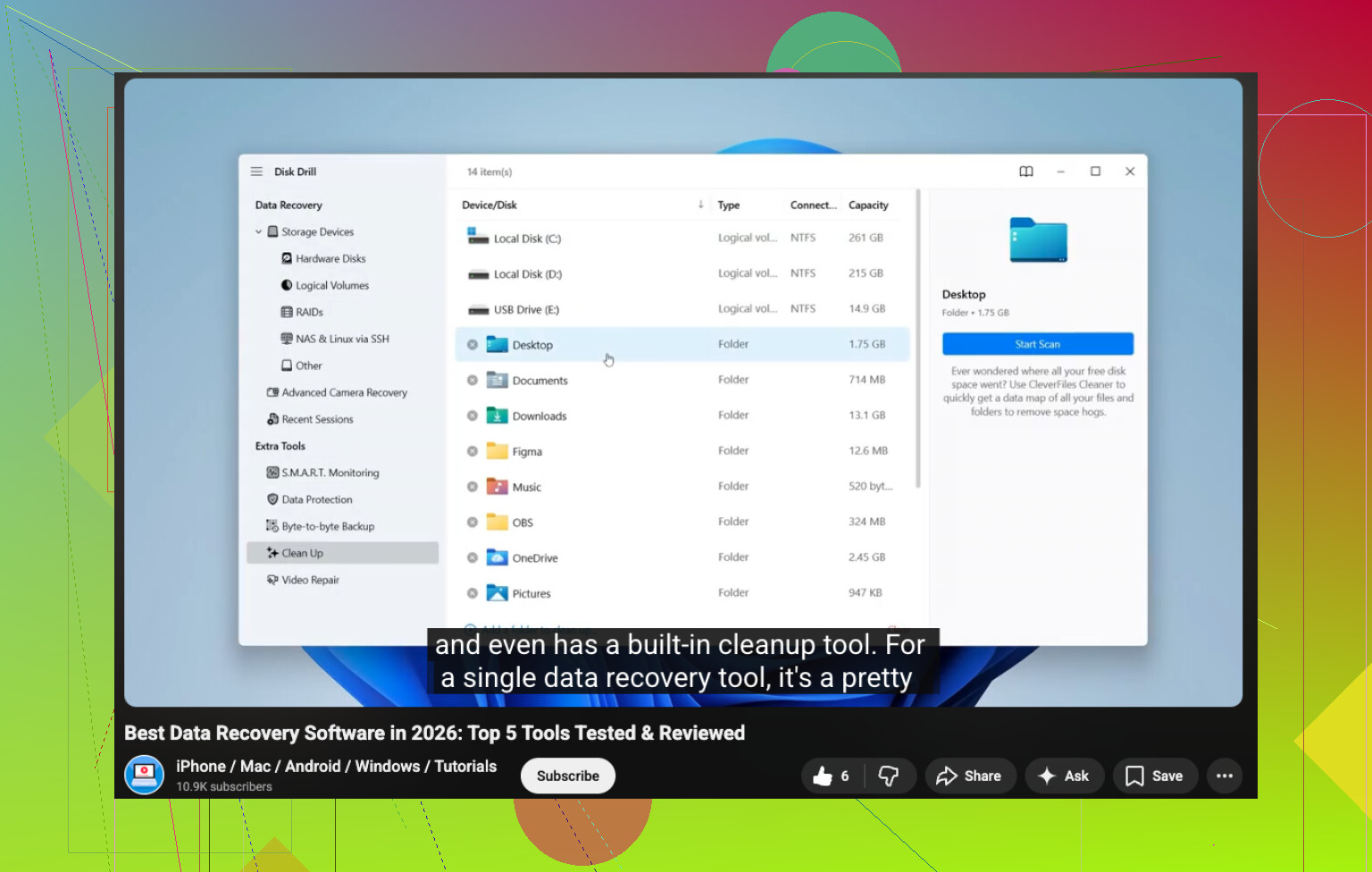
If the computer detects the card, software is the usual path. For this kind of job, I’d start there before doing anything else. YouTube walkthrough here:
I’ve tried a pile of recovery tools over time. Some were fine for JPEGs and office docs, then fell apart on camera files. The one I had fewer issues with was Disk Drill. What stood out for me was support for camera formats like CR2, NEF, ARW, plus larger video files without turning the results into a total mess.
Why I didn’t stick with the free stuff
PhotoRec works, sort of. I used it once when I had no other option. It felt like wrestling a vending machine. Command line, ugly output, no original filenames, and everything came back in one giant heap. Recuva is easier to live with, but my results with pro RAW formats were hit or miss. If you only need basic deleted-file recovery, it’s fine. For CF cards from actual camera work, I’d pick the tool that lets you preview files before saving them.
The recovery steps I follow
- Install the recovery app on your computer’s main drive. Not on the CF card. Sounds obvious, but tired people do weird stuff.
- Make a full image of the card first if it’s unstable. This part saved me once. If the card disconnects, freezes, or throws read errors, create a byte-for-byte backup and scan the image instead of the card itself.
- Scan the card or the image. Let the software run the full pass. Don’t interrupt it because the first few minutes look slow.
- Preview the results. Open the images. Scrub through the videos. You want to confirm the files are usable before recovering a hundred gigs of junk.
- Restore to another drive. Save recovered files to your internal drive or an external SSD. Never write them back onto the same CF card.
One more thing, because this catches people off guard.
If the recovered videos won’t play
I’ve seen this with HD clips. The file comes back, but playback is broken or stops halfway. VLC sometimes helps. In its input and codecs settings, set broken or incomplete AVI handling to “Always Fix.” For Windows, Untrunc helped me once with a damaged header issue. It’s free, and worth trying before you write the clip off.
What to do with the card after recovery
Once your files are safe and checked, then deal with the card itself. On Windows, you can try CHKDSK. On Mac, run First Aid in Disk Utility. If the card behaves after that, I’d still reformat it in the camera before using it again. If it has failed more than once, I wouldn’t trust it for paid work. I tossed one after a second incident. Not worth the stomach drop.
Take it slow. Don’t write anything to the card. Check whether the system sees it, then recover to a different drive. Those three choices do most of the heavy lifting.
4 Likes
Yes, if you deleted the shoot and did not keep using the CF card, recovery odds are still decent.
I agree with @mikeappsreviewer on the big rule, stop all writes. Where I differ a bit, I would skip repair tools like CHKDSK or First Aid until after you recover the photos. Those tools sometimes change the file system, and I would not touch a client card before the image files are safe.
What I’d do:
- Put the CF card aside.
- Use a reader, not the camera.
- If the card mounts, copy nothing from it except a full image if your software supports it.
- Scan with something built for photo recovery. Disk Drill is one of the better picks for RAW and JPEG recovery from CompactFlash cards. I’ve seen it pull CR2, NEF, ARW, and JPG sets with folder structure missing but image data still intact.
- Recover to a different drive.
One more tip people skip. Sort recovered files by file type and size. RAW files from one shoot often have similar sizes, so tiny files are often corrupt junk. Preview everything before you hand it off. I’d also check EXIF timestamps to rebuild the session order.
If the card was only ‘deleted’ in-camera, your chances are better than after a format. If you shot even 20 to 50 new frames after deletion, some originals may be overwritten. No software fixes overwritten sectors, period.
For a fast visual walkthrough, this CompactFlash card photo recovery guide is easy to follow.
If Disk Drill or similar software does not see valid previews, stop there and send the CF card to a recovery lab. Don’t keep poking at it and make things worse. I did that once, bad ideea.

If it was just deleted and not overwritten, yeah, you still have a real shot at getting the RAWs and JPEGs back. I mostly agree with @mikeappsreviewer and @cacadordeestrelas, but I’m a little less eager to do anything “fixy” to the card until the files are off. No repairs, no reformat, no camera tests, no “lemme see if it still works” nonsense.
What I’d add is this: check whether your camera wrote dual-format files in a predictable pattern. A lot of cameras save RAW+JPEG pairs sequentially, so if recovery gives you a giant pile of unnamed files, you can often rebuild the shoot by capture time and file size pattern. That helps a ton with client work.
Also, if the card is reading weird but not dead, I’d prioritize an image backup of the whole CF card before running multiple scans. One scan is fine, ten different apps hammering a flaky card is how people turn “recoverable” into “lab only.” Disk Drill is a solid place to start because it handles common camera formats well and the preview is actually useful for sorting the junk from the keepers.
One small disagreement with the usual advice: free tools are not always “bad,” but they’re often terrible for organization. If this is a paid shoot, your time matters too. Saving 40 bucks and spending six hours renaming busted files is kinda dumb tbh.
If you want more community opinions, this thread on CF card data recovery software recommendations is worth a look.
Big thing is, if previews come back corrupted or the card drops connection, stop messing with it. That’s the point where DIY gets sketchy real fast.