I’ve been using BypassGPT recently and I’m not sure if I’m getting the results I should be. Some replies feel off, and I’m worried I might be using it wrong or missing key settings. Can anyone share real experiences, pros and cons, or tips on how to get better, more accurate outputs from BypassGPT?
BypassGPT review, from someone who tried to test it and got annoyed halfway through.
BypassGPT link: BypassGPT Review with AI-Detection Proof - AI Humanizer Reviews - Best AI Humanizer Reviews
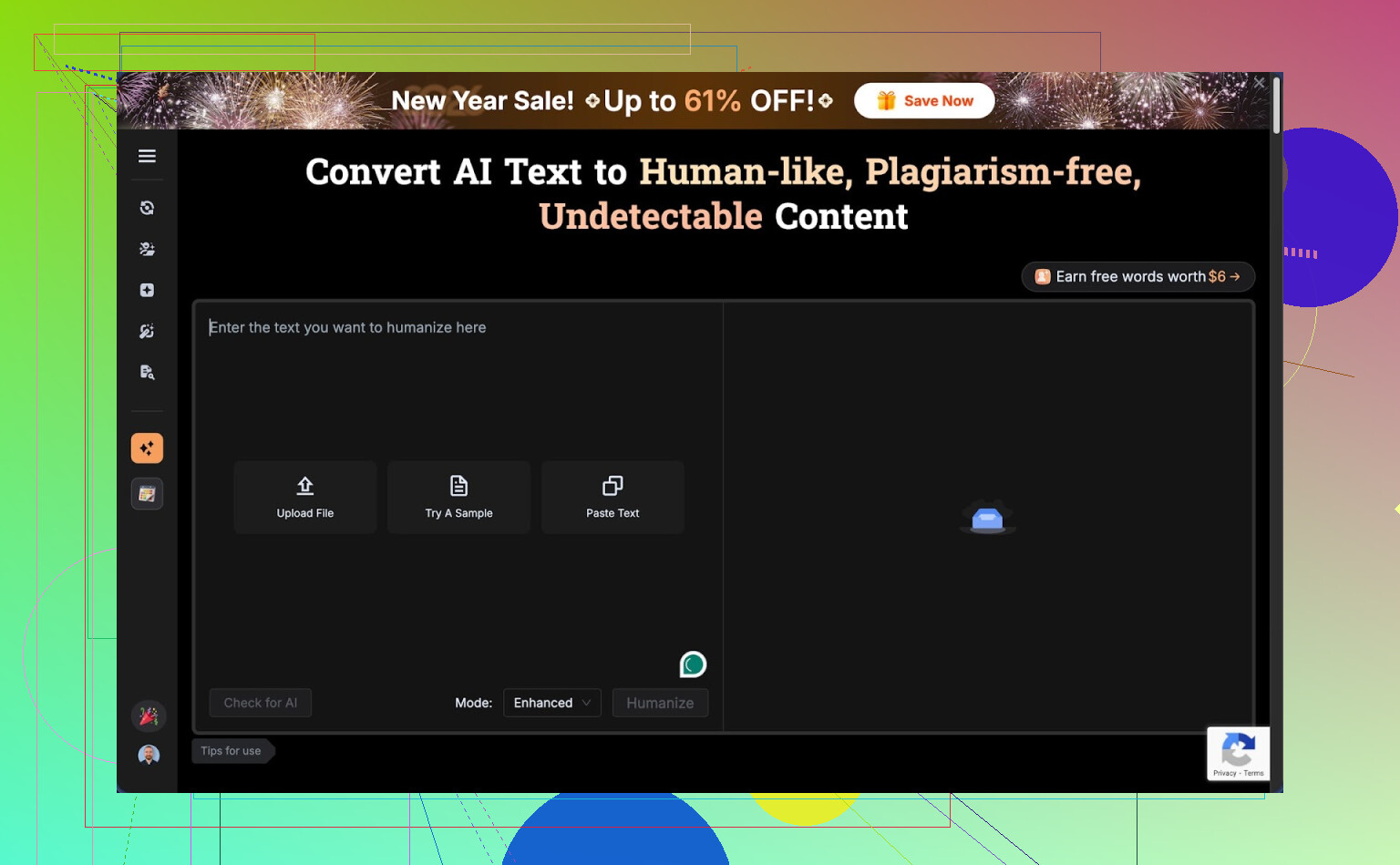
BypassGPT free tier: almost useless for real testing
First thing I hit was the free limit. It lets you run about 125 words per input and around 150 words per month total. Yes, per month.
To squeeze a bit more out of it, I created a free account and got something like 80 extra words unlocked. That let me run only one of my usual test passages. After that, I was done, capped.
The limit seemed tied to IP. I tried logging out, different emails, the usual tricks. Same wall. Unless you use a VPN for each “new” account, you are stuck. That makes any serious comparison or longer sample testing impossible without paying upfront.
How it performed on detectors
I fed it a short AI-written sample and asked it to “humanize” it. Then I ran the output through a few detectors.
Here is what I got:
• ZeroGPT gave the humanized output a clean pass at 0 percent AI.
• GPTZero looked at the exact same text and screamed 100 percent AI. No nuance, full red flag.
BypassGPT has its own built-in checker, and this is where things went from sketchy to unreliable. It claimed the text passed perfectly across all six detectors listed inside their interface. That did not match what I saw when I checked on the actual detector sites.
So on the detection side: inconsistent results and a self-check tool that reported success that I did not see externally.
Writing quality and style issues
Ignoring the detectors for a second, I looked at the raw writing.
I would rate the quality around 6 out of 10.
Specific problems I saw in the output:
• The opening sentence was grammatically broken, almost like it cut off part of a clause.
• It kept em dashes in places where a human would normally rewrite or split the sentence.
• Some phrasing felt stiff and oddly ordered, the kind of thing you only get from AI text that was nudged but not fully rewritten.
• There was at least one obvious typo left in the result.
So yes, it changed the text enough to fool one detector, but the result did not read like something I would hand in for work or school without editing by hand afterward.
Pricing and word limits
If you pay, you get more volume, but the structure felt tight for the cheaper tier.
Pricing I saw:
• Around $6.40 per month on an annual plan for 5,000 words.
• Around $15.20 per month for “unlimited” usage.
Given how strict the free tier is, you have to decide almost blind whether those prices are worth it. With such a small free sample, you cannot test longer articles, essays, or multi-paragraph reports in a realistic way.
Terms of service problem
This part bothered me more than the detection drama.
Their terms give them broad rights over anything you feed into the tool. That includes rights to reproduce, distribute, and create derivative works from your content.
So if you paste in:
• client work,
• homework,
• blog posts you plan to publish,
• internal docs,
you are effectively giving them permission to reuse or adapt it.
If your text is sensitive, or if you write for clients, that is a big red flag. At the least, you should not paste anything private or under NDA into it.
Quick comparison with Clever AI Humanizer
While doing these tests, I also tried Clever AI Humanizer from this community:
My own runs with Clever AI Humanizer felt smoother.
On the same kind of input:
• The writing flowed more like something a real person would type without a second pass.
• Detection scores across tools were more consistently in the “human” range, not “0 here, 100 there” chaos.
• It is free to use, so I could test full-length samples, not chopped-up fragments.
I found it easier to trust my gut when I could run full articles through and see patterns, instead of short 125-word clips.
What I would tell someone before they pay
If you are thinking about BypassGPT, here is how I would approach it:
- Use the tiny free quota to get a sense of the style, not the detection reliability.
- Run whatever output you get through multiple detectors manually, especially GPTZero and ZeroGPT, and compare.
- Read their terms of service slowly and decide if you are okay with them having rights over your input text.
- Do not feed it anything you would not be comfortable seeing reused somewhere else.
- Try an alternative that lets you run longer samples for free so you have a baseline to compare.
For my own use, between the hard free limit, the misleading built-in checker, and the ownership rights in the terms, I dropped BypassGPT from my active tool list and stuck with Clever AI Humanizer for now.
9 Likes
I had similar “something feels off” vibes with BypassGPT, so here is a straight breakdown from my tests.
-
Are you “using it wrong”
Not really. There are not many knobs to tune. If the output feels stiff or robotic, that is mostly the model, not your settings. I tried different tones and instructions. Changes were small. It kept the same kind of structure, same awkward phrasing. -
Detection behavior
My runs looked a lot like what @mikeappsreviewer described, but with different text.
Example from my side:
• Input: 300 word GPT style answer on health tips.
• BypassGPT output:
– ZeroGPT said 5 percent AI.
– GPTZero said 98 percent AI.
– Original text was 100 percent AI on both.
So yes, it helped on one detector and failed hard on another. That mismatch is normal when you try to “humanize” AI text. Detectors do not agree with each other. The built in BypassGPT checker in my case also showed “green” for tools that did not pass when I tested them manually. I would not trust the internal checker alone.
- Quality of writing
This is where it bothered me most.
Patterns I saw multiple times:
• Weird sentence order, like “Strongly recommended is to consider…” kind of stuff.
• Overuse of generic connectors like “additionally”, “moreover”, “overall” in almost every paragraph.
• Kept some AI style list structure even when I asked for a casual tone.
• Occasional typo or missing word, which made it look sloppy instead of human.
It did not sound like a normal student, blogger or worker. It sounded like AI trying to pretend to be casual.
- Word limits and pricing
The free tier barely lets you test real use cases. With only short chunks, you can not see how it handles flow across paragraphs, callbacks, or consistent voice. I do not love paying before I see it handle at least a 1k word article.
If you are on a budget or still testing, this is rough. You get locked into a decision fast.
-
Terms and privacy
I also read the terms. Same concern. If you write for clients or handle anything sensitive, I would avoid pasting it there. For school work that you plan to submit, I would think carefully too. If you want to stay on the safe side, keep BypassGPT for low risk stuff only. -
How to get better results if you keep using it
Here is what helped a bit in my trials:
• Shorter chunks
Feed 200 to 300 words at a time, not full essays. Long inputs tended to keep the AI rhythm. Short sections rewrote more aggressively.
• Strong style instructions
Example prompt I used:
“Rewrite this as if a mid level office worker wrote it after a long day. Keep it clear, slightly informal, cut filler, vary sentence length. Do not use academic phrases.”
Still not perfect, but less robotic.
• Manual last pass
I always did a manual pass afterward. I changed 10 to 20 percent of sentences to match my own habits. That helped more with detectors than the tool alone in many cases.
-
Alternative tool
If your goal is more natural text first, and detection second, I had better luck with Clever Ai Humanizer. The text read closer to how I actually type and detectors were more consistent across tools. It is also easier to test longer samples without worrying about hitting a tiny cap. -
My honest suggestion
• If your gut says the replies feel off, trust that.
• Use BypassGPT only if you plan to heavily edit by hand afterward.
• Do not paste anything private.
• Test the same paragraph through BypassGPT and Clever Ai Humanizer, then compare both outputs side by side in a text editor. Pick the one that needs less fixing from you.
If you share a small anonymized snippet of what BypassGPT gave you, people here can point out specific “tells” and you will see exactly what is going wrong.
You’re not using it “wrong.” The tool is just… kind of like that.
I had a very similar experience to what @mikeappsreviewer and @yozora described, but I’d frame it a bit differently:
1. What you’re feeling as “off”
For me the weird vibe came from voice consistency. It doesn’t really pick up your style. It tends to apply the same neutral, pseudo‑professional voice on everything, so:
- Casual input turns into semi‑formal blog copy
- Already formal input gets overworked and still sounds synthetic
- Jokes or personal quirks get flattened
That is why it feels off even when the grammar is mostly fine. It is not about one typo or one odd sentence, it is that the whole chunk stops sounding like a real person with a point of view.
2. Detectors vs reality
I do slightly disagree with the idea that the detector inconsistency is a BypassGPT specific problem. I saw the same ZeroGPT vs GPTZero “0 vs 100” nonsense with other tools and even with straight human written text sometimes. So I would not judge BypassGPT purely on detector scores. Detectors are just not reliable enough to be your main metric.
Where I do think BypassGPT slips is the built in checker. If its dashboard says you “passed all six tools” and then two of those tools clearly flag the text when you test manually, that is not a detector problem, that is a product honesty problem. You are right to feel uneasy there.
3. Settings and knobs
You are probably not missing any magic setting. The controls they give you (tone, small instructions) do not radically change the structure. I tried very specific style prompts like “sound like a 19 year old writing a discussion board post after midnight” and I still got polished, slightly stiff text. So if you cannot get it to sound natural after a couple of tries, that is on the system, not you.
4. Where BypassGPT actually works
It is usable if:
- You only need light obfuscation of obvious AI text
- You are willing to do a manual pass and rewrite 15 to 30 percent yourself
- You do not care about giving them rights over the text you paste
For quick low stakes stuff like draft product blurbs or simple blog filler, it can be “good enough” if you already know what you are doing and just want a different spin. For school, client work, or sensitive docs, that TOS and the quality level would be a no from me.
5. What I’d do in your shoes
- Treat the built in checker as marketing, not as data
- Judge by “would I actually send this to a boss / teacher without editing”
- Test a couple of your BypassGPT outputs against your own manual rewrite of the same AI draft and see which one gets you better detector variance and a more natural read
If you want something to compare against without dealing with the tiny free cap, try running the same text through Clever Ai Humanizer. Not saying it is magical, but it lets you see longer samples and the flow across paragraphs, which BypassGPT’s free tier pretty much prevents. The contrast helped me figure out fast that the issue was not me “using it wrong,” it was that BypassGPT simply did not match how I actually write.
So no, you are not crazy and you are not missing a hidden setting. You are just bumping into the ceiling of what that tool is built to do.