I already imported my photos from my iPhone to my computer and want to clear space, but I’m confused about the Recently Deleted album. If the photos are still there, do they still count as being on my iPhone and taking up storage? I need help figuring out whether it’s safe to delete imported photos and how Recently Deleted affects iPhone storage.
I burned a stupid amount of time on this once, so here’s the plain version. Deleting photos from your iPhone does not always mean your Mac keeps a copy. It depends on whether iCloud Photos is on. If sync is active, one delete often means delete everywhere. I learned this the tense way.
What Apple is doing behind the scenes is simple, even if the interface hides it. With iCloud Photos enabled in Settings > Photos, your iPhone and Mac are tied to the same photo library. Think one shared library, not two separate piles of files. I removed a batch on my phone once, opened Photos on my Mac later, and yep, gone there too. So if your goal is only to clear phone storage, be careful.
If you want the Mac copy to stay put, stop the sync first on the phone. Go to Settings > Photos and switch off iCloud Photos. iOS will ask whether you want to keep copies on the phone or remove them. If your photos were already imported to your Mac with a USB cable, removing them from the iPhone is the cleaner move. Once sync is off, deleting from the phone stops affecting the Mac library.
A lot of people look for the old 'Delete items after import' option in the Photos app on Mac and think they missed something. I did too. In many cases it does not appear while iCloud Photos is enabled. Apple seems to assume iCloud is handling the whole flow. What worked better for me was Image Capture, which is already on the Mac in Applications. Plug the iPhone in with USB, open Image Capture, import the originals into a folder, then use the delete button in the app, the red circle icon, to remove them from the phone. It feels more direct and less fuzzy.
One annoying part, your storage still might not drop right away. Deleted images usually sit in Recently Deleted for around 30 to 40 days. So the phone still counts them against storage until you empty it. Open Photos, go to Albums > Recently Deleted, then remove them for good. I forgot this step the first time and thought the phone was bugging out. Nope, it was me.
Also, a packed iPhone runs like trash. Mine did. Once free space got low, the camera hesitated, apps dumped me out, and basic stuff felt slow. I hit the wall when I tried recording a short video and got blocked because storage was full. Going through a giant camera roll by hand was miserable, especially with thousands of duplicates, screenshots, and blurry junk.
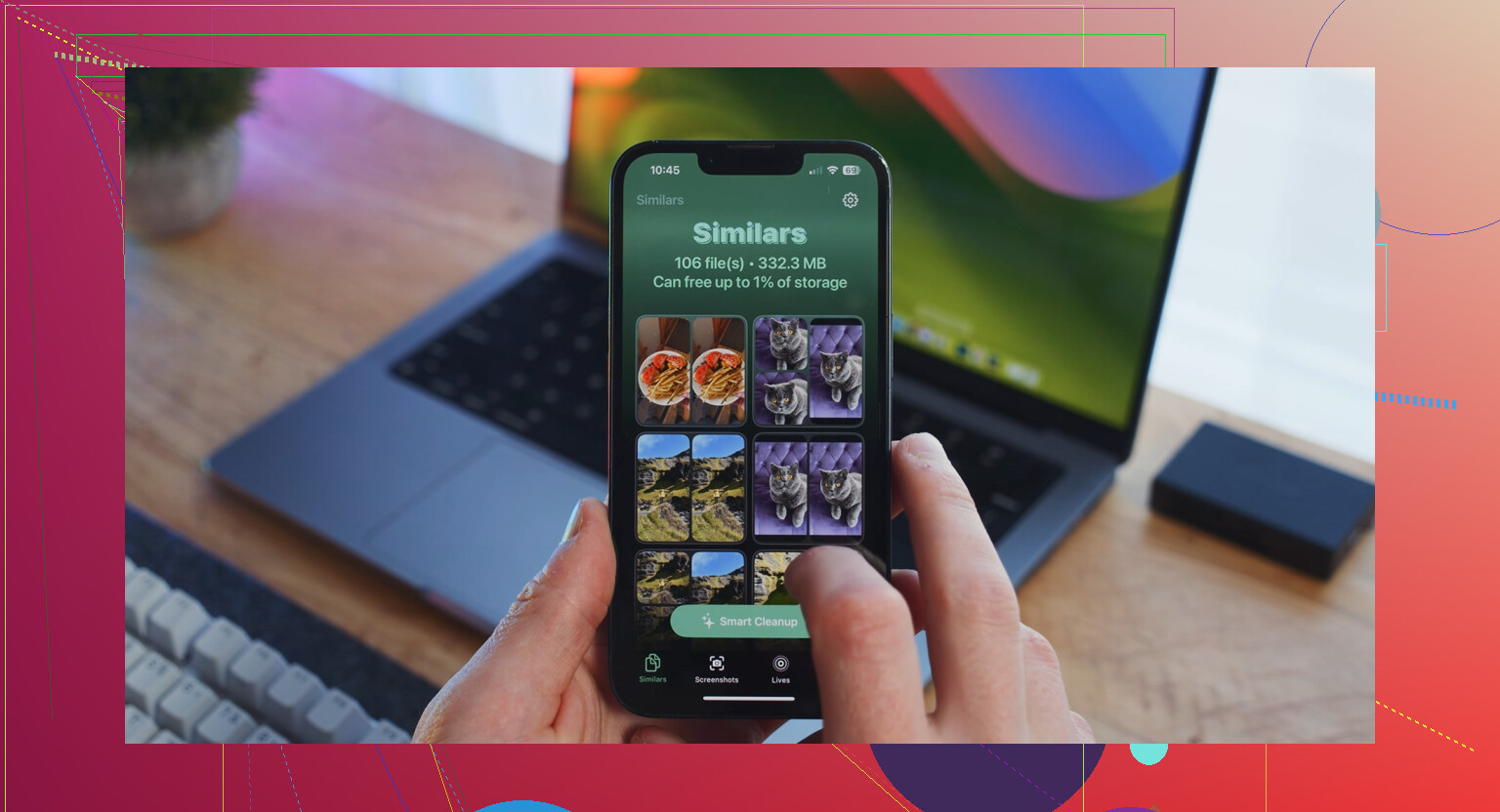
I ended up trying Clever Cleaner after avoiding these kinds of apps for years. Most of them feel shady, full of nags, fake scans, or subscription traps. This one surprised me because it was free and I didn’t hit ads or a paywall while using it.
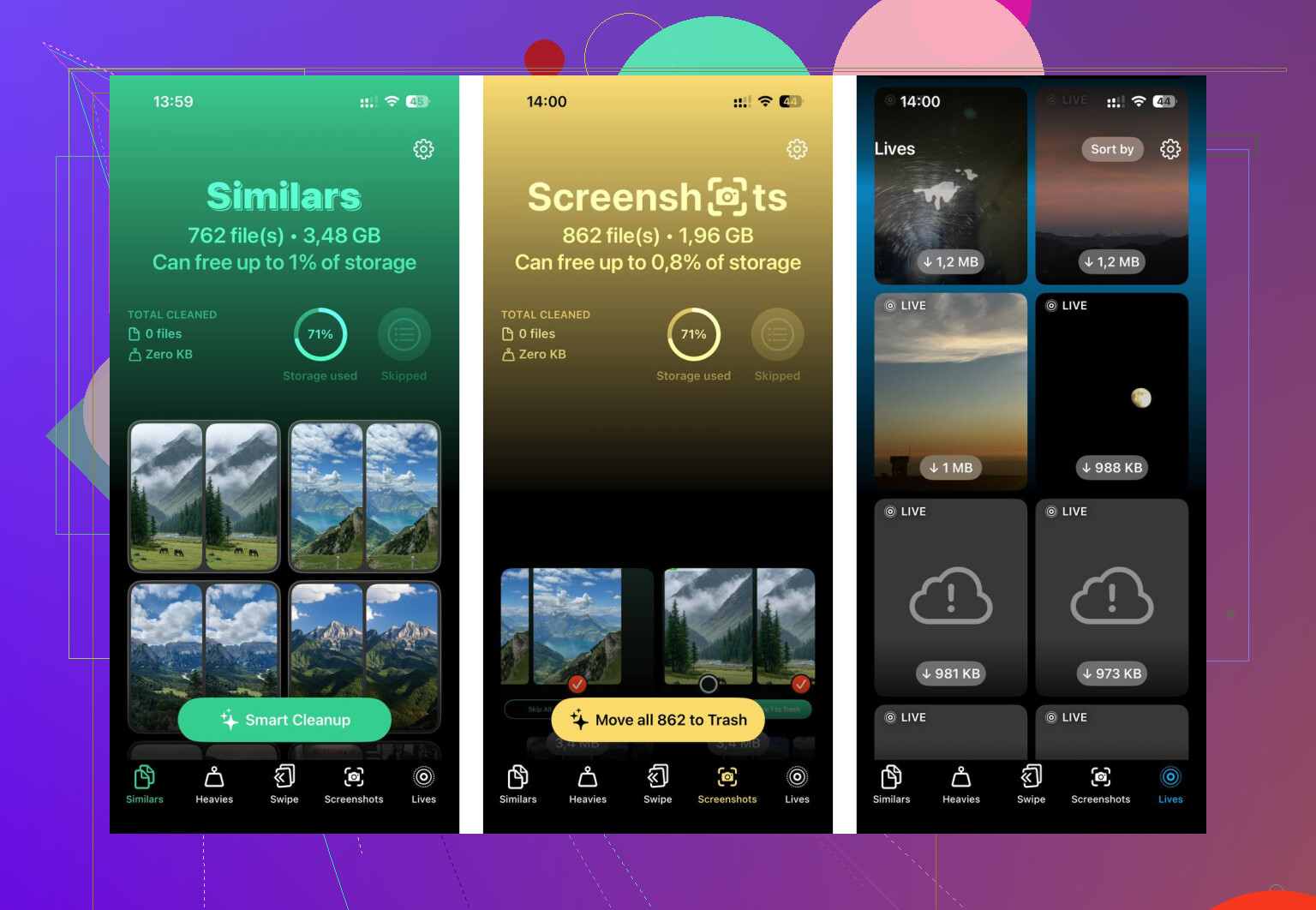
The parts I found useful were pretty practical. The Heavies section surfaced the largest files first, so I spotted old 4K clips fast. The Similars section grouped near-duplicate shots, which helped when I had eight versions of the same photo and only wanted one. What mattered more to me was privacy. The app says processing stays on-device, so your library is not being shipped off to some random server. After one cleanup pass, I freed around 12GB. The phone felt normal agian.
If your storage is a mess right now, I’d do it in this order. Import one last full batch to your Mac for safety. Turn off iCloud Photos on the iPhone if you want deletion to stay local to the phone. Empty Recently Deleted. Then use something like Clever Cleaner to clear duplicates and huge files faster than doing it by hand. That route saved me a lot of time and one small panic attack.
9 Likes
Yes. If photos sit in Recently Deleted, they still use storage on your iPhone until you erase them from there or the 30-day timer ends.
So the short answer is:
- Imported to computer does not free iPhone space by itself.
- Deleted from Library moves them to Recently Deleted.
- Storage is not fully freed until Recently Deleted is emptied.
One small thing I’d add to what @mikeappsreviewer said, the timing is not always instant. iPhone storage numbers lag sometimes. I’ve seen Photos drop right away, and I’ve seen it take a few mins after permanent deletion. Annoying, but normal.
Fast check:
- Open Photos.
- Open Albums.
- Scroll to Recently Deleted.
- Select, then Delete All.
Then go to Settings > General > iPhone Storage and recheck.
Also, if your import was done into the Mac Photos app and iCloud Photos is on for both devices, I would double-check your Mac library before mass deleting anything. I don’t fully agree with treating every import the same, since a Finder copy, Image Capture import, and Photos app sync all behave a bit differenntly.
If you want to clean up more after deleting imported stuff, Clever Cleaner is useful for finding duplicates, similar shots, and big videos fast. This video gives a quick look at clearing iPhone photo clutter with it: see how to clean up iPhone photos and free storage faster.
So yes, Recently Deleted still counts. Empty it, then check storage agian.
Yep. If they’re sitting in Recently Deleted, they still count against your iPhone storage until they’re permanently removed or the auto-delete timer runs out.
One thing I’d push back on a little from @mikeappsreviewer and @sonhadordobosque: people sometimes overcomplicate the “imported to computer” part. The real issue for storage is simpler than that. Imported does not equal removed. Your iPhone doesn’t care that a copy exists on your computer. If the file is still on the phone, or in Recently Deleted, it still takes up space. Kinda dumb, but that’s Apple.
Also, don’t panic if storage doesn’t update instantly. iOS can be weirdly slow about recalculating. I’ve had it take a bit.
If you want to verify, check:
- Photos app total item count
- Recently Deleted count
- Settings > General > iPhone Storage
If your library is huge and you’re trying to clean out duplicates, bursts, and giant videos after the import, Clever Cleaner is actually pretty useful for that part. Not really needed just to empty Recently Deleted, but helpful if your camera roll is a total mess like mine was.
And if you want another visual walkthrough on clearing junk and freeing up space, this is worth a look: watch this quick iPhone storage cleanup video.
So yeah, short version: Recently Deleted still counts. Empty that album or wait it out.