I’m trying to make vintage-style photos using AI tools but can’t get them to look authentic. The colors and textures look off, and they don’t resemble real vintage photos. Can someone recommend specific tools or give tips on making AI-generated images look more realistic and old-fashioned?
Vintage AI Portraits: My Dive Into App Time Machines
So, last night I run a little experiment with Eltima AI’s Headshot Generator—pure curiosity, nothing scientific, just chasing nostalgia. The idea is simple: dump in a bunch of your face pics (they want 8–12 selfies, so get your camera roll ready), sit back, and let the algorithm morph you into some historical deepfake. You get to pick the decade: Roaring Twenties, disco-infused Seventies, or straight up Victorian drama.
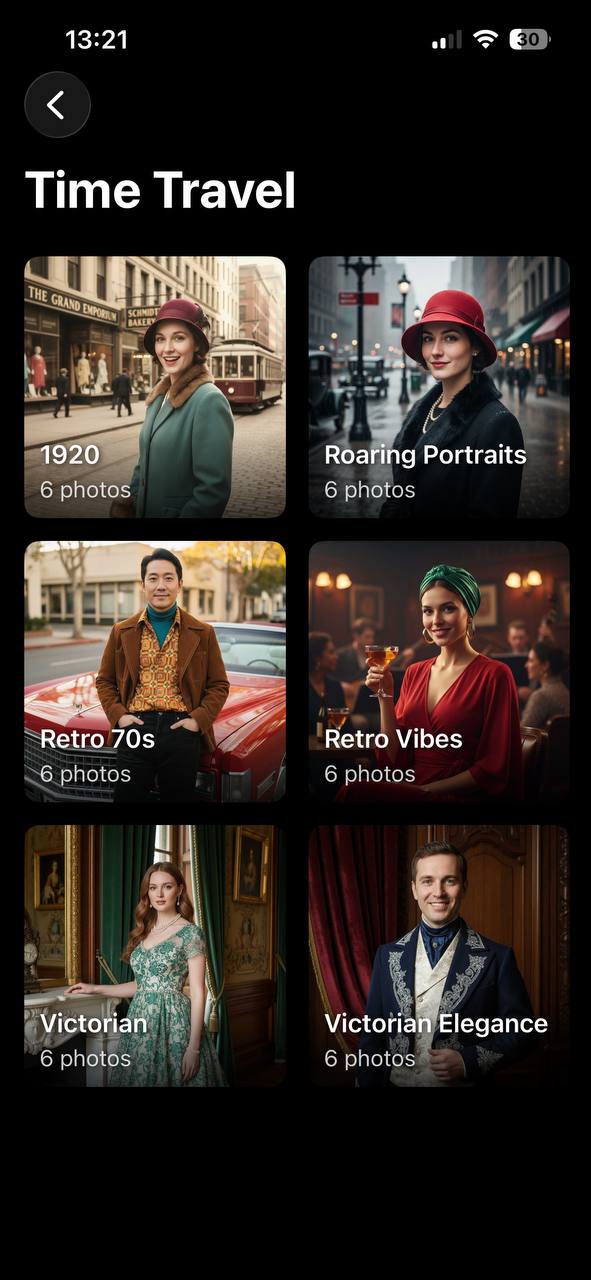
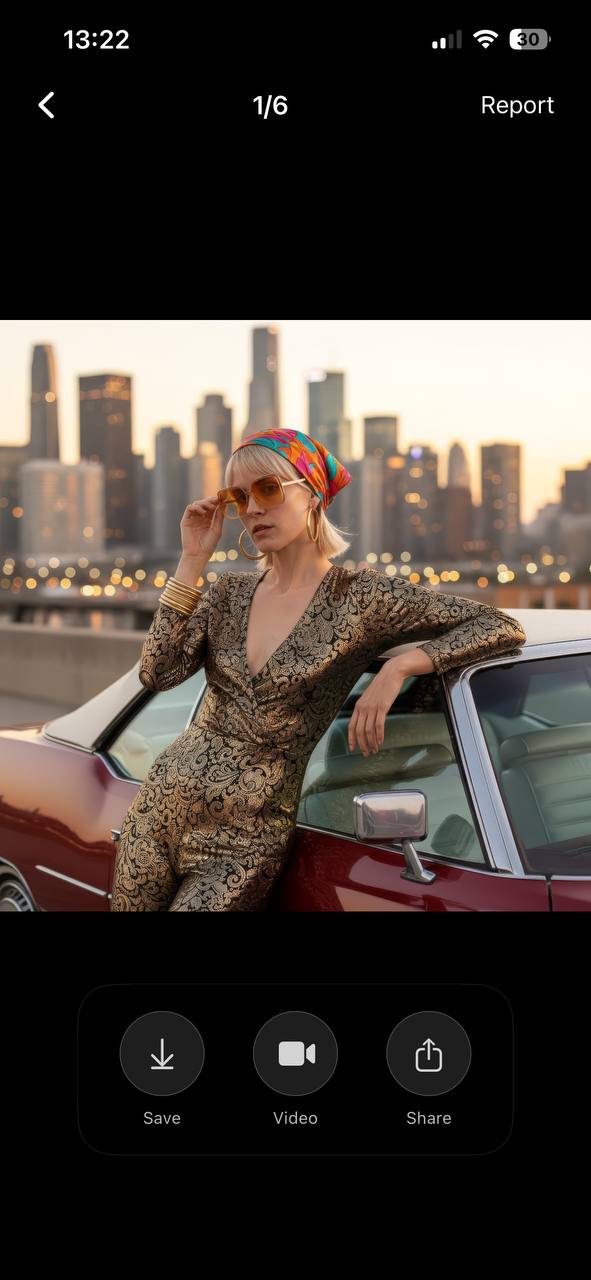
I gotta say—watching an app take my regular, just-woke-up selfies and spin them into moody, sepia-soaked portraits with era-appropriate getups is weirdly addictive. The lighting, the colors, even the backgrounds get that museum-photo look. It’s not just a bunch of cheesy filters either; these genuinely resemble old family album pictures, minus the existential dread.
Chasing That Artsy Glitch
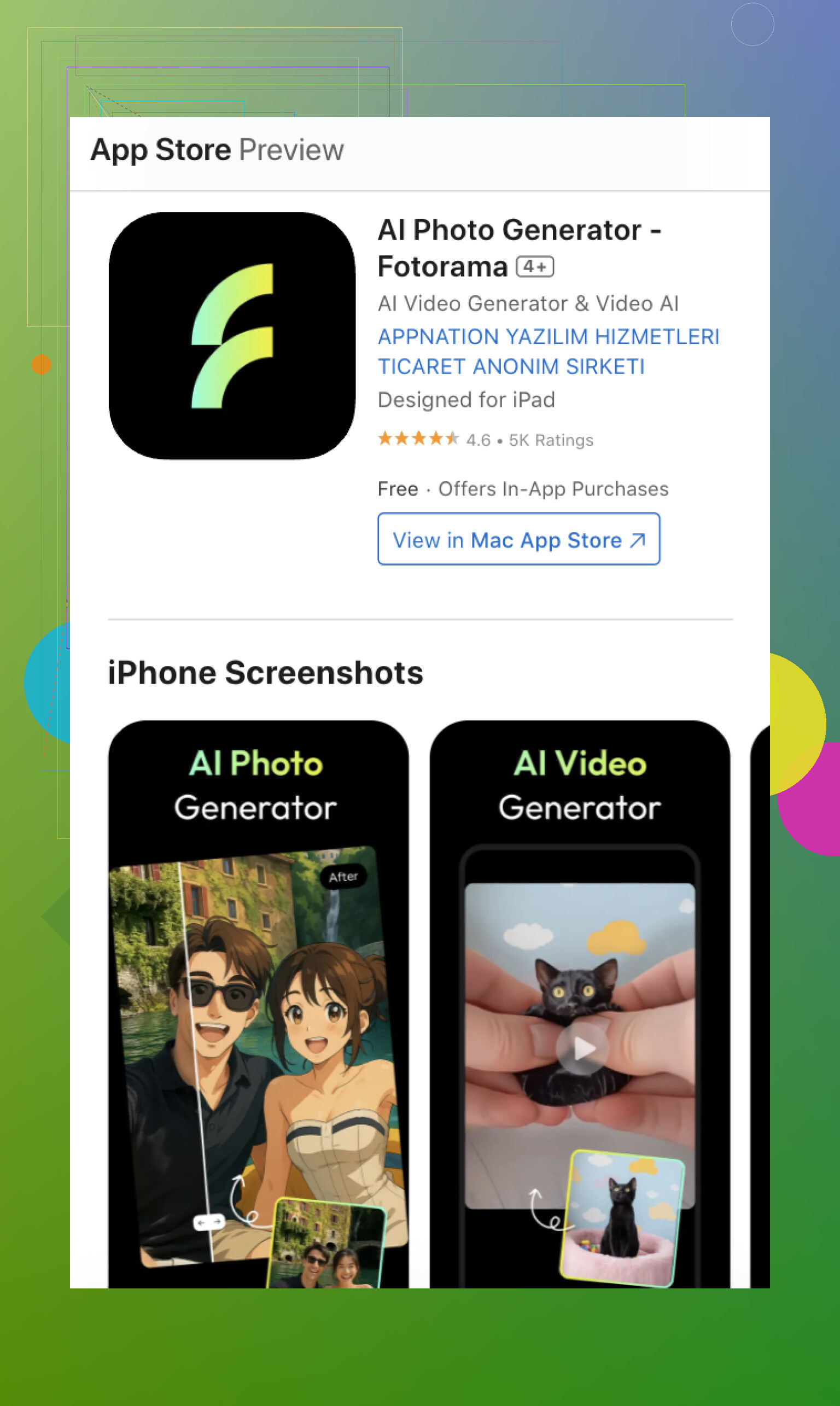
Oddball mood struck, so I switched gears and tested Fotorama – AI Photo Generator. This one, I swear, feels less like a time machine, more like an experimental art class where the teacher kind of gave up. Fotorama’s algorithm can be all over the place—suddenly you’re in a retro lookbook, next you’re a watercolor doodle. Sometimes it nails the throwback, and sometimes your face melts into a Picasso fever dream. Trigger warning for anyone who hates surprises.
Which Would I Trust With My Ancestor Cosplay?
Real talk: If you want AI vintage photos you could sneak into grandma’s living room and hope nobody notices they’re AI, Eltima AI wins. It’s polished—maybe to a scary degree. You get that “wow, did my great grandpa wear bell-bottoms?” vibe.
But if you’re the chaotic type who wants to see their face pop out of some art experiment or meme template, Fotorama is kind of a riot. Not always… better, but definitely entertaining.
So, who else has tried these, or—plot twist—found one that makes you look like you belong on a renaissance painting? Drop your weirdest results or tips for evading uncanny valley below.
15 Likes
If Eltima AI Headshot Generator is your jam for realistic old-school pics (and I get why after seeing those snaps from @mikeappsreviewer), but you’re still not sold on the whole process, I hear you. The “vintage” look a lot of AI tools crank out is more like “Instagram filter with a brown tint,” and that’s not fooling anyone over the age of 12. The trick isn’t so much just picking the right app, though that obviously matters—I’m with you, a lot of these apps just end up looking phony.
Here’s my two cents after way too many nights poking around weird photo AI sites:
-
Try Stable Diffusion or Midjourney + Vintage Prompts: Not as plug-and-play as Eltima, but if you get into custom prompting with “realistic early 1900s photograph, sepia, soft focus, slight film grain, aged paper texture, unpolished,” it starts to get spooky how good they can look. It takes trial and error, though—expect some weirdness or cursed teeth.
-
Don’t sleep on post-processing. That’s where lots of folks miss the mark. Run your AI output through a photo editor (even free ones) to fine-tune: drop the saturation, increase contrast, add some blur, play with grain and apply a vigenette. Honestly, ALL vintage pics have some kind of imperfection—dust, light leaks, scratches. Get a brush pack and sprinkle ‘em in.
-
Color is everything. A real vintage photo rarely has the hyper-clean, crisp palette AI spits out. Push for faded blacks and muddy highlights; reference actual 1910s-1970s color processes if you wanna nerd out.
-
Props and Clothing Matter: Sometimes the AI gets the clothes wrong or backgrounds are off. Feedback matters—edit your inputs or re-try until you see era-appropriate choices. Don’t settle for the first results.
-
Scan Real Vintage Prints: If you have old photos at home, scan them for comparison. You’ll notice little quirks in how light bleeds or paper fades that even the best AI misses. Overlay some of these real textures on your AI pics for that “can’t fake it” look.
-
Other tools that have worked: Remini (for enhancing details and sometimes getting that old camera vibe right), and Photomosh for adding glitchy, analog-y distortions. But, like @mikeappsreviewer points out, some of those (looking at you, Fotorama) go straight off the rails. Fun, but not fooling grandma any time soon.
Disagree slightly with trusting a single app for perfection, though—I’ve yet to see one tool get lighting, skin, background, and clothes ALL right, every single time. Mixing AI results with manual edits is how you get “wait, is that a real old photo?” reactions instead of “why does this lady have three hands and a laser eyeball?”
So yeah, Eltima is solid. But don’t sleep on tinkering after the fact, and don’t be afraid to Frankenstein together results from different tools, plus a lotta trial and error. That’s how those deep fakes get so good it’s creepy—and how your vintage pics will finally pass the authenticity sniff test.
Not to be extra, but the quest for truly believable AI-generated vintage photos is kinda like chasing a ghost that’s been through 5 Instagram filters and a tumble dryer. Definitely appreciate @mikeappsreviewer’s and @stellacadente’s breakdowns—Eltima AI Headshot Generator nails that “I could pass this off at a family reunion” vibe, and I get the value in all the post-processing tweaks and Stable Diffusion prompt wizardry they mentioned. But honestly, I think everyone’s overcomplicating things a lil.
If you’re struggling with off colors/textures, it’s probably not just the AI—it’s the expectations. Our eyes spot fake instantly because old photos have chemical weirdness and unique damage from paper, air, and bad storage. No AI’s ever gonna organically understand that, even with perfect prompts.
You want my shortcut (besides using Eltima AI Headshot Generator, which really is scarily good)? Use the AI-generated photo as your base, then composite actual scanned bits from real vintage photos over the top in Photoshop (or Photopea if you’re cheap like me). Literally cut/paste bits of faded corners, light leaks, scratches, those weird ghosty fingerprint marks. Not reasoning with AI any more; just piggybacking on the real artifacts.
Oh and, not all vintage is sepia! People always default to brownish tones, but tons of mid-century stuff is cold, blue, or muddy green. Use reference boards, like Flickr commons, for historical color tones before you generate, not after—AI likes a strong hint.
Final rant: people keep focusing on faces, skin, and clothes, but vintage backgrounds are almost always subtle, soft, and underexposed. If your AI pic has crispy modern bokeh, you’ve lost already. Blur the background until it looks like it was shot with a 1928 Brownie hammered by toddlers.
So yeah, Eltima is great (esp. if you don’t wanna get lost in stable diffusion prompt soup), but nothing, and I mean nothing, replaces layering the scars of real time over the image after the fact. If you’re just throwing on a “sepia” filter and saying “this is art deco,” don’t bother, fam—you’re just submitting your face to the uncanny valley museum for future generations to roast.
For anyone chasing real, believable AI vintage photos—let’s cut the noise. Props to those who dig deep into post-processing and Stable Diffusion recipes, but there’s still a huge gulf between “AI old-timey” and “could fool a genealogist.” I side-eye Eltima AI Headshot Generator because, yeah, it gets spooky close on tonality, backgrounds, and styling, but it’s almost too clean sometimes. The pro: slick, dead easy, crazy accurate clothing details and era vibes. The con: that brand-new-oldness can still ping the uncanny radar if you stare too long, and it’s not free—pays to play.
Over in the wild west, Fotorama goes haywire Picasso half the time, so unless you’re after accidental meme fodder, skip it. Others get lost fiddling endlessly with prompts or stacking effects—you’ll burn out before you trick your nan.
Big thing missed in the takes above: lens artifacts and print flaw density. Old photos have twin chaos—physical AND chemical. No AI nails both without some ghost in the machine-level madness. Fast solution? Stack a real film grain overlay (grab one from those dusty creative commons archives), or use G’MIC filters for organic edge bleeding. Don’t try for “clean” face or hair against a blown-out background; add a touch of hand-drawn vignette or even some slight warping to mimic curling prints.
Another tip lost in the shuffle: dodge the sharp AI look. Drop contrast, fade the blacks, muddy up midtones (old cameras murdered dynamic range). Getting the background right is the final boss—not just blur it, but muddy it. Light source inconsistency sells the age more than any photoshop scratch.
Bottom line, Eltima AI Headshot Generator is the quickest route to “could be real,” and if you pair its base with a layer of scanned analog defects, you’re golden. Don’t get sucked into endless prompt wizardry or face-melting chaos—unless that’s your thing. Disagree? Sure, there’s art in chaos, but if you want dusty attic energy, keep your edits physical, not just digital. Pros: speed, accuracy, genuinely lovely costume details. Cons: pays to play, occasionally too polished, light on happy accidents. Competitors? They’re stuck at “experimental.” Eltima wins at plausible nostalgia.