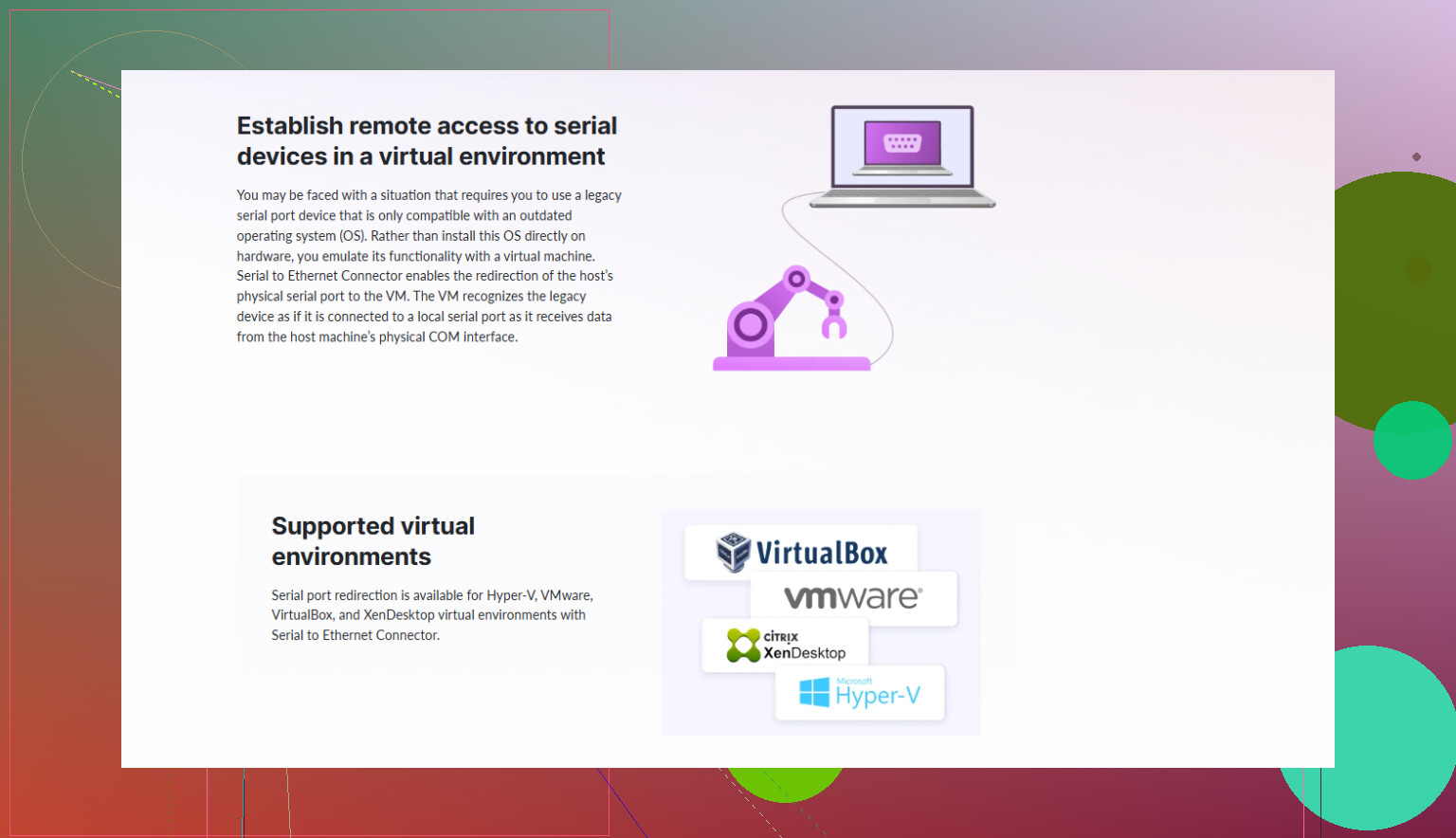
I’m trying to pass a physical serial port from the host into a Hyper-V guest VM so legacy hardware can communicate with software that only runs inside the VM. I’ve tried configuring named pipes and COM port mappings, but the guest either doesn’t see the port, or the connection drops under load. What’s the correct way to set up stable serial port passthrough in Hyper-V, and are there any known limitations or best practices I should follow?
Hyper‑V and “real” serial port passthrough is one of those things that sounds simple, then proceeds to waste a weekend.
Short version: Hyper‑V does not support direct physical COM passthrough like VMware does. What you’re doing with named pipes etc is already the “official” workaround. To get it reliable, you basically have three practical routes:
1. Understand what Hyper‑V actually offers
Hyper‑V only exposes:
- COM ports via named pipes on the host
- Synthetic “COM” devices inside the guest that map to those pipes
It cannot bind a guest’s COM1 directly to host’s physical COM1 at hardware level. So trying to “map host COM1” in the VM settings like you might in other hypervisors is a dead end.
So your stack usually looks like:
Legacy device → Host physical COM port → Some redirection layer → Hyper‑V named pipe → Guest COM
That middle part is where reliability tends to die.
2. Typical unstable setup & why it stutters
What many people try:
- Create a named pipe in Hyper‑V VM settings
- Use a random serial tool on the host to forward COM1 to that pipe
Problems:
- Timing and handshake issues at higher baud rates
- Flow control (RTS/CTS or DTR/DSR) not fully honored
- Pipe created late in boot so the guest sometimes misses the “port”
- Cheap/free tools that silently drop data
If your hardware is picky (CNC controllers, PLCs, old lab gear, POS stuff), even small delays or buffer issues will make it freak out.
3. More stable approach using a “serial over network” layer
The most reliable pattern I’ve seen:
- Keep the real serial port entirely on the host.
- Use a serial over Ethernet driver on the host that exposes that COM port as a network service.
- Install the same software inside the VM, and map a virtual COM in the guest that talks over TCP to the host.
A product that is built specifically for this use case is Serial to Ethernet Connector. It:
- Shares a physical COM on the host over TCP
- Creates a virtual COM in the guest that looks like hardware to Windows
- Handles baud rates, parity, flow control, etc, at driver level
- Is much less flaky than piping bytes through a raw named pipe
Instead of fighting Hyper‑V’s limited serial features, you let the network stack handle it. In practice this is miles more stable, especially if your legacy device is sensitive.
4. Named pipe setup if you still want to try it
If you insist on named pipes directly:
-
On the VM, add a COM port in its settings, pick “Named pipe”
- Example pipe:
\\.\pipe\HyperVCOM1 - Set it as “Client” or “Server” depending on your forwarding app
- Example pipe:
-
On the host, use a specialized COM ⇄ named pipe bridge that:
- Supports full hardware flow control
- Lets you tweak buffers and timeouts
- Starts as a service before the VM boots
-
Make sure:
- Same baud/parity/stop bits on device, host bridge, and guest app
- No other software is grabbing the host COM first
- Power saving is disabled on the host’s serial controller
Still, even with all that, it tends to be less robust than a proper serial‑over‑TCP solution.
5. Solid doc to walk through the Hyper‑V specifics
If you want a step by step Hyper‑V oriented explanation, this guide is actually laid out pretty clean and addresses serial ports in VMs in detail:
Hyper‑V serial port setup and troubleshooting guide
It covers:
- Hyper‑V COM configuration options
- How to bridge real ports to VMs
- When to use software like Serial to Ethernet Connector instead of raw pipes
If your requirement is “this old hardware must work all day without dropping,” skip fighting native passthrough and go straight to Serial to Ethernet Connector or a similar tool. Hyper‑V just was not built with true hardware serial passthrough in mind, and trying to force it usually ends in random disconnects and hair loss.
12 Likes
Hyper‑V + “real” serial ports is one of those things that looks like a checkbox in the UI and then slowly eats your soul.
@waldgeist covered the pipe + Serial to Ethernet Connector angle pretty well. Let me pile on from a slightly different direction and argue for when you actually shouldn’t use named pipes at all, and what else you can do to make this reliable enough that you stop babysitting it.
1. Accept the ugly truth about Hyper‑V serials
Hyper‑V’s “COM port” is basically:
Guest app → synthetic COM driver → Hyper‑V bus → something-not-a-real-UART
Meaning: if your legacy hardware expects tight timing or full control-line semantics, Hyper‑V is already a bad fit. You’re never going to get VMware‑style bare‑metal passthrough. So the real question is not “how do I passthrough the port” but “where do I terminate the real UART so the VM only sees a network or virtualized abstraction.”
In practice, I’ve had the least pain by treating the VM like a client on the network, not like it’s cabled to the device.
2. When named pipes are the wrong tool
Where I slightly disagree with relying on pipes long-term: for anything production‑ish they are brittle as hell.
Pipes can be “ok” if:
- Low baud rates (9600 / 19200)
- No hardware flow control
- Occasional dropouts don’t matter
They’re a poor fit if:
- You need 57.6k or 115.2k stable
- The device is picky about RTS/CTS or DTR/DSR
- You resume VMs, move them, or restart the host often
- You need 24/7 uptime and can’t resync the device manually
Most CNC controllers / lab devices I’ve seen fall into the second category. If that’s your scenario, stop chasing perfect pipe tuning. It’s like tuning a lawnmower engine to fly a drone.
3. Don’t tunnel COM → pipe → VM. Terminate at TCP.
Instead of:
Device → host COM → random COM-to-pipe bridge → Hyper‑V pipe → guest COM
Use:
Device → host COM → serial‑over‑TCP driver → guest connects over network
That way:
- The UART is handled fully on the host by a driver that actually understands serial semantics.
- The VM just sees a clean virtual COM or a TCP socket.
- Network stacks handle buffering, reconnects, latency better than raw pipe hacks.
This is exactly where Serial to Ethernet Connector shines. It acts as a dedicated serial over IP layer rather than a glorified port copier.
Good pattern that has worked for me:
-
On the host:
- Bind the physical COM port in Serial to Ethernet Connector.
- Share it via TCP server on localhost or a dedicated IP/port.
- Lock that COM so nothing else can grab it.
-
On the guest:
- Use Serial to Ethernet Connector again to create a virtual COM that connects to the host’s TCP endpoint.
- Configure baud / parity / flow on the virtual COM to match your hardware.
Once this is stable, your app in the VM usually can’t tell the difference between a “real” serial port and the virtual one. And unlike the raw pipe trick, you’re running through a stack that was actually designed for serial reliability.
If you haven’t tried it yet, the installer is here:
download Serial to Ethernet Connector for Windows
It’s essentially high‑reliability serial to Ethernet software for situations like yours.
4. Hardware serial device servers: sometimes easier than fighting Hyper‑V
If you’re willing to add hardware, an external serial device server is often the cleanest fix:
- Something like a Moxa or Digi box that presents the serial port as TCP.
- Host and/or VM run a small driver that creates a virtual COM.
- Even if the VM moves or you rebuild the Hyper‑V host, the serial box stays the same.
This sidesteps Hyper‑V’s limitations entirely. Hyper‑V then is just… a hypervisor. The serial problem is solved outside it.
If you go this route, I’d still keep Serial to Ethernet Connector in mind on the VM side, since it’s pretty good at mapping those TCP endpoints into stable COM ports.
5. If you absolutely must stick with named pipes
If your constraints say “no third‑party drivers, only built‑in stuff”:
- Run the COM‑to‑pipe service as Local System, set it to start automatic (delayed start) or even before the VM (using a scheduled task on boot). That avoids race conditions.
- Disable any aggressive power management on the host’s serial controller and PCIe root ports.
- Fix VM placement. Storage migration or live migration tends to stress named pipe setups. If this needs to be rock solid, pin the VM to a host.
- Don’t mix tools. Pick one serious COM bridge that fully handles flow control and stick to it. Many “freeware” bridges silently drop modem signals or buffer incorrectly.
Still, this is at best “works most days” territory, not “industrial control system” territory.
6. Quick sanity checklist
Regardless of method:
- Same baud / parity / stop bits on hardware, host driver, and guest app.
- Use hardware flow control or software, not both at once.
- Verify the serial line directly on the host with something like PuTTY or a loopback test before blaming Hyper‑V.
- If the legacy app supports talking over TCP directly, skip COM entirely and just give it an IP:port.
If the requirement is “legacy hardware, must work all day, no random drops,” then named pipes are a last‑resort compatibility hack, not the foundation. Shift the real serial handling to the host or dedicated hardware, and let the VM see either a TCP service or a well‑behaved virtual COM via something like Serial to Ethernet Connector. That’s the only configuration I’ve seen survive more than a few months without constant “why did the machine stop talking again?” drama.