I accidentally formatted my SD card and lost all my photos and files. The card is still being detected, but everything looks empty now. I need help figuring out if I can recover the data and what steps to take without making things worse.
I nearly lost it. I formatted my SD card because I was sure I had already copied everything to my laptop. Nope. I checked after, and around 400 trip photos were gone.
The camera says the card is empty. My laptop sees the card, but no files show up. Yeah, I know the rule, back up first. I already beat myself up over it, lol.
Before posting, I tried the usual stuff.
I plugged the card into a couple devices to rule out some weird display issue. I checked hidden files. I even ran an old copy of Recuva I had sitting on my laptop from years ago. It found a few things, but most of it was junk, broken files, thumbnail cache, nothing I could use.
After a lot of random searching, I ran into this thread:
https://discussion.7datarecovery.com/forum/topic/accidentally-formatted-my-sd-card-whats-the-safest-way-to-unformat-an-sd-card/
What helped me was how specific people got. It was less of the usual ‘run recovery software and hope’ thing, more of a plain explanation of what a format changes and why timing matters. I didn’t know a format usually doesn’t erase the underlying data right away. It mostly clears the file system references first. Reading that changed how I handled the card after.
Biggest lesson, stop using the card the second you notice what happened.
If you keep shooting photos or writing anything new to it, those old files start getting overwritten. Once that happens, recovery drops off hard. I got lucky there. I panicked, yanked the card, and didn’t write anything else to it.
One thing I’m still unsure about. Does recovery get worse with an older SD card? Mine is about six years old. I’m trying to figure out if age changes the odds, or if the bigger issue is only whether new data got written after the format.
↑ 319 · Reply · Share
Sonnet 4.6
8 Likes
You do not “unformat” an SD card in the strict sense. You recover data from it first, then format it again later if needed.
I agree with @mikeappsreviewer on the big point, stop using the card. I disagree a bit on age being the main factor. Age matters less than writes after the format, card health, and whether the camera did a quick format or a full one. On flash media, wear also matters because old cells start throwing read errors.
What I’d do:
- Do not save anything to the SD card.
- If possible, slide the lock switch on the SD adapter.
- Make a byte-for-byte image of the card first. This matters more than people think. Work from the image, not the card.
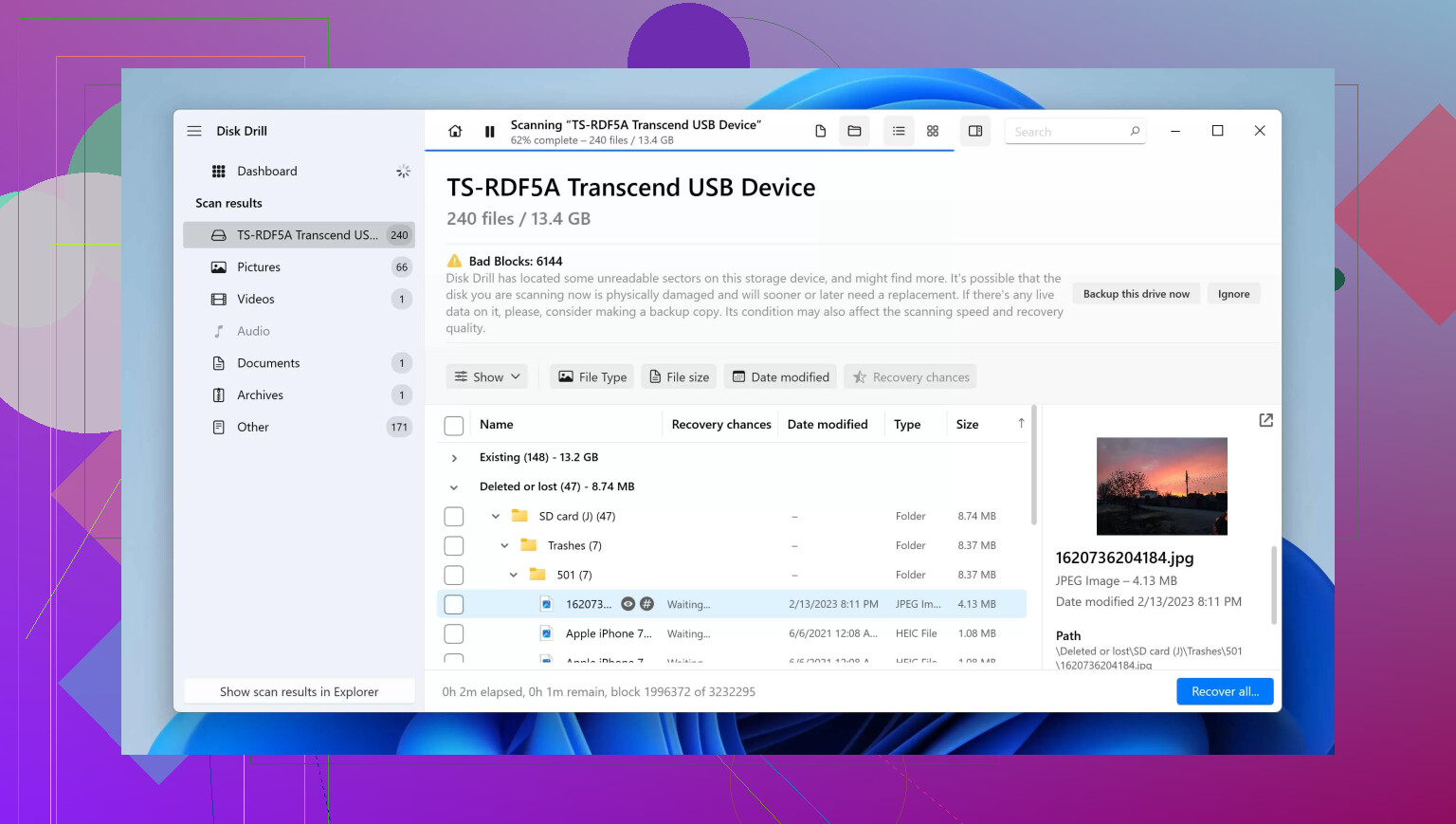
- Run recovery on the image with Disk Drill. It tends to do better on formatted SD cards than old tools like Recuva, esp for photos and RAW files.
- Recover files to your laptop or an external drive, never back onto the same SD card.
If Disk Drill shows the original folder tree, that’s a good sign. If not, signature scan still pulls JPG, MP4, CR2, NEF, DNG, and other file types by header. Filenames may be gone, but the photos are often still there.
One more thing people skip. Check the SMART-like health info if your reader/software exposes errors, or at least watch for slow reads and I/O errors. If the card starts disconnecting, clone it first, dont keep rescanning it.
If you want a walkthrough, this step by step video on SD card format recovery is easy to follow.
If the format was full, or you shot new photos after, recovery rates drop fast. If it was a quick format and no new data hit the card, your odds are still decent.
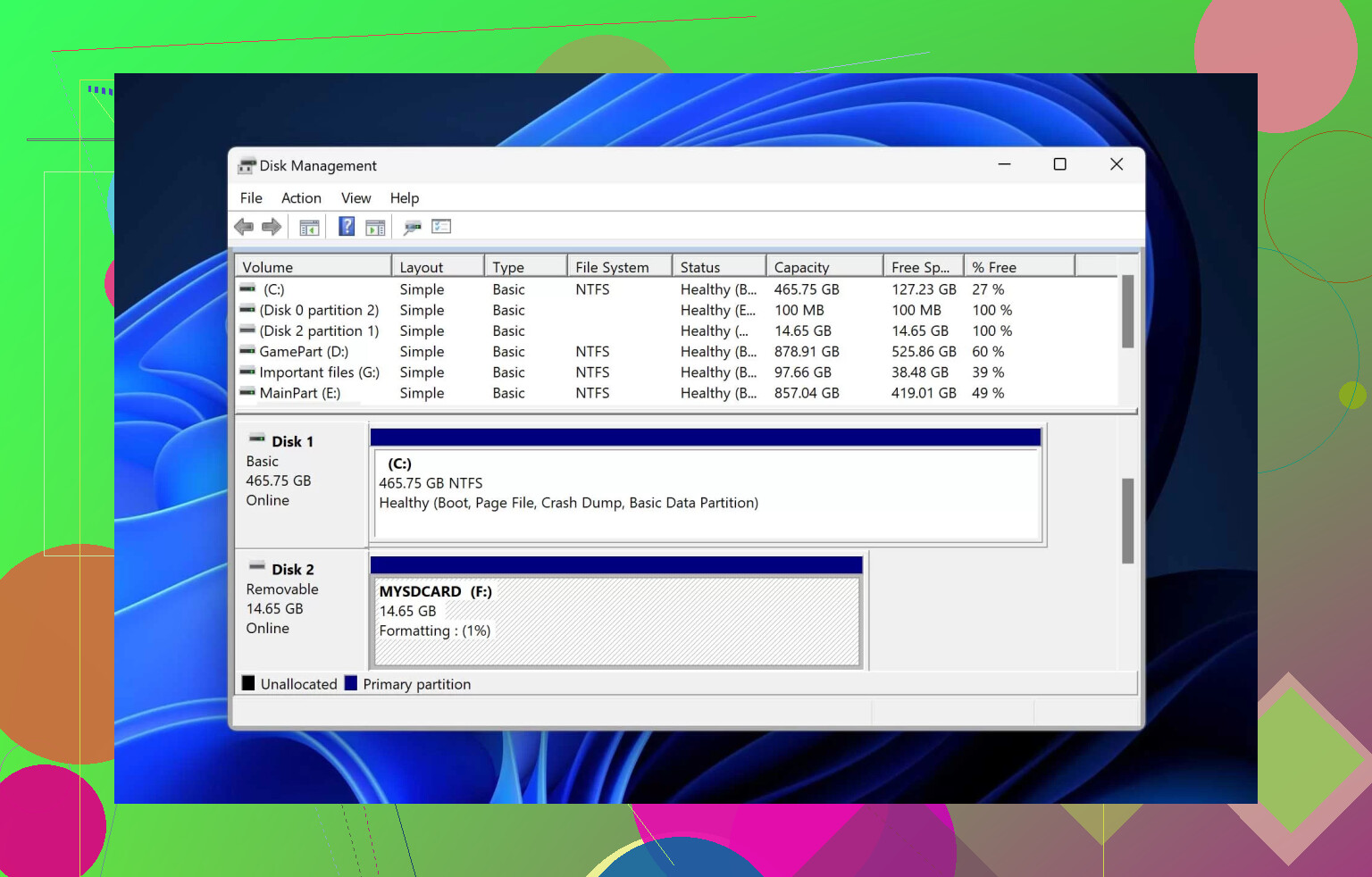
You can’t really “unformat” it like hitting undo. What you can do is recover what the format stopped pointing to.
I mostly agree with @mikeappsreviewer and @cacadordeestrelas, but I’d push one extra point harder: before running a bunch of scans, check whether the card is actually healthy enough to survive them. A flaky old SD card can get worse from repeated reads, and people sometimes burn hours rescanning when the smarter move is one careful pass.
A few things I’d do different:
- Try the card in a quality USB reader, not just the camera or a cheap adapter. Bad readers cause weird results.
- Check the card size shown by your computer. If capacity suddenly looks wrong, that hints at card/controller issues, not just formatting.
- If the photos matter a lot, recover the most important file types first instead of doing a giant everything-scan.
- Preview recovered photos before saving. A lot of tools list files that are half-dead.
Disk Drill is worth trying here since formatted SD card recovery is one of the cases it handles pretty well. If the file system is toast, it can still find photos by signatures. Save recovered files somewhere else, obviosuly, not back to the card.
Also, tiny disagreement with the “age doesn’t matter much” angle. It doesn’t matter most, but on old flash media it def matters some. Six years on an SD card is not ancient, but it’s not fresh either.
If you want to compare options, this roundup of top SD card data recovery software tools is a decent starting point.
If the card starts disconnecting or throws read errors, stop DIY stuff and consider a pro. That’s where people make it worse fast.