My iPhone storage is almost full, and I don’t want to use iCloud for extra space. I’ve already deleted some apps and photos, but my storage is still packed and my phone is slowing down. I need help with the best ways to clear storage on an iPhone without iCloud so I can keep using it normally.
Yeah, I get why this is irritating. Seeing “Storage Almost Full” on an iPhone while you’re already paying for iCloud feels off. I ran into the same thing and figured out the annoying part first. iCloud does not add physical space to the phone.
Your iPhone storage is fixed hardware on the phone’s board. If your model came with 64GB or 128GB, that number stays there. No microSD slot, no easy swap, no hidden upgrade path. iCloud stores copies, syncs stuff, and helps move things off the device in some cases, but it does not turn a 64GB phone into a 256GB phone.
If you want extra room without paying every month, I’d look at external storage. A Lightning or USB-C flash drive works fine for moving big videos and photo batches off the phone. Stuff like the SanDisk iXpand is built for this. If you already have memory cards sitting around, a Lightning-to-SD card reader is another cheap one-time buy. Move files over, check they copied right, then delete them from the phone.
Before buying anything, I’d clean the phone first. When mine got near full, it went bad fast. Apps froze. The camera took ages to open. Random crashes started. iOS needs free space for temp files, updates, caches, and general system mess. Once you get into the high 90 percent range, performance drops. I saw it myself.
Here’s where I started. Go to Settings > General > iPhone Storage. That screen tells you what is eating space. I offloaded apps I barely touched, mostly old games. Offloading removes the app but keeps its data, so if you reinstall later your stuff is still there. Then I cleared Safari website data in Settings > Apps > Safari > Advanced > Website Data. I also checked Messages attachments, and wow, old videos and image threads had piled up more than I thought. Kinda dumb how hidden some of it is tbh.
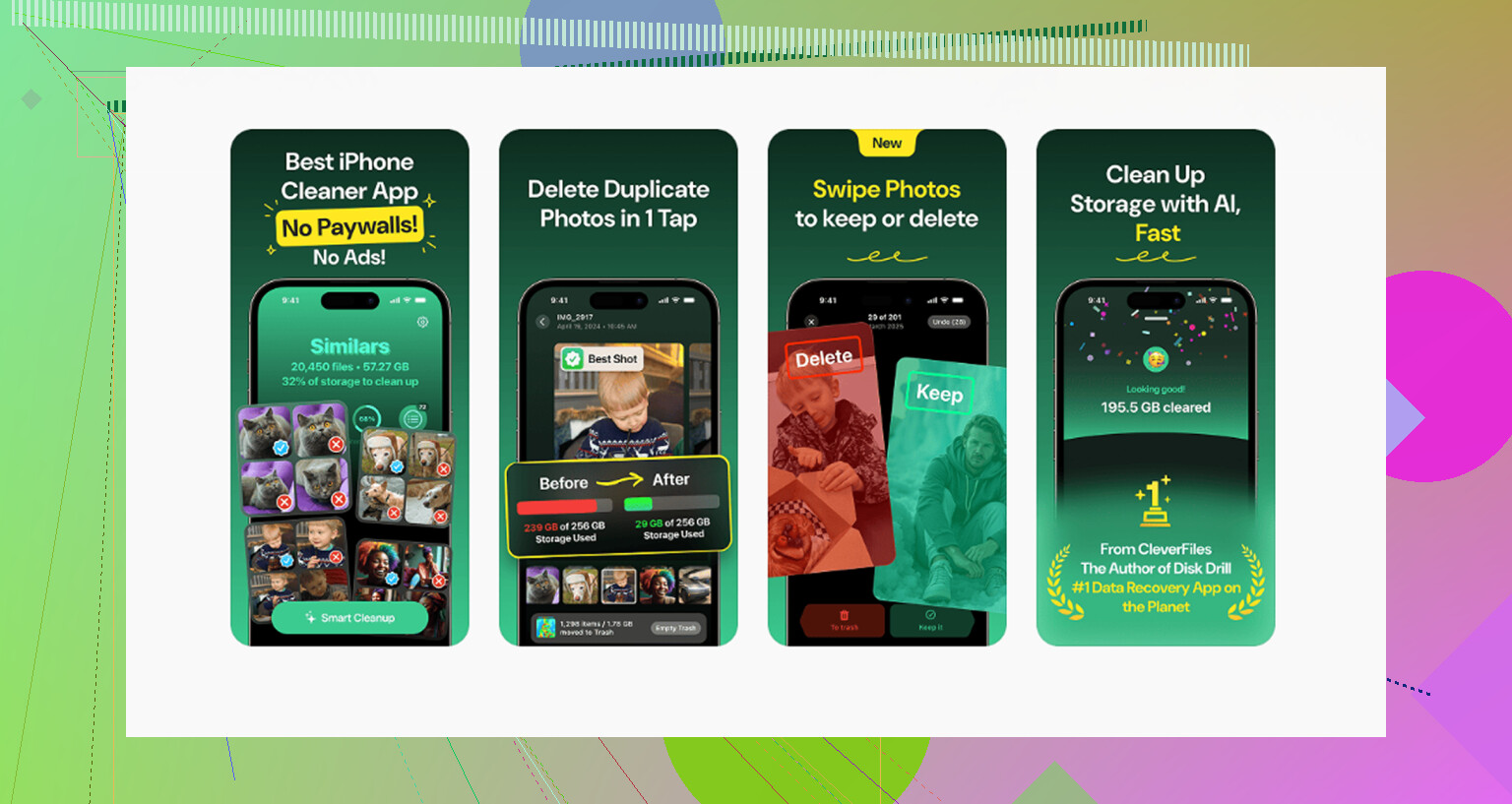
The manual route works, but it’s slow. You poke around everywhere, delete a bit here, a bit there, and lose an hour. What helped me most was using a cleanup app to sort the mess faster. The one I stuck with was Clever Cleaner.
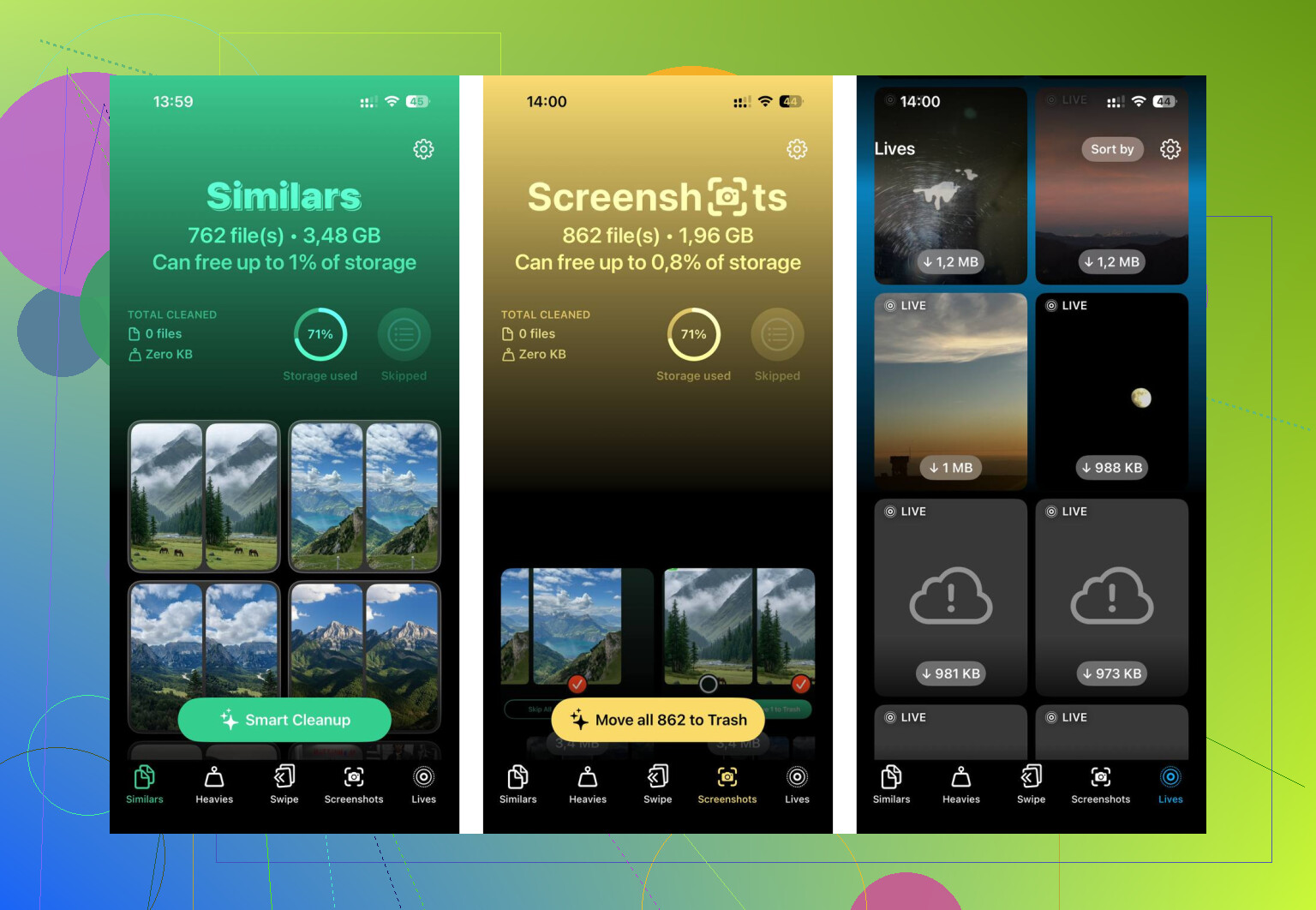
I liked it for one simple reason. It showed me the biggest files first. In the “Heavies” section, I found giant screen recordings, long 4K clips, and duplicate exports I forgot existed. Seeing file sizes up front saved time. No guessing, no opening random albums hoping to find the problem file.
The duplicate photo part helped too. The “Similars” section grouped near-identical shots, which mattered because my camera roll was full of burst photos, repeat screenshots, and five tries at the same pic. It sorts them in a way that made cleanup less painful. From what I saw, the scan stayed on-device, which I cared about. I don’t like tossing my photo library at some unknown server. After one pass, I cleared around 15GB. The phone stopped dragging after that.
If you still need more breathing room, free cloud storage from other services is worth a look. Google Photos gives 15GB free. Dropbox gives 2GB free. Those won’t expand internal iPhone storage either, but they give you somewhere else to park files before deleting them locally.
So the short version is this. You cannot buy more internal iPhone storage after purchase. You can free space, or you can move files somewhere else. I’d start with cleanup before spending money. Old screenshots, forgotten videos, bloated message threads, cached browser data, all of it adds up fast. My phone felt half-dead before I cleared mine out, and I didn’t think the junk total would be so high. I was wrong.
10 Likes
You’re not going to get more internal iPhone storage. That part is fixed. @mikeappsreviewer is right on that. Where I differ is external drives are fine, but they get annoying fast if you want day to day space relief. I’d clean the hidden stuff first.
Check Settings > General > iPhone Storage and look for these:
-
Messages
Old video attachments eat gigs. Set Messages to keep for 30 days in Settings > Apps > Messages. -
Downloads
Files app, Downloads folder, old PDFs, ZIPs, video edits. People forget this one alll the time. -
Podcasts, Netflix, Spotify, YouTube
Offline downloads pile up. I found 18GB in video downloads once. Dumb, but common. -
Voice Memos
Long recordings are huge. -
Photo editor leftovers
CapCut, iMovie, Lightroom, TikTok drafts. These apps keep exported files and project caches.
One trick most people miss, delete and reinstall bloated apps like Instagram, Reddit, Facebook, TikTok. Offload is ok, but full reinstall often clears more cache. You do need your login info first, obv.
If photos are still the main issue, Clever Cleaner is worth a look for duplicate pics and large files. This Clever Cleaner review for iPhone storage cleanup covers what it does in plain english, see how Clever Cleaner finds duplicate photos and large files.
Also leave 8GB to 10GB free. iPhones run worse when storage gets too tight. That slowdown part is real.
You can’t actually add more internal iPhone storage, so @mikeappsreviewer and @yozora are right on that part. Where I sorta disagree is people jump straight to external drives too fast. Those are fine for archiving, but they don’t really fix the day-to-day “why is my phone choking on itself” problem.
A couple things that get missed a lot:
- Mail app attachments and downloaded email files
- Books app downloads, especially audiobooks
- GarageBand files, if you’ve ever used it
- Safari Reading List offline pages
- “Recently Deleted” in Photos, Files, and Notes. Stuff sits there taking space for 30 days unless you wipe it manually
Also, do a hard check on system data after a restart. Sometimes iOS storage reporting gets weird when the phone has been running forever. Rebooting won’t magically free 20GB, but I’ve seen storage categories settle down after it.
One thing I do recommend is connecting the iPhone to a Mac or PC and importing photos/videos there, then deleting them from the phone. Old school? Yep. But it works, and no subscription bs.
If your photo library is messy, Clever Cleaner is actually useful for finding duplicates and big files without digging forever. I’d use that before buying hardware. This thread is pretty readable too if you want real user opinions: see what Reddit users say about Clever Cleaner for iPhone storage cleanup
Biggest tip: don’t just delete random apps. Hunt the hidden junk first. That’s where the sneaky space goes, tbh.