I accidentally formatted my SD card and I’m trying to recover photos and videos without overwriting anything or causing more damage. I stopped using the card right away, but I’m not sure which SD card recovery steps or software are actually safe. I really need help figuring out the best way to recover a formatted SD card before the files are gone for good.
I had almost the same screwup last summer with a drone SD card. I was rushing sunset shots, got some weird storage warning in the app, hit ‘Format SD Card’ without thinking, and then it hit me. The whole morning was still on there. No backup. Felt awful.
The good part first, a format usually does not wipe the card clean.
A lot of people think formatting means the card gets zeroed out and everything is gone for good. Most of the time, on phones, drones, cameras, tablets, and similar gear, it was only a quick format. Unless you ran a full format on a computer, or used one of the smaller group of devices with hardware erase support, the files often still sit on the card.
What changed is the file map. Your device stops knowing where the photos and videos live, then marks the space as free. The data often stays there until new stuff gets written over it.
So right now, the problem is overwrite risk.
Here’s what I’d do, in order.
- Stop using the card now
Take it out. If the SD card has a lock switch, slide it to locked. Do not shoot more photos. Do not record one test clip. Every new write raises the odds of losing old files for real.
- Skip the old CMD fixes
A bunch of old posts tell people to run CHKDSK or attrib in Windows. I would not touch either for this. Those tools deal with file system issues and hidden file flags. They do not reverse a format, and they can make recovery worse by changing data on the card.
- Use a card reader, not the camera over USB
Plug the SD card into a decent USB card reader and connect it straight to your computer. I’ve seen cameras expose storage in weird ways over USB, and recovery tools don’t always get proper low-level access through camera firmware.
- Use recovery software built for this
Manual recovery is not happening here. You need software that scans the raw sectors on the card and rebuilds files from what it finds. This matters even more for video. Drone footage, action cam clips, and mirrorless camera files often end up fragmented, so cheap tools pull pieces out of order and you get broken files.
- Save recovered files somewhere else
Do not restore anything back onto the same SD card. Save to your computer drive or an external SSD. Writing recovered files back to the card overwrites more of what you’re still trying to save.
For software, I’d go with Disk Drill.
I tried a few lighter tools when I messed up my drone card. Some found photos, sort of. Video recovery was bad. Clips were chopped up, corrupted, or flat out unplayable. What helped more was Disk Drill, mostly because it has a camera-focused recovery mode aimed at fragmented video files.
A few practical notes from using it:
- preview works, so you can check whether files open before going all in
- it handles photos and video better than the generic file grabbers I tested
- on Windows, there’s a 100MB free recovery limit, which is enough to test whether your files come back intact
What I’d do is simple. Put the card in a reader, open Disk Drill, run a deep scan, and recover everything to a different drive. Then wait. Big cards take time, and stopping early is a dumb way to lose a good result. I almost did lol.
If the card has not been used since the format, your odds are still decent. The main thing is not writing anything else to it.
4 Likes
You did the first important thing right. You stopped using the card.
I agree with @mikeappsreviewer on the overwrite risk. I disagree a bit on one part though. Locking the SD switch is fine for safety, but some readers ignore it, so don’t treat the switch like magic. What matters more is making the card read-only on your computer if your setup supports it, or at least being disciplined and not writing a single file to it.
My order would be:
-
Make an image of the SD card first.
If the card is failing, a recovery scan puts more stress on it. A byte-for-byte image gives you one stable copy to work from. Tools like USB Image Tool, Win32 Disk Imager, or dd on Mac/Linux do this. Save the image to your PC or an external drive. -
Scan the image, not the card.
This is the safer route. If a scan crashes, freezes, or you try a second tool later, you still have the source untouched. This step gets skipped too often. -
Check card health before a long scan.
If reads are slow, the card disconnects, or your PC asks to repair it, stop and image it first. Repeated rescans on a dying card are how people make a bad sitaution worse. -
Use software with file signatures and media support.
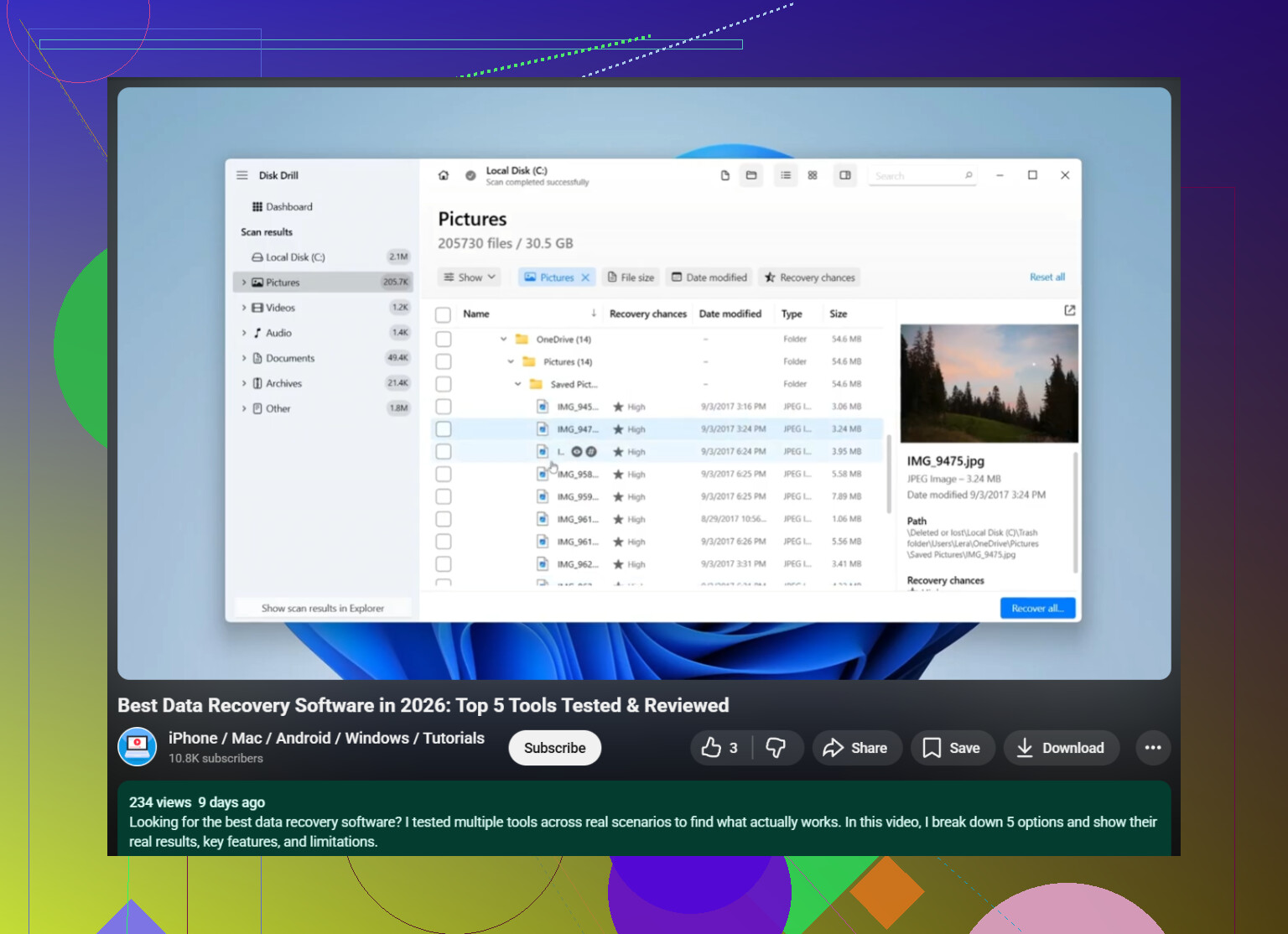
For formatted SD card photo and video recovery, Disk Drill is a solid pick. It tends to find both file system records and raw media data. If you want a simple guide on recovering photos and videos from an SD card with Disk Drill, this short clip is relevant:
see how to recover SD card photos and videos with Disk Drill -
Sort results by type and size.
Start with JPG, RAW, MP4, MOV. Tiny files with correct names often mean partial recovery. Full-size files with preview support are what you want.
One more thing. Don’t run First Aid, Disk Utility repair, CHKDSK, or camera “repair database” prompts before recovery. Those tools write changes. That’s the oppsoite of what you need right now.
I’m with @mikeappsreviewer and @kakeru on the big rule: no more writes. But I’d add one thing people skip all the time: check whether the card was formatted in the same device or on a computer. If it was formatted by the camera/phone/drone itself, recovery odds are often better because it was usually a quick reindex, not a real wipe. If Windows did a full format, that’s a diff story.
Also, I would not keep trying multiple recovery apps one after another on the physical card if it’s acting weird. That sounds harmless, but long repeated scans can push a flaky card over the edge. If the card gets hot, disconnects, or suddenly slows to a crawl, stop messing with it and work from an image only.
My practical order:
- inspect the card and adapter first
- use a known-good reader and a stable USB port
- disable auto-import/photo apps so nothing writes metadata
- recover to internal drive or external SSD only
- after first pass, verify recovered videos actually play all the way through
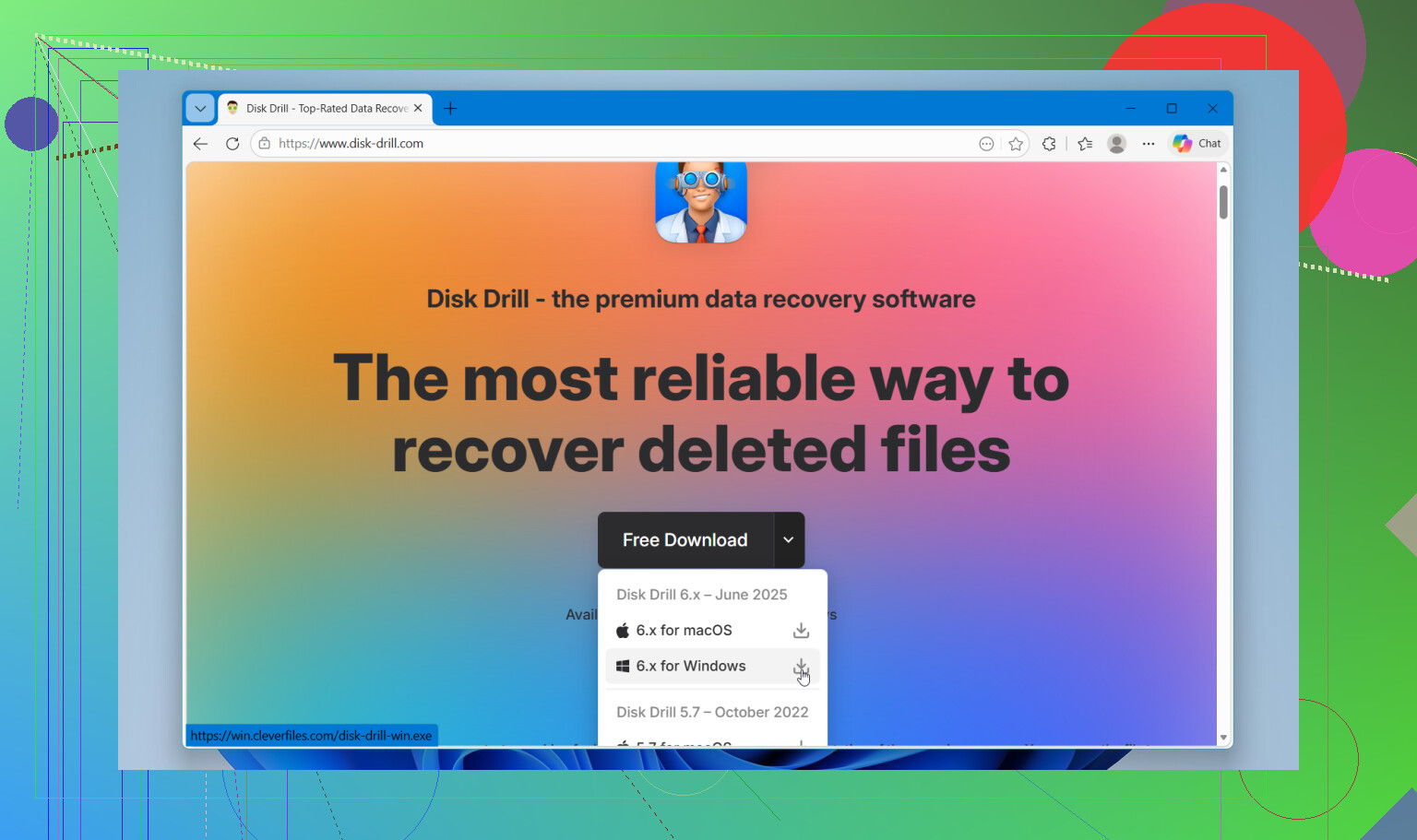
For software, Disk Drill is a solid choice because it’s easy to sort found JPG, RAW, MP4, MOV, etc., and it does a better job than a lot of generic stuff when an SD card was formatted. I slightly disagree with the idea that preview alone proves recovery is fine. Photos, yes mostly. Video, not always. A clip can preview and still glitch halfway.
If you want extra reading, look for a beginner-friendly roundup of the best data recovery software for photos, videos, and SD cards. Also this video is decent: watch how SD card data recovery tools actually work
Main thing is don’t “test” the card. That’s how people turn recoverable into oops, nevermind.