My iPhone says my storage is full, but when I check the settings, I can’t figure out what’s taking up all the space. I’ve deleted apps, photos, and messages, but it still shows almost no free storage. I need help finding hidden iPhone storage usage and clearing space so my phone works normally again.
The “iPhone Storage Full” popup wrecked my week when it hit my iPhone 13. The phone slowed down first. Then apps started hanging. The camera took forever to open. A couple times it rebooted on its own, which felt bad enough to make me think the phone was dying. It wasn’t. I had filled the storage so hard iOS had no room left for temp files and routine background stuff.
If you want to know what to delete first, start with the big forgotten junk, not the tiny apps you use every day. On mine, the main offenders were long 4K clips, message attachments I never looked at again, and cached data sitting out of sight. Check it here:
Settings > General > iPhone Storage
Give it a minute. The graph loads slow on a packed phone. Once it shows up, you’ll see what is eating space, Photos, Apps, or the vague mess called “System Data.”
A lot of people get tripped up by iCloud. I did too. Paying for iCloud storage does not mean your iPhone gets extra local room by default. If your phone still says storage is full, open:
Settings > Photos
Then make sure “Optimize iPhone Storage” is on. Without it, the phone tends to keep full copies on the device. With it on, iOS keeps smaller versions locally and leaves the full-res files in iCloud.
I tried the manual cleanup route first. Bad idea for me. I spent way too long in Recently Deleted, and yes, you need to check there because deleted photos sit around for 30 days and still count. I also sorted through duplicates and blurry shots by hand. Miserable job. Took forever. Missed stuff too.
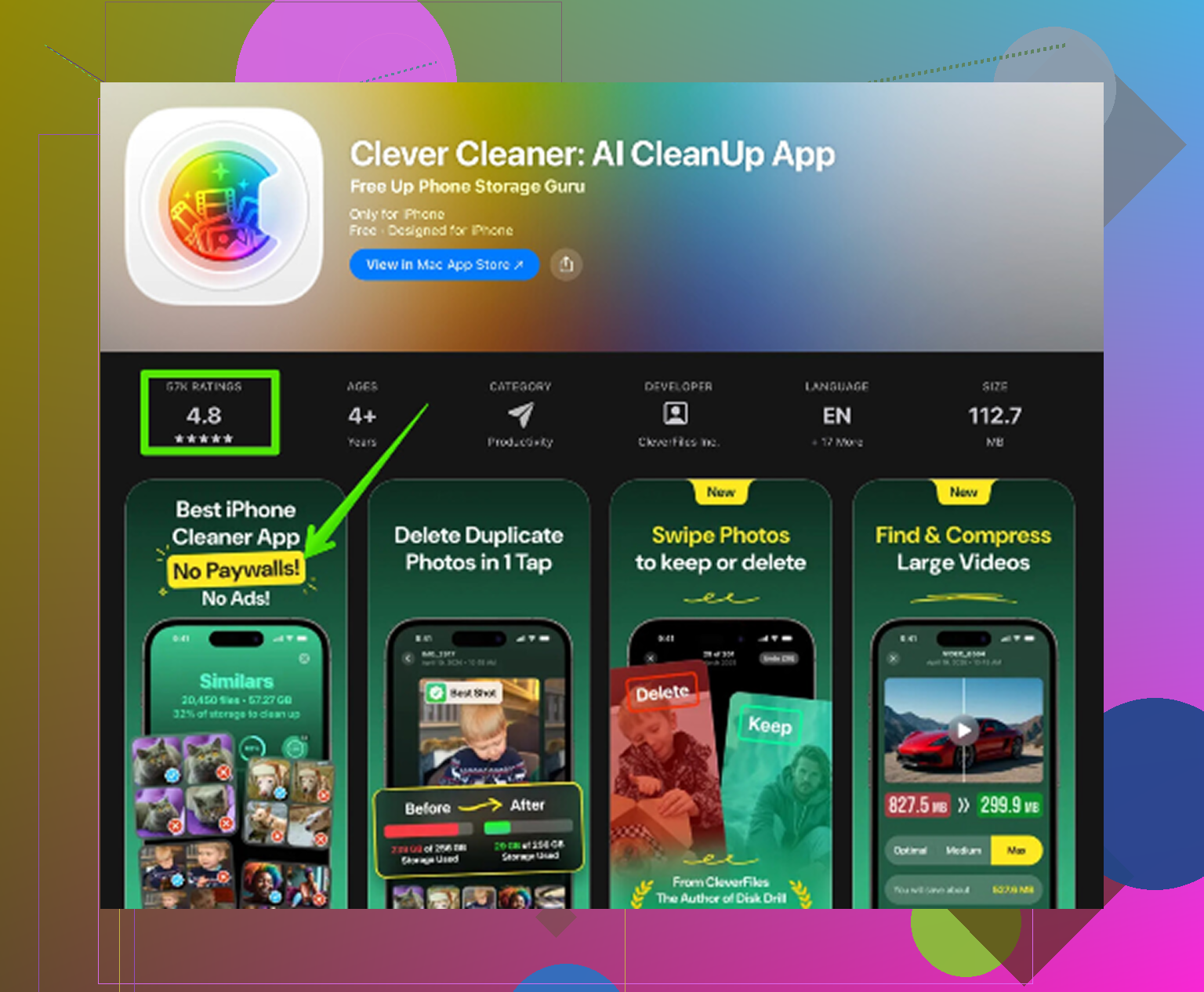
What fixed it for me was a cleanup app. I usually avoid those because most of them feel scammy, full of paywalls and nag screens. The one I ended up using was Clever Cleaner. Out of the ones I tested, this was the only free one I stuck with because I didn’t hit hidden fees, ads every few taps, or a trial trap.
The layout helped more than I expected. It groups large files in one place, so I could spot old videos chewing through 2GB without hunting folder by folder. There’s also a similar-photos section, and this saved me from scrolling through those bursts where I took eight near-identical shots trying to get one decent pic. It also showed file sizes for screenshots, which was embarrasing. I had a pile of junk screenshots, memes, QR codes, random receipts, all dead weight. One thing I liked, it handles the scan on the device, so your private photos aren’t being sent off somewhere random.
After I cleared around 12GB, the lag stopped. The phone felt normal again. Not magic. It was storage.
If you clean up and space is still tight, check these spots too.
Messages
Go to Settings > General > iPhone Storage > Messages. Look at Large Attachments. Old videos, GIFs, voice notes, they stack up quietly.
Safari
Open Settings > Safari > Clear History and Website Data. This won’t give you massive gains every time, though I got back a few hundred MB from cached junk and site data.
Music and Podcasts
If you save albums, playlists, or episodes for offline use, those downloads pile up fast. Open each app and inspect its Downloads section.
One last thing, don’t forget Recently Deleted in Photos at the end. If you skip that step, the space won’t come back right away, and you’ll think the cleanup didn’t work. On my phone, the first deep pass took maybe 15 minutes once I stopped trying to do it all manually. That was the point where things quit freezing and the phone stopped acting weird.
7 Likes
What usually hides the space is stuff iOS does a bad job labeling. I’d look at 4 things people miss.
1. Mail app data. If you use Apple Mail with big attachments, cached mail piles up. Sometimes gigs. Remove and re-add the mail account.
2. Files app. Open Files, then On My iPhone, Downloads, and recently saved folders. Video edits and ZIP files sit there forever.
3. Voice Memos, GarageBand, iMovie, CapCut, Netflix, Spotify, YouTube. These apps store offline media and project files outside the obvious spots.
4. Failed iOS update files. Go to Settings > General > iPhone Storage and see if an iOS update is sitting there.
I kind of disagree with @mikeappsreviewer on one point. Safari cache is rarely the big villian. Worth clearing, sure, but it usually won’t explain 20GB missing.
If “System Data” stays huge, do this. Restart. Sync to Finder or iTunes. Then make an encrypted backup. Erase iPhone. Restore backup. Annoying, yep. Effective too. I’ve seen 15GB come back after a restore when storage reporting got stuck.
If you want a faster scan, Clever Cleaner is decent for surfacing hidden media clutter. Also, this roundup on best AI cleaner apps for iPhone and real-world test results is worth a look.
Also check Recently Deleted in Files, not only Photos. People miss thta one a lot.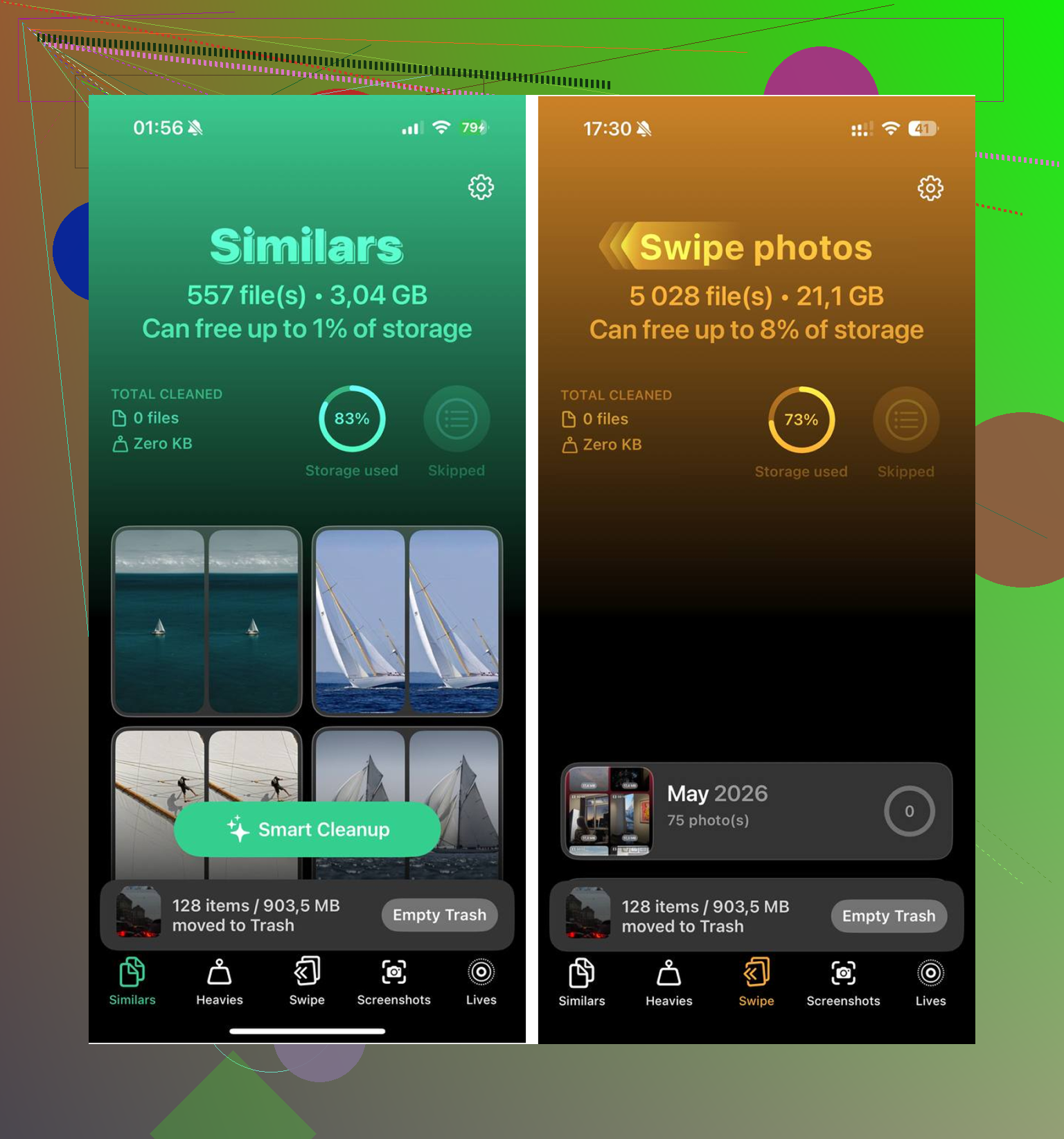
What I’d check next is the stuff iPhone storage stats are bad at explaining, not the obvious Photos/Apps bucket that @mikeappsreviewer and @espritlibre already covered.
Big one: synced media from a computer. If you ever copied movies, shows, music, or old voice memos through Finder/iTunes, that storage can sit there kinda invisibly unless you look in the specific app. Same with WhatsApp and Telegram. Their media libraries can get absurd, and deleting chats inside Messages won’t touch that. Open those apps and look at their own storage managers.
Also, “free space” on iPhone is not always really free right away. iOS can hold purgeable space, indexing data, and photo-processing temp files for a while. So you delete 5GB and the phone acts like you deleted nothing. Annoying, but normal-ish. Plug it in, get on Wi-Fi, leave it locked for a bit, then recheck. I’ve seen storage numbers fix themself overnight.
One thing I sorta disagree on with the usual advice: deleting random small apps is a waste of time unless the app itself stores huge data. Instagram, TikTok, and editing apps are worse than a bunch of tiny utilties.
Try this:
- force restart
- check app-specific downloads
- look for synced media
- leave phone charging on Wi-Fi for a few hours
- then recheck storage graph
If you want a quicker visual scan for duplicate pics, large videos, screenshots, etc, Clever Cleaner is actually useful for surfacing the junk fast without a ton of digging.
And if you want a visual walkthrough, see the step-by-step iPhone storage cleanup guide.
If the number still makes zero sense after that, backup and restore is probly the real fix. That usually means the storage index is just busted.