I’m considering Mountain Duck for daily file access across cloud and remote servers, but I’m not sure how well it holds up in real-world use. I’ve run into mixed feedback about speed, reliability, and how seamless it feels in Finder or File Explorer, so I need help from people who use Mountain Duck every day.
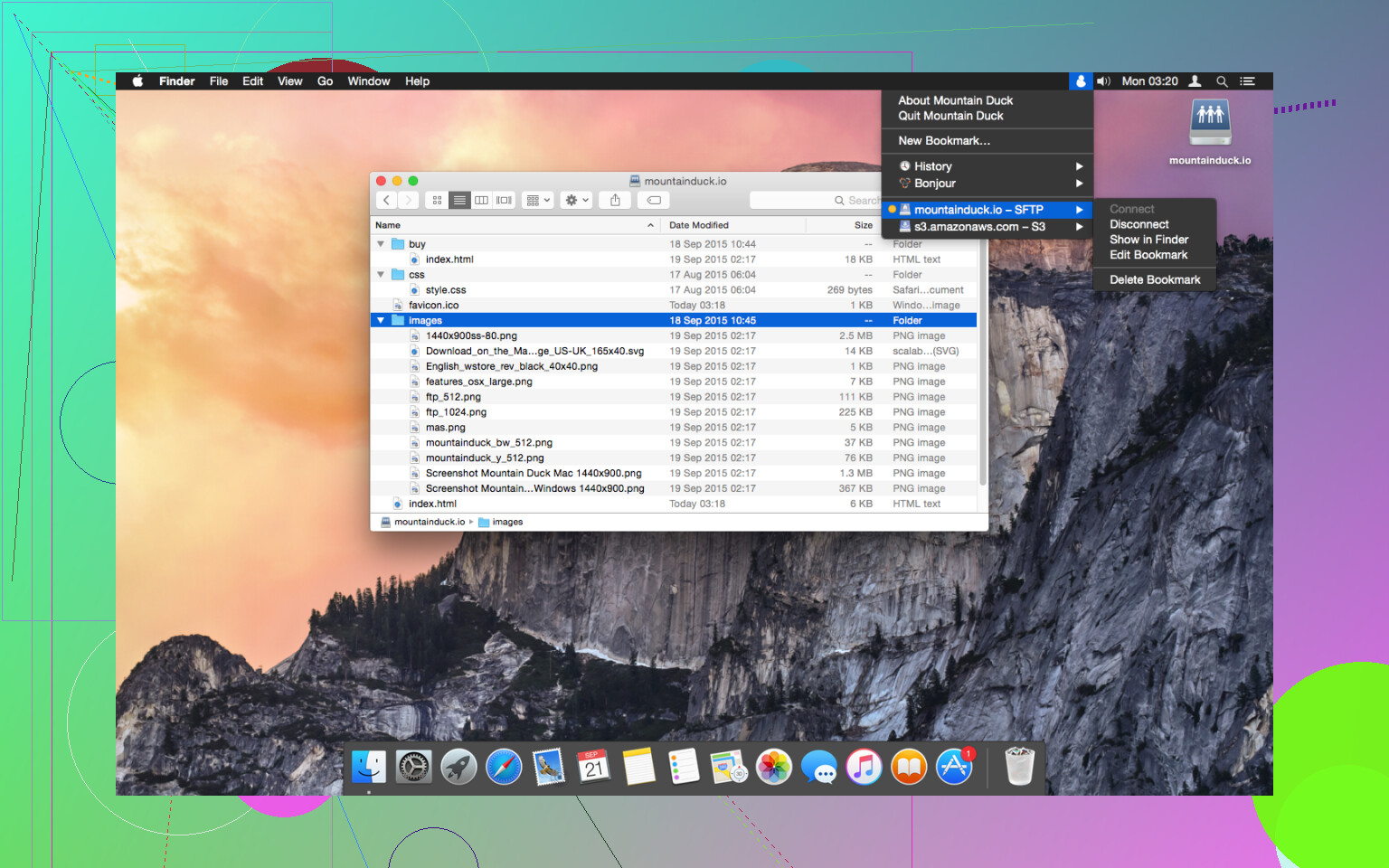
Mountain Duck lets you mount server and cloud storage as a disk in Finder on macOS and the File Explorer on Windows. It allows users to view all files on remote storage regardless of whether they are currently synced to the computer. Files are synchronized to the local disk when opened to allow for offline usage, and users can select specific files and folders to always keep offline. Other files are downloaded and cached on demand only, ensuring they do not take up space on the local disk otherwise.
The Core Strengths of Mountain Duck
The functionality of Mountain Duck is built on its ability to consolidate various storage types into a single interface. It covers a broad spectrum of protocols, making it a versatile tool for those managing diverse digital environments.
- Broad Protocol Support: The tool supports an extensive list of protocols and services, including SMB, FTP, WebDAV, Amazon S3, Microsoft Azure, Google Drive, Dropbox, and OneDrive. This wide-ranging compatibility makes it a central hub for users who spread their data across multiple providers.
- Smart Synchronization: One of the most practical features is the smart synchronization system. Files remain on the remote server to save local disk space, only downloading to a local cache when they are opened for editing. Once the work is finished, the changes are synced back to the source.
- Full Finder and File Explorer Integration: By embedding itself into the system, Mountain Duck allows users to use standard features like Quick Look or context menu actions on remote files. This reduces the learning curve, as the interaction remains consistent with how local files are handled.
- Active Maintenance: The software receives frequent updates to maintain compatibility with the latest operating system versions and to address security vulnerabilities within the supported protocols. This consistent maintenance provides a level of reliability for long-term use.
- Consolidation of Services: For those juggling several cloud accounts and server connections, the ability to mount them all as separate drives simplifies the process of moving data between different services without needing multiple specialized apps.
Performance Limitations and Drawbacks
Despite the convenience of local mounting, Mountain Duck isn’t without its frustrations. The most significant issue reported by users involves performance, particularly when navigating directories containing a large number of files and folders. Because the software must constantly query the remote server to display the current file list in Finder or File Explorer, the interface can become sluggish or unresponsive.
In environments with complex folder structures, the time it takes for the system to index and display content can lead to significant delays. This latency is often more noticeable than it would be in a traditional file transfer client, as the operating system’s file manager expects near-instantaneous feedback. When the connection speed is low, or when the remote server has a slow response time, the user experience can suffer from frequent delays.
Additionally, the application can be resource-intensive. Maintaining multiple active connections and managing the local cache requires a fair amount of system memory and CPU power, which may impact the performance of other applications on older hardware.
An Alternative Solution: CloudMounter
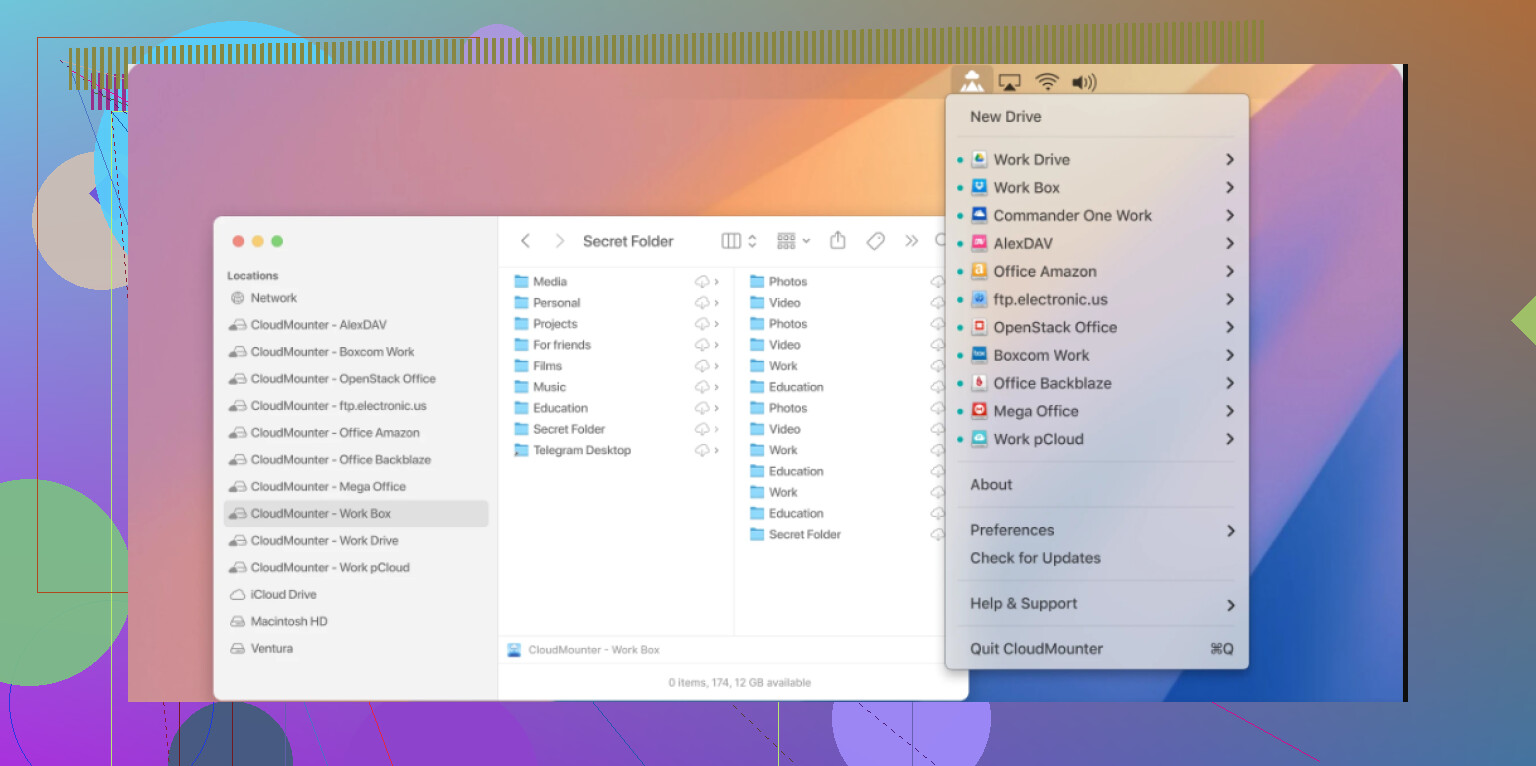
If you find the performance issues or resource usage to be a dealbreaker, CloudMounter is a solid alternative. It is the closest alternative for GUI-based Finder integration. It supports popular cloud services and remote servers, offering strong encryption while aiming for a more streamlined experience.
CloudMounter functions on a similar premise, mounting cloud storage as local disks, but it focuses on providing a lightweight alternative that often handles large file collections with more stability. It bridges the gap between local and remote storage with a focus on security and ease of use.
The benefits of CloudMounter include:
- It covers the most common platforms, including Amazon S3, Dropbox, Microsoft OneDrive, Google Drive, and MEGA.
- Users can authenticate their cloud accounts and immediately access files from Finder without complex configuration.
- A notable feature is the ability to encrypt sensitive files before they are uploaded.
- It includes functionality for working without an active internet connection, automatically syncing changes once reconnected.
While Mountain Duck remains a versatile tool for those who need to connect to a wide variety of server protocols, CloudMounter offers a focused and often smoother experience for users who primarily rely on major cloud providers. Both tools provide an alternative to manual file management, and the choice between them often depends on whether one prioritizes protocol variety or interface performance.
12 Likes
I’d call Mountain Duck practical, but only for a specific kind of daily use.
If your day looks like this, open a file, edit it, save it, move on, it works fine. If your day looks like this, browse giant folders, jump across deep server trees, preview lots of media, it starts to feel slow. That lag is the main issue, not feature gaps.
I disagree a bit with @mikeappsreviewer on one point. I do not think Mountain Duck is too heavy for everyone. On a newer Mac or PC with solid internet, it feels acceptable. The pain shows up more from remote latency than from the app itself. Bad WebDAV or S3 endpoints make it feel worse fast.
What matters in real use:
- Small to medium file sets, good fit.
- Huge directories, rough.
- Office docs, PDFs, code, decent.
- Large photo or video libraries, not my first pick.
- Mixed protocols, strong point.
- “Feels like a local drive” experience, close, but not perfect.
Reliability was okay for me. Not flawless. I saw the occasional remount issue after sleep. Annoying, not a dealbreaker. Cache behavior helped, but you need enough disk space or things get messy.
If your storage is spread across cloud services and remote servers, Mountain Duck makes sense. If you want smoother everyday browsing on mainstream cloud accounts, CloudMounter feels easier and a bit less fiddly. Fewer headaches, imo.
So yes, practical for everyday use, if your workflow is file access first, not heavy folder browsing. If speed is your top concern, test before you committ.
I’d say Mountain Duck is practical, but only if you treat it like a mounted gateway, not a true local drive. That distinction matters more than the marketing does.
I mostly agree with @mikeappsreviewer and @jeff on the latency stuff, but I think people sometimes blame Mountain Duck for problems caused by the remote endpoint. Slow S3-compatible storage, flaky WebDAV, sleepy NAS boxes, bad office VPN, all of that makes the app look worse than it is. On a solid connection, it’s pretty usable day to day.
Where I think it works well:
- opening docs, spreadsheets, PDFs, code files
- occasional drag-and-drop transfers
- keeping lots of storage accounts accessible in one place
- working across mixed environments without syncing everythng locally
Where I think it gets annoying:
- giant folders with thousands of files
- lots of thumbnails/previews
- media-heavy workflows
- systems that sleep/wake a lot and don’t remount cleanly
The “seamless” part is like… 80% there. It feels integrated, but not invisible. You will notice cache behavior, refresh delays, and the occasional weirdness. Not a dealbreaker, just not magic.
If your main need is broad protocol support, Mountain Duck is honestly one of the better options. If your daily use is more mainstream cloud storage and you want less fiddling, CloudMounter may feel smoother for everyday browsing. That’s probly the simpler choice for a lot of people.
So yeah, practical for everyday use? Yes. Perfect daily driver? Depends a lot on your workflow and patience level.
Practical? Yes, with a catch: Mountain Duck is best when you treat it like a smart bridge to remote storage, not your primary high-speed workspace.
I’m a little less negative than @jeff and @codecrafter on the everyday part. For docs, project files, web assets, and light server work, it’s totally fine. Where I think @mikeappsreviewer is right is that the illusion breaks once you start doing lots of browsing instead of actual file work. Finder and Explorer make every delay feel bigger.
My take:
- Great for: remote edits, mixed cloud/server access, occasional offline pinning
- Weak for: huge directories, thumbnail-heavy folders, constant media scrubbing
The real decider is your workflow tolerance. If a 1 to 3 second pause while folders populate annoys you, you’ll notice it every day. If you mostly open known files and save back, it’s pretty practical.
I’d also factor in sleep/wake behavior more than people usually do. That’s where these mount tools often get flaky in real life.
If you want an alternative, CloudMounter is worth a look.
CloudMounter pros:
- simpler setup
- smoother with mainstream cloud accounts
- lighter feel for casual daily browsing
- built-in encryption is useful
CloudMounter cons:
- less appealing if you rely on niche protocols or unusual server setups
- can feel a bit more limited for power users
- not always the best fit for highly mixed enterprise environments
So: Mountain Duck for flexibility, CloudMounter for convenience. Everyday use? Yes, but only if “everyday” means access and edits, not hammering giant remote folders all day.