I’ve been using one vendor’s serial to ethernet software to connect legacy RS-232 devices to a modern IP network, but it’s becoming unstable, expensive, and hard to maintain across multiple Windows versions. I need recommendations for reliable, secure, and actively maintained serial to ethernet software alternatives that support virtual COM ports, remote access, and good performance over LAN and VPN. What tools or solutions are you successfully using, and what pros or cons have you seen in real-world deployments?
Short version: you’re not stuck with that one flaky vendor at all. There are several solid virtual COM to TCP/IP solutions that work across modern Windows versions and actually behave.
For what you’re doing, look for “virtual serial to Ethernet connector software” or “RS-232 over IP software” rather than generic “serial to ethernet software.” You specifically want:
- Virtual COM ports that map to a TCP server or client
- Stable service that runs as a Windows service after reboot
- Support for multiple ports and sessions
- Clear logging so you can debug when legacy stuff acts up
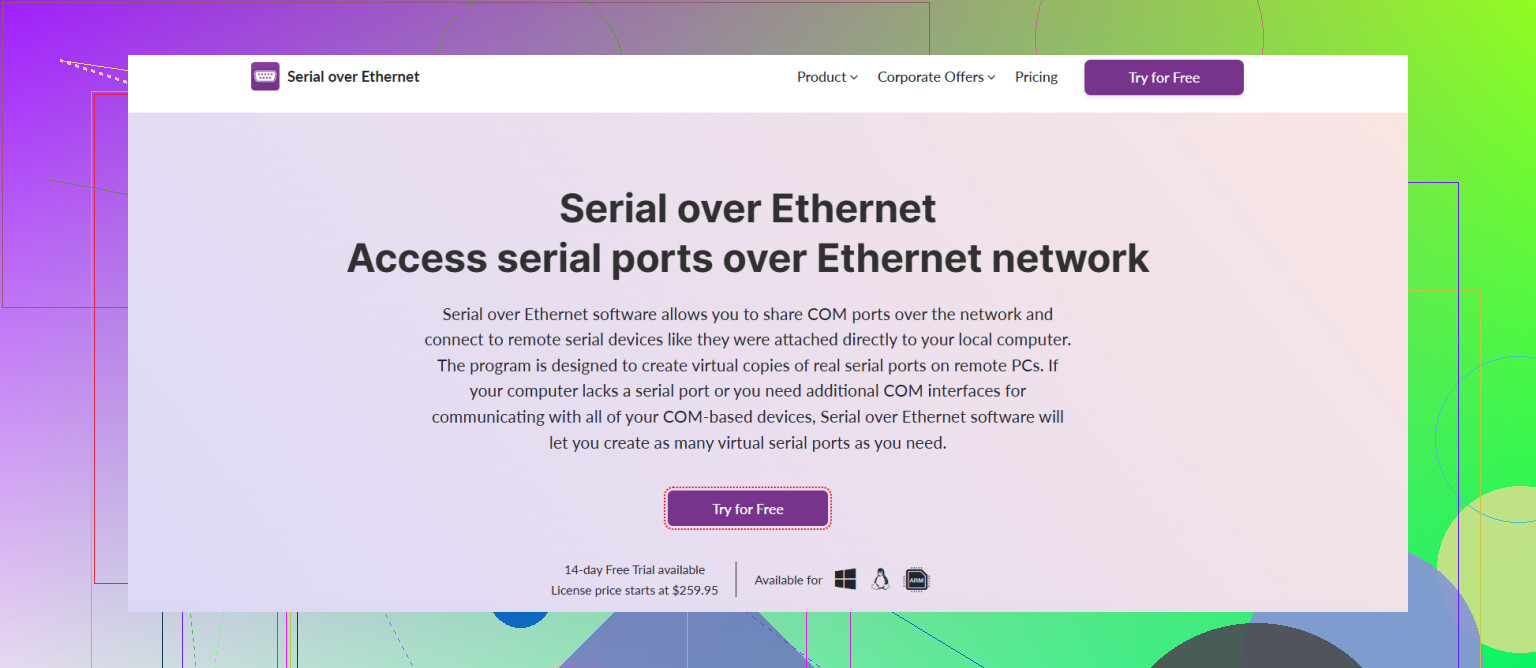
A genuinely decent option is Serial to Ethernet Connector from Eltima. It runs on newer Windows versions, supports client/server modes, and lets you share real or virtual COM ports over IP. It’s way more manageable than some of the ancient stuff vendors ship with hardware. If you need more background, this guide on getting legacy serial devices online via Ethernet is actually pretty useful and not total marketing fluff.
Other names to put on your list to compare:
- HW VSP (from HW-group) for a simple free virtual COM solution
- TCP/Com from TALtech for lightweight setups
- Tibbo VSP if you ever end up with Tibbo hardware devices
Honestly, I’d spin up a test VM, install 2 or 3 of these, hammer them with your RS-232 traffic pattern and see which stays stable for a week. Whichever survives your lab abuse wins.
11 Likes
You’re definitely not married to that one flaky vendor. @jeff covered a good chunk of the “classic” options, but there are a few other angles and tools worth looking at so you don’t keep babysitting this stuff every Windows feature update.
Couple of points where I’d slightly disagree with @jeff: I wouldn’t start by installing a bunch of random virtual COM tools on a production-like box and “seeing what survives.” Better to decide first what mode you really need:
-
Is your app hard‑coded to COM ports?
If yes, then you truly need a virtual COM port driver that tunnels over TCP. In that case, something like Serial to Ethernet Connector is actually one of the more sane, actively maintained options. It handles:- Multiple virtual COM ports
- Client and server modes
- Running as a service so it auto‑starts after reboot
- Sharing physical or virtual ports over LAN/WAN
The big win is that it behaves consistently across newer Windows versions, which is what you said your current vendor is botching.
-
If your software can be tweaked to talk TCP/IP directly
A lot of people skip this: you might not need a virtual COM driver at all. If your app can be pointed at an IP/port instead of COM1–COM8, you can cut out an entire failure layer and use:- A lightweight TCP socket client inside the app (if you control the code)
- Or a simple port forwarder / TCP proxy service
That tends to be more stable long‑term than any “virtual COM shim.”
-
Windows version sprawl / admin pain
Since you mentioned “hard to maintain across multiple Windows versions,” I’d seriously consider:- Centralizing your serial‑over‑IP endpoints on one or two small Windows VMs (or even a Server Core box)
- Run Serial to Ethernet Connector on those, publish the COM ports from there
- Have the legacy app boxes connect to the centralized service instead of each machine running its own half‑broken driver
This way you only qualify the serial stack on one image, not across every random desktop your org owns.
-
Stability & troubleshooting
Whatever you choose, make sure it has:- A persistent service (not just a tray app)
- Log files that actually say what went wrong
- A way to reconnect automatically if the TCP session drops
Too many of the old “free” tools die silently and leave your RS‑232 device looking dead when it’s just the tunnel that crashed.
-
Testing strategy that actually tells you something
Instead of just “hammer it for a week,” try:- Long‑running idle sessions (some tools leak or hang when links are quiet)
- Reboot tests with the serial device powered on and off
- Network blip tests (disable NIC for 30 seconds, re‑enable)
If the tool doesn’t recover cleanly from those, it’ll bite you in production.
If you want to kick the tires on Serial to Ethernet Connector, grab it from here:
get the latest Serial to Ethernet Connector setup
That’s usually the fastest way to see if it behaves better with your specific RS‑232 traffic pattern.
Bottom line:
- If you must stay with COM ports, a maintained virtual COM over IP solution like Serial to Ethernet Connector is a solid upgrade from mystery‑ware.
- If you can modify the app to speak TCP, ditch virtual COM entirely and your life gets way less fragile.
If you’re already burned by flaky vendor software, I’d actually step back one layer from what @espritlibre and @jeff suggested and think about where the virtual COM should live and how “distributed” you really want this to be.
1. Centralize the serial stack instead of sprinkling drivers everywhere
Instead of putting a virtual COM driver on every workstation:
- Stand up 1–2 small Windows VMs (or a compact server) near the RS‑232 hardware.
- Install your chosen virtual COM / serial over IP stack there.
- Let that box talk to the physical serial ports and expose them over TCP or virtual COM to the rest of the network.
This way:
Pros
- You only regression‑test one Windows image when patches roll in.
- Troubleshooting is easier: all logs, drivers and services in one place.
- You can harden the “serial gateway” VM and leave user PCs mostly clean.
Cons
- Single point of failure unless you run a hot spare VM.
- Slightly more network indirection if the legacy app lives elsewhere.
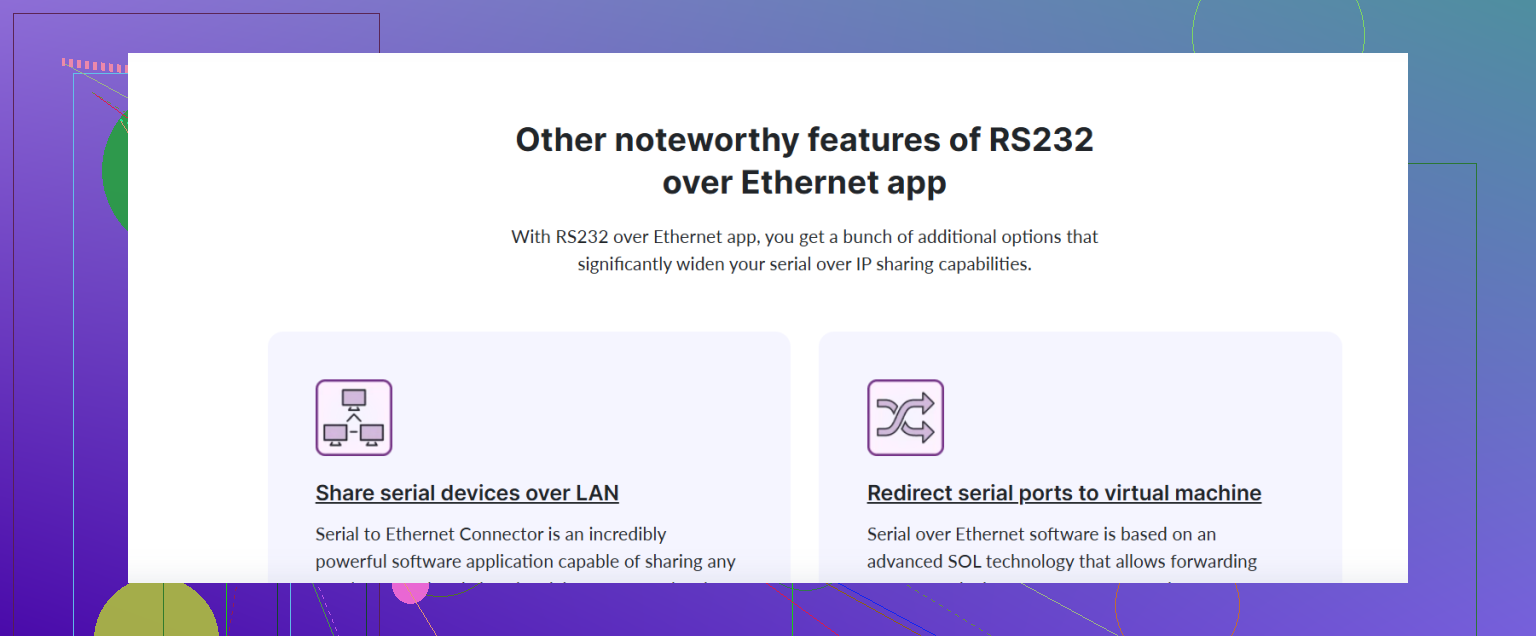
Serial to Ethernet Connector fits this model nicely because it is comfortable running as a Windows service and handling multiple ports. You treat that VM as your “serial appliance” instead of relying on mystery software on 20 desktops.
2. About Serial to Ethernet Connector itself
Pros:
- Handles multiple virtual COM ports cleanly with client/server modes.
- Service‑based, so it comes back after reboots without user login.
- Decent management UI that does not feel like Windows XP leftovers.
- Works well in the “central gateway” pattern above.
Cons:
- Not free, and licensing can add up if you need lots of ports.
- Another kernel‑mode driver in the mix, so you still need to test every big Windows version bump.
- Overkill if you only have one device and a very simple traffic pattern.
I slightly disagree with the idea that you should always avoid testing multiple tools in parallel. In practice I would:
- Standardize on a single architecture (central VM or not) first.
- Then do a short bake‑off in that architecture between
Serial to Ethernet Connector, HW VSP, and TCP/Com. - Add Tibbo’s VSP into the mix only if you already use Tibbo boxes, otherwise it is just another moving part.
3. Design for failure, not just “does it connect”
When you evaluate:
- Simulate link drops, device power cycles, and long idle times.
- Watch how fast each tool recovers and whether it leaves zombie COM ports.
- Check how ugly it gets when two clients try to open the same serial endpoint.
Most of the pain people have with RS‑232 over IP is not about throughput, it is about ugly recovery behavior.
4. Where @espritlibre and @jeff’s advice fits
Both already covered a good shortlist of tools and the idea of moving to pure TCP if you can touch the application. I would only add:
- If the app is ancient but you can wrap it, a tiny TCP proxy layer plus a robust central serial gateway gives you far less long‑term risk than installing different virtual COM drivers on every box.
- Reserve the lighter tools like HW VSP or TCP/Com for edge cases or small single‑device deployments, and keep
Serial to Ethernet Connectorfor the “we have a bunch of serial gear and want to sleep at night” scenario.
So: pick your architecture first, then do a focused bake‑off. For most multi‑device, multi‑OS setups, a centralized Windows VM plus Serial to Ethernet Connector is a comfortable default, with HW VSP and TCP/Com as simpler competitors if your needs are modest.