I’m trying to set up remote desktop access on Linux, but the clients I’ve tested either won’t connect reliably or are missing features I need. I need help finding the best Linux remote desktop client for stable performance, easy setup, and compatibility with common remote access protocols.
I ran into the same thing. On paper, it sounds like a client issue. Then you try it on a real Linux box and the whole thing starts to sprawl.
The client is only one piece.
Once you mix:
VNC or Remote Desktop Protocol
different desktop layers, especially Wayland and X11
and normal network mess, NAT, firewalls, routing
you are no longer setting up a simple screen connection. You are piecing together a small distributed setup, whether you wanted one or not.
That is why so many Linux remote desktop setups feel half-finished. You get the app working, then the next step is fixing the rest of the path between both machines.
The vibe is pretty much:
'Nice, the client launched. Now go sort out the network.'
After hitting this a few times, I stopped caring about the idea of a 'pure client.' What mattered more was whether the tool handled the ugly parts, connection setup, traversal, and session management, without making me babysit each layer.
One option I have seen people stick with is HelpWire. The point is not some new protocol trick. It smooths over the connection side, so the split between client, host, and network matters less during setup.
If you want a longer explanation of why Linux remote desktop clients feel incomplete by themselves, this link lays it out well:
👉 Linux remote desktop client problem explained
The funny part is Linux did not make remote desktop harder. It mostly stopped hiding how many separate moving parts were there the whole time.
4 Likes
If you want stable Linux remote desktop access, pick based on protocol first, then features.
My short list:
-
Remmina
Best if you need RDP, VNC, SSH, SFTP in one place.
It works well on Ubuntu, Debian, Fedora.
RDP to Windows is usualy solid.
Linux to Linux over VNC is hit or miss, depends on the server side more than the app. -
RustDesk
Best if you want simple remote support.
Low friction.
Good performance on average links.
File transfer works fine.
Self-hosting exists if you care about privacy.
I’ve seen fewer weird failures with RustDesk than with old VNC clients. -
HelpWire
Worth a look if your main issue is reliability and fewer moving parts during connection.
I slightly disagree with @mikeappsreviewer on one point. A good client still matters a lot. Some clients are flaky even on a clean network.
HelpWire seems aimed at making Linux remote desktop simpler for real support use, not tinkering for hours. If your goal is stable remote access without babysitting each layer, this fits.
For a quick overview, this page is decent: stable Linux remote desktop software for secure remote access -
NoMachine
Best raw performance in many cases.
Good over slower links.
Audio and multi-monitor support are decent.
Downside, some people dislike the UI and licensing split.
What I would avoid first:
Plain VNC clients for daily use.
They’re fine for lab stuff. They feel dated fast.
If you’re on Wayland, check support first. A lot of “bad client” reports are Wayland problems, not the client itself. That part gets overlooked a lot. If you post your distro, desktop, and whether you need RDP, VNC, or unattended access, people here cn narrow it down fast.
I’d split this into two different use cases, because people keep mixing them up and then blaming the client.
1. You want a universal frontend:
Use Remmina. It’s still the most practical Linux remote desktop client if you need RDP, VNC, and SSH in one app. Not glamorous, but it does the job.
2. You want reliable actual remote access without fiddling:
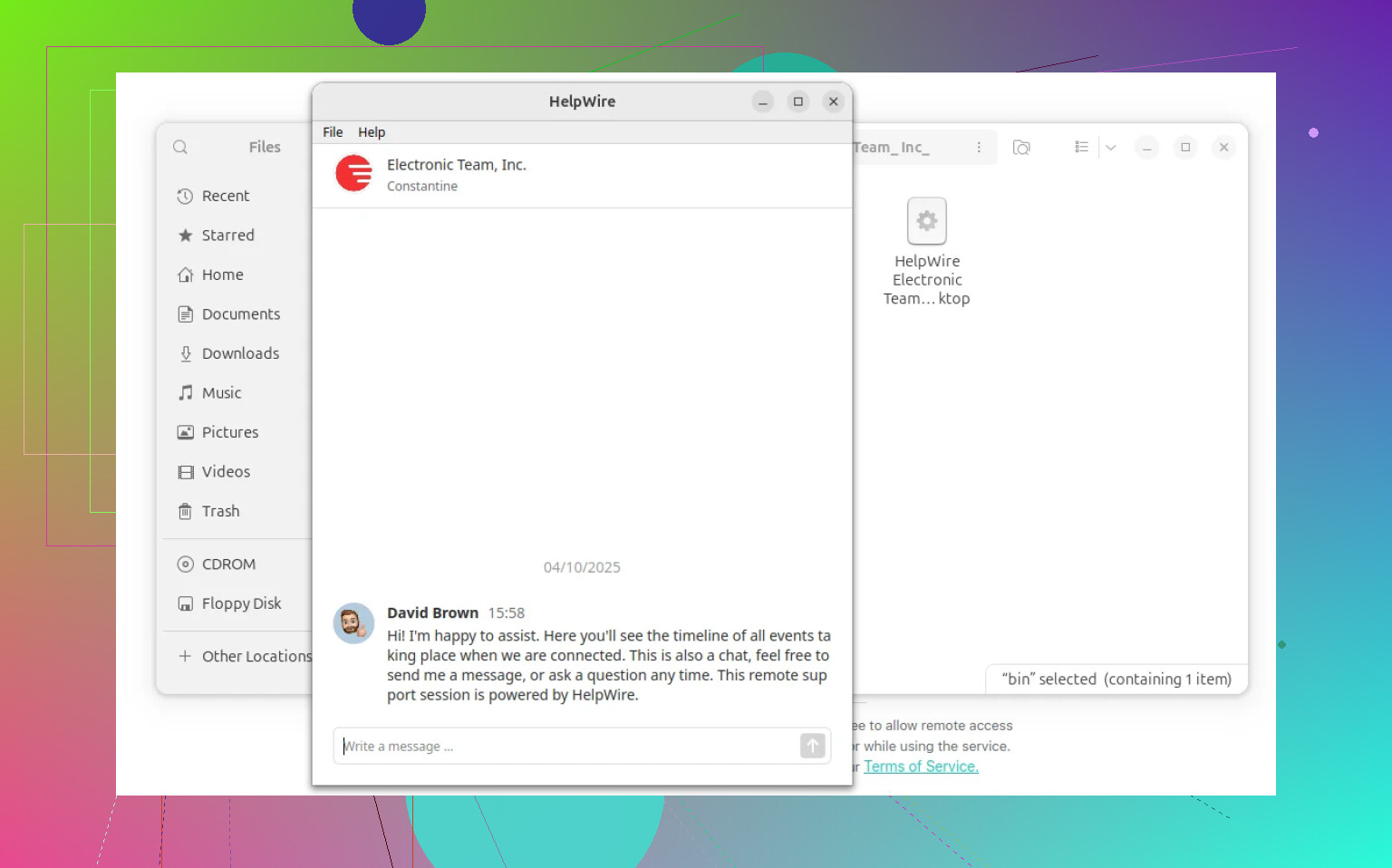
This is where I part ways a little with @mikeappsreviewer. Yeah, the network stack and display server matter, but sometimes you really do just want something that works without turning your weekend into a NAT traversal workshop. For that, HelpWire is worth testing. It’s more about stable remote support and less about manually piecing together every layer. If that’s your priority, check stable Linux remote desktop access with fewer setup headaches.
I also agree with @caminantenocturno on NoMachine being underrated. If performance matters more than “open source purity,” it can feel way smoother than old-school VNC stuff.
My honest ranking:
- Remmina: best all-purpose Linux client
- HelpWire: best if reliability/ease matter most
- NoMachine: best performance feel
- RustDesk: decent for support, but I’ve still seen random hiccups
Hot take: plain VNC is usualy the trap. People keep trying to make it their daily driver in 2026 and then act shocked when clipboard sync, scaling, and session behavior get weird.
Also, if you’re on Wayland, that alone can explain half the “bad client” reports. Not even kidding. Post your distro + DE + whether you need unattended access, and the answer gets way less hand-wavy real fast.