I’m trying to find the best managed WordPress hosting for my small business after my current host caused slow load times and a few outages that hurt my site traffic and customer inquiries. I need help comparing reliable options with good speed, support, security, and pricing so I can move my website before more business is affected.
Managed WordPress hosting, from someone who had to learn it the annoying way
I run a few small business WordPress sites, and I kept hitting the same question: what are people talking about when they say ‘managed WordPress hosting’?
For me, it meant I stopped doing the boring rescue work every week. The host handled the routine stuff, so I wasn’t sitting there checking plugin updates, worrying about security patches, or trying to squeeze speed out of a slow setup at 11 p.m. If you’re paying for managed hosting, you’re paying for less babysitting.
What I usually expect from it:
- automatic WordPress core updates
- plugin updates, or at least tools to manage them safely
- daily backups
- built-in caching on the server side
- support people who know WordPress and don’t read from a script
A lot of small business owners hear ‘hosting’ and think disk space. I stopped looking at it like that a while ago. The money goes toward fewer messes.
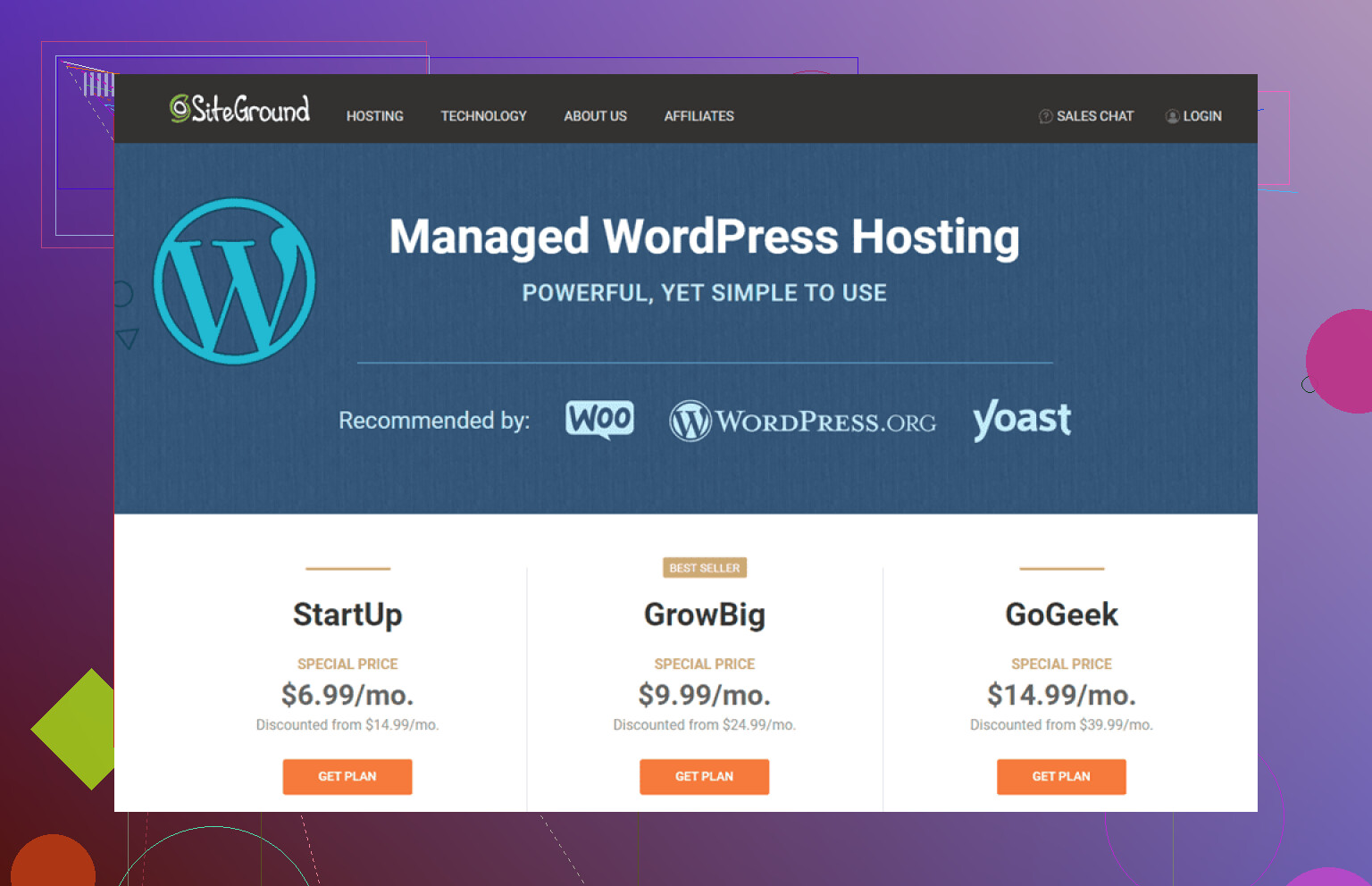
From what I’ve seen, SiteGround, Kinsta, and WP Engine come up over and over for small business use. Not because they’re magic. Mostly because they tend to hit the middle ground between support, uptime, and price without turning every issue into a three-day ticket.
What managed hosts usually cover on security
Most of them do a decent chunk of security work for you, but I still think you should know what you’re getting.
- SSL is standard now, usually through HTTPS. On most decent hosts, this is set up without much fuss, often through Let’s Encrypt.
- Firewall rules and malware scans often run at the server level, so some bad traffic gets blocked before WordPress even deals with it.
- Auto updates lower the odds of running old plugins or themes with known holes.
- Daily backups matter more than people think. One broken plugin update and you’ll care real fast.
- Login protection is often included, like 2FA or brute-force login blocking.
If you’re running a business site, backups and login protection are the two things I’d check first. I learned this after one bad plugin update and one ugly login attack log. Not fun.
Yep, FTP still matters
Even with managed hosting, FTP doesn’t disappear. Usually it’s SFTP, not old plain FTP, which is good because the connection is encrypted.
You’ll still use it for things like:
- uploading files by hand
- fixing a broken theme
- removing a plugin when wp-admin won’t load
- checking folders when something looks off
It’s one of those tools you ignore until your site falls over. Then suddenly it’s the only door left open.
FTP clients I’ve used, with the annoying bits included
FileZilla
FileZilla is where a lot of people start. Free, works on most setups, easy enough to get running.
For small jobs, I had no issue with it. Upload a few files, tweak something, done. Where I started getting irritated was large transfers or a pile of files in one go. It got slow. Not unusable, but slow enough to notice and mutter at the screen a bit.
Commander One
If you’re on a Mac, Commander One felt better to me than the bare-bones FTP tools. It costs money, but I found the file manager style easier to live with.
The archive support helped more than I expected. I could compress files before sending them up, which saved time on bigger uploads. It feels less like a single-purpose utility and more like something you’d keep open all day.
Cyberduck
Cyberduck gets recommended a lot because it’s free and open-source. Fair enough. It also plays nicely with cloud storage, which some people need.
My problem with it was small weird behavior. Renaming a file, moving a file, simple stuff. Not every time. Enough times. That kind of inconsistency bugs me more than one obvious failure, becuase then you stop trusting it.
CloudMounter
CloudMounter is easier on people who don’t want to think in FTP terms. You mount the server like a normal drive in Finder or File Explorer, and it feels familiar right away.
I’ve pointed less technical users toward it for that reason. You open it and it makes sense fast. It works on Mac and Windows. It doesn’t feel built for deep admin work, though. For plain access, uploads, quick checks, it does the job.
What I’d tell a small business owner
Managed WordPress hosting takes a lot of routine maintenance off your plate. That’s the main point. You still want to know the basics, though:
- where backups are
- what security features are active
- how to reach the site with SFTP if the dashboard breaks
- who answers support tickets, and how fast
If you know those four things, you’re in much better shape when something goes sideways. And on WordPress, something always does eventually.
3 Likes
I’d split this into 3 checks.
-
Performance under load.
Ask each host for TTFB ranges, CDN options, object cache, and PHP worker limits. Slow sites often come from low worker counts, weak database setup, or crowded shared plans. Kinsta and WP Engine tend to do well here. SiteGround is ok for smaller sites, but I’ve seen it get less impressive once traffic spikes. -
Support quality.
@mikeappsreviewer is right about support mattering, but I’d put migration support and incident response ahead of plugin auto-updates. If your site goes down at 2 p.m., you need a human who fixes stuff fast, not a knowledge base article. Test support before buying. Open a pre-sales chat and ask about restore times, uptime credits, and staging. -
Recovery tools.
You want one-click backups, staging, easy rollback, uptime monitoring, and SFTP access. This part gets ignored until something breaks. Then it’s the whole story.
My short take.
Kinsta, strong speed, strong dashboard, pricey.
WP Engine, solid support, solid staging, stricter plugin rules.
SiteGround, cheaper entry point, decent for smaller business sites.
Pressable, worth a look if support is your main concern.
One place I disagree a bit with @mikeappsreviewer, plugin auto-updates are not always a win. On business sites, blind auto-updates have burned me more than once. Safe updates with visual testing are beter.
Also, if you ever need file access on Mac, Commander One is a clean SFTP tool. Easier to work with than clunkier FTP apps when you need to pull logs or remove a broken plugin fast.
If you post your monthly traffic, WooCommerce or not, and budget, people here can narrow it down fast.
I’d narrow it down by business type first, not by brand list.
If your site is mostly brochure + contact forms, SiteGround is usually enough. If it’s WooCommerce, bookings, memberships, or anything that makes money directly, I’d skip “cheap but managed-ish” plans and look harder at Kinsta, WP Engine, or Pressable. The extra cost usually buys you fewer weird outages and better server resources, which is what actually hurts small business sites.
Small disagreement with @mikeappsreviewer: “managed” is not always less work if the host hides too much behind custom dashboards or throttles resources the second traffic spikes. And I agree with @espritlibre on recovery being huge, but I’d also add this: read the limits page before buying. A host can look fast in reviews and still choke because of visit caps, inode limits, or low PHP workers.
What I’d compare:
- uptime guarantee and real incident response
- staging that is actually easy to use
- backup retention, not just “daily backups”
- CDN included or extra
- server location near your customers
- WooCommerce optimization if applicable
- renewal pricing, because that’s where they get ya
My rough take:
- Kinsta: best all-around if perfomance matters most
- WP Engine: strong support and tooling, but stricter ecosystem
- Pressable: underrated for support
- SiteGround: decent starter option, less exciting as you grow
Also, ask if they’ll handle migration for free and benchmark the site after. That matters more than marketing fluff.
And yeah, keep SFTP access available no matter what. If wp-admin dies, you’ll want a real file tool. On Mac, Commander One is honestly nicer than a lot of old FTP apps for quick WordPress fixes, plugin cleanup, and log access. Not glamorous, just useful.
If you post budget + monthly traffic + whether you use WooCommerce, people can probly give a much tighter recommendation.