I accidentally deleted photos and videos from my SD card, and now I’m trying to figure out the best way to recover them before anything gets overwritten. I’m not sure if free SD card recovery software is good enough or if a paid recovery tool is worth it, so I’d really appreciate advice on what actually works and what to avoid.
I’ve been through this with an SD card, and the first thing I’d tell you is stop using it now. When files get deleted, the card usually drops the index entry, not the file data itself. The photos and videos often sit there untouched until something new takes their place. So if you haven’t kept shooting or copying stuff onto it, your odds are still decent.
My short version on recovery apps:
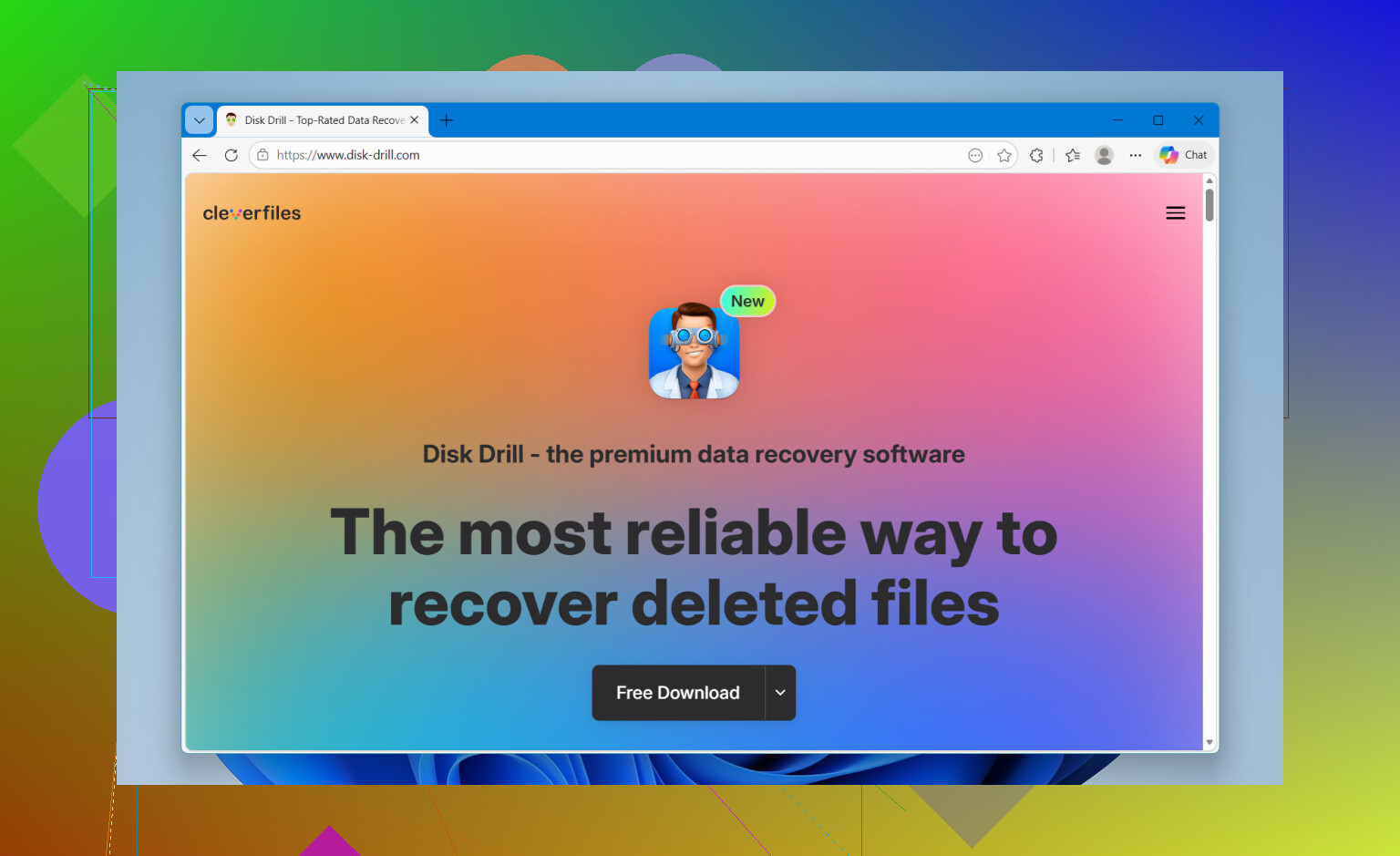
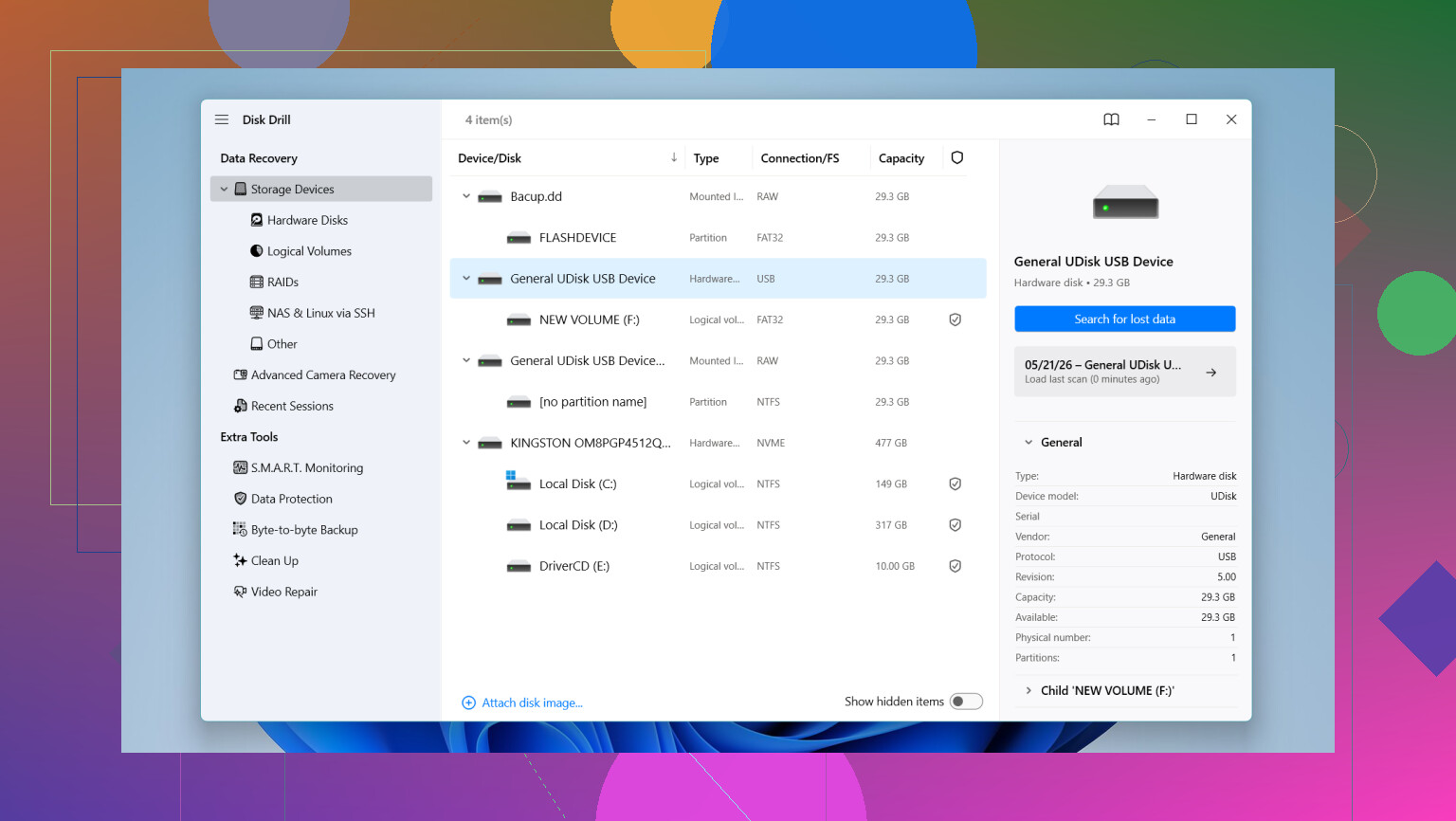
- Disk Drill was the easiest one for me to hand to non-tech people. It scans deleted photos, videos, RAW files, and it also does a decent job when the SD card shows up weird or unreadable. You get previews before restoring anything, which saved me time. The part I liked most was support for broken up video files from stuff like GoPro, DJI, and mirrorless cams, because a lot of apps choke on those. It also reads RAW formats such as Canon CR2 and CR3, Sony ARW, and Nikon NEF. On Windows, there’s a free recovery limit of 100MB.
- UFS Explorer felt more like a tool for people who don’t mind extra menus and settings. I wouldn’t hand it to someone who wants one-click recovery. Still, the scan quality is strong, and it deals better than most with damaged cards. If you want more control over how recovery runs, this one earns a look.
- Recuva is the lightweight pick on Windows. If you deleted a few JPGs or MP4s and want something simple, it does the job often enough. I wouldn’t lean on it for messy cases, odd camera formats, or cards with bigger issues.
- R-Photo is another free Windows option worth trying if your main goal is getting back photos and video. The thumbnail view helps a lot when you’re sorting through a pile of deleted media, and the layout is easy to figure out without poking around too much.
One mistake I’ve seen people make, and I nearly did it myself, is saving recovered files back onto the same SD card. Don’t do that. Save everything to your computer drive or another external drive. If you write data onto the card during recovery, you risk wiping out the exact stuff you’re trying to pull back.
If the card is disconnecting, freezing, or acting off, I’d start by making a byte-for-byte copy first, or a disk image. Then run recovery against the copy instead of hammering the original card over and over. I did this once with a flaky microSD, and it kept the card from getting worse mid-scan.
So yeah, slow down, put the card in a reader, run a scan with preview, and see what still shows up. If the card hasn’t been overwritten much, you’ve got a fair shot.
3 Likes
Free is fine if your SD card is healthy and the delete was recent. Paid starts to make sense when the files are large, the card is flaky, or you need better video recovery.
I agree with @mikeappsreviewer on one part, stop writing to the card. I disagree a bit on starting with the most advanced tool. For plain accidental deletion, I’d test one free app first so you know whether the files are still there before spending money.
My rough take:
-
Recuva or R-Photo first, if you use Windows.
Good for simple deletes.
Fast.
Free.
Less helpful with RAW sets, fragmented video, or damaged file systems. -
Disk Drill if the free tools miss stuff.
It’s easier to sort results.
Preview support is useful.
It tends to find more media types, esp for camera cards.
The free Windows limit is small, so for lots of video, paid often ends up worth it. -
PhotoRec if you dont mind ugly software.
Free.
Strong file carving.
Bad file names, messy folder output, weak preview flow.
If your photos matter, paid software is often worth more than the time you’ll waste rerunning weak scans. That’s the honest part.
Short Disk Drill review, SEO-friendly version:
Disk Drill is one of the easier SD card recovery tools for deleted photos, videos, and RAW camera files. It scans memory cards fast, shows previews before recovery, and works well for common formats from phones, DSLRs, GoPro, and drones. If you want a simple recovery app with strong media support, Disk Drill is one of the better picks for SD card recovery.
Also, this quick clip is decent if you want a fast visual overview of recovery steps, watch this SD card recovery walkthrough.
Main thing, recover files to your computer, not back to the SD card. That mistake nukes recoverable data fast.
Free is absolutely enough for a first pass, but I wouldn’t treat “free” as “best.” That’s the part people learn the annoying way.
I mostly agree with @mikeappsreviewer and @sterrenkijker, but I think people overrate file carving tools too early. If your SD card was just accidentally deleted and still mounts normally, a smarter scan with structure awareness usually gives cleaner results than a brute-force carve. Translation: better filenames, better folder layout, less chaos.
My take:
- Free tools are worth trying when the card is healthy and the deletion was recent.
- Paid tools are worth it when you care about the footage more than saving 30 or 40 bucks.
- If this is family photos, travel clips, drone footage, or anything you can’t re-shoot, I’d skip the “test 6 random freeware apps” phase.
One thing not mentioned enough: check whether the card is fake or failing. A lot of “deleted files” cases are actually cheap counterfeit SD cards that silently corrupt data after a certain capacity. If scans show weird file sizes, broken videos, or half-recovered images, that can be the real issue. In that case, software matters less than getting whatever is still readable off the card fast.
For software, Disk Drill is one of the better SD card recovery options because it balances easy use with solid results for photos, videos, and RAW camera files. That’s why it gets recommended so often for SD card photo recovery and SD card video recovery. If the scan finds what you need and previews look fine, paying is usually justified. Recuva is fine, but kinda basic. PhotoRec is powerful, but the output can be a total mess tbh.
Also worth reading if you’re focused on video recovery specifically: best ways to recover deleted home videos from an SD card
Short version: free first if the loss is simple, paid if the files actually matter. Time wasted on mediocre tools can cost you more than the software.
Free is enough to answer one question: “Are the files still there?” Paid is for “Can I get them back cleanly and without wasting my whole evening?”
Small disagreement with @sterrenkijker and @suenodelbosque here: I would not jump between multiple recovery apps right away. Every extra scan on a weak SD card is more stress, and cheap cards fail mid-process more often than people expect. If the card is acting weird, image it first or use a tool that can scan once and let you sort results well.
My practical split:
- Free tool: good for recent deletes, healthy card, mostly photos
- Paid tool: better for big video files, RAW sets, corrupted directory structure, or when your time matters
Disk Drill fits that middle ground well.
Pros for Disk Drill:
- easy previewing
- good media format support
- decent at SD card photo recovery and video recovery
- less confusing than a lot of “serious” recovery tools
Cons:
- Windows free limit is tiny
- not the cheapest if you only need one recovery
- deep scans can return lots of junk on badly damaged cards
I’d still avoid PhotoRec unless you’re okay with chaos. @mikeappsreviewer is right about stronger tools helping, but sometimes clean recovery matters more than maximum file count. A thousand nameless fragments is not always a win.
Best rule: if the recovered previews open correctly, stop experimenting and recover to a different drive immediately.