For those who’ve spent time with VLC, what stood out to you over time?
From my experience, VLC Player has always been that dependable tool I keep coming back to. It’s not flashy, but it gets the job done almost every time. I like that it’s free and doesn’t try to push anything extra on me. Still, I sometimes feel like it hasn’t really kept up with more modern apps in terms of design and overall user experience.
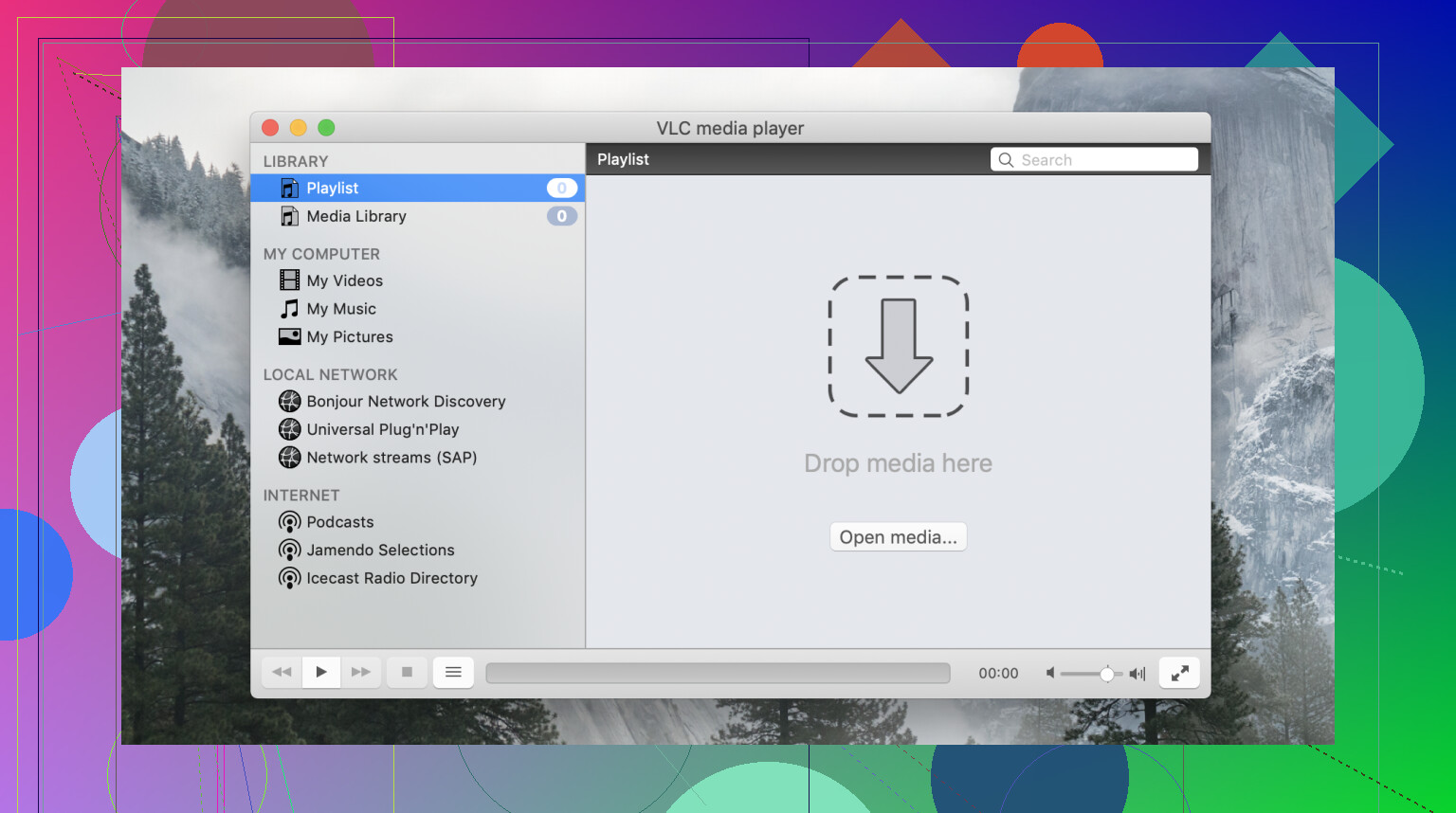
Interface
The interface is probably my biggest mixed feeling. On the positive side, it’s simple and lightweight, which I appreciate when I just want to quickly open a file. But at the same time, it feels a bit outdated and not very intuitive. Some settings are hard to find, and I had to look things up a few times just to figure out where certain options are.
Main Features
Feature-wise, I can’t really complain. VLC does a lot more than I actually use, streaming, subtitles, playback speed, even converting files. I like that everything is built in, so I don’t have to install extra tools. The downside is that some of these features feel hidden or not very user-friendly, so I don’t always take full advantage of them.
Supported Formats
This is where VLC really shines for me. I don’t think I’ve ever had a file it couldn’t open. Whenever another player fails, VLC usually handles it without any issues. That alone is a big reason why I always keep it installed.
Performance
Most of the time, performance is solid. It runs smoothly and doesn’t use too many system resources. But occasionally I’ve noticed some lag with high-quality videos, especially depending on the file or settings. It’s not a dealbreaker, but it does happen.
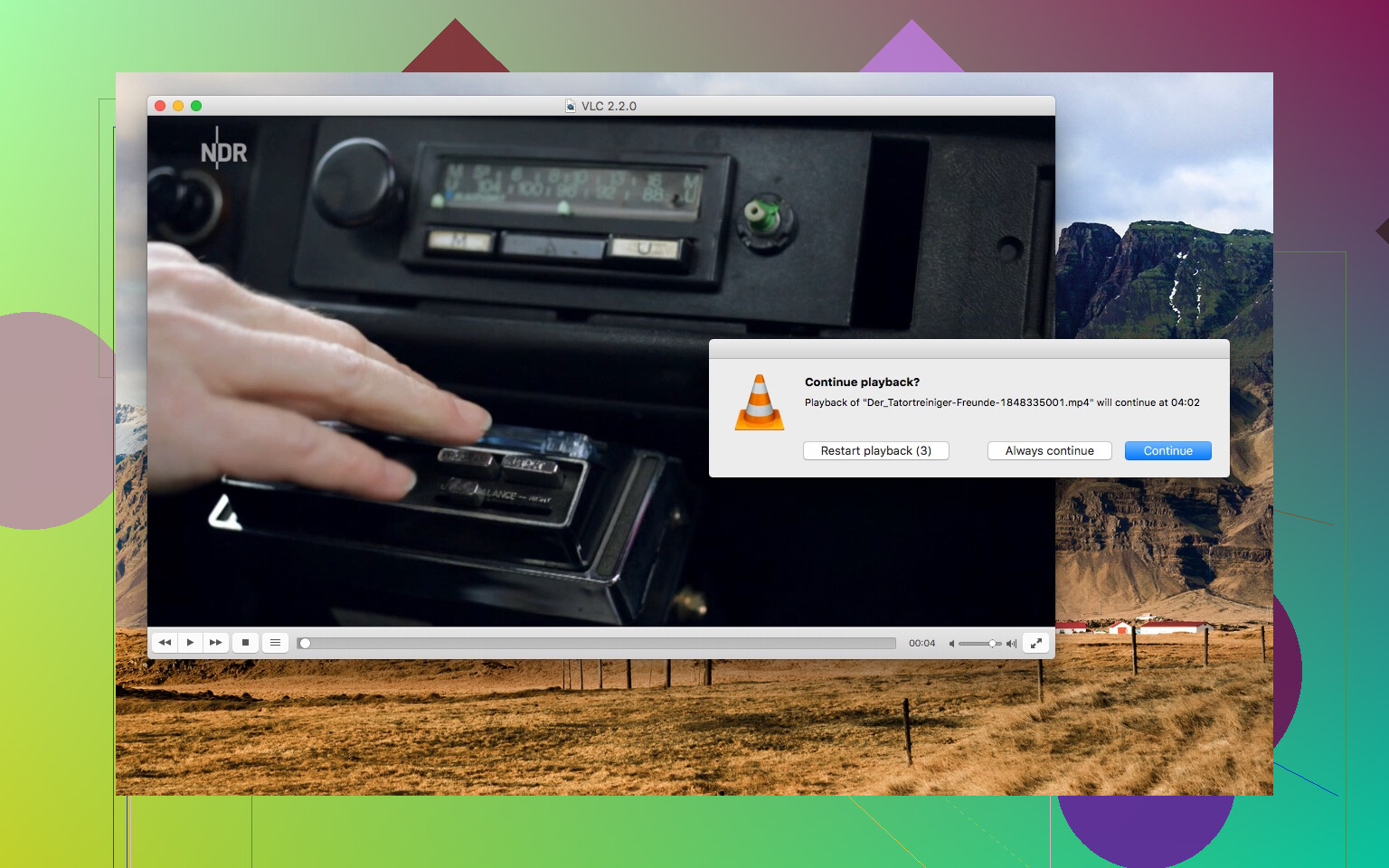
VLC Crashing on macOS
One thing that really frustrated me is VLC crashing on macOS. I’ve had situations where it suddenly quits during playback or when opening certain files. From what I’ve seen, this can be related to compatibility issues with newer macOS versions or even corrupted preferences. I’ve tried reinstalling and resetting settings, which sometimes helps, but the issue can come back. It’s definitely something that made me look at alternatives.
Alternative: Elmedia Player
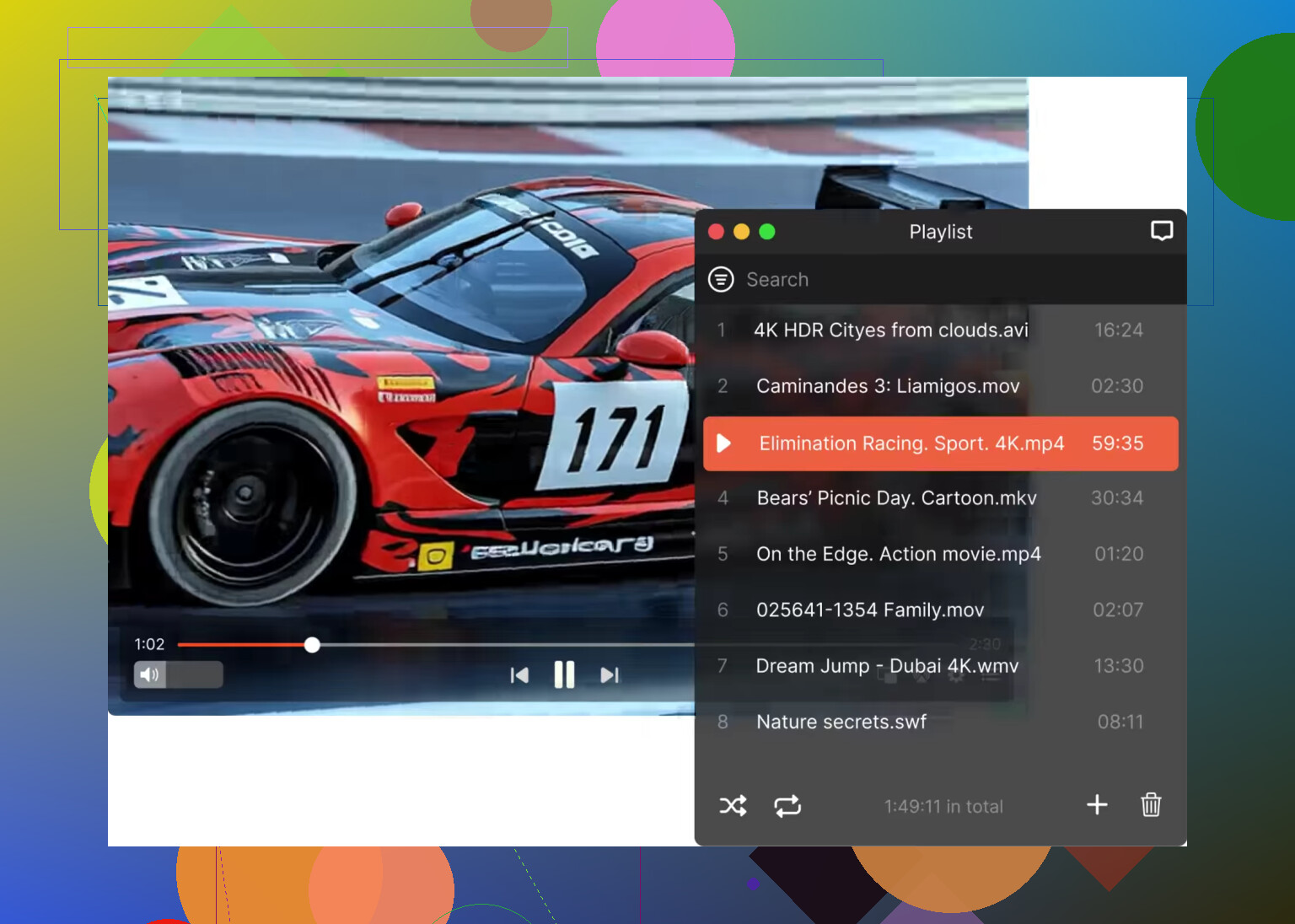
Because of that, I tried Elmedia Player, and honestly, it feels more polished, especially on Mac. The interface is cleaner and easier to navigate, and I didn’t have to dig around to find basic features. It supports a lot of formats just like VLC, but also adds things like easy streaming to Apple TV and built-in subtitle search. What stood out most to me is that it feels more stable overall.
Conclusion
In the end, I still think VLC is a very solid media player, mainly because of its reliability with different file formats. But the outdated interface and especially the crashes on macOS can be frustrating. For a smoother and more modern experience, at least on Mac, I’d personally consider something like Elmedia Player as a strong alternative.
4 Likes
VLC is still worth keeping. For a lot of people, it is enough as the main player. Its biggest win is simple, it plays almost anything you throw at it. Old AVI files, MKV with odd audio, subtitle files with weird encoding, network streams, DVDs, clips from some ancient hard drive. Few players match it there.
Where VLC loses points is daily use. I agree with @mikeappsreviewer on the menu clutter, but I’m a bit less harsh on it. I think VLC is messy, not unusable. If your needs are play, subtitles, audio track switch, speed control, it works fine. If you want polish, cleaner controls, and Mac-friendly design, VLC starts to feel old fast.
My short version:
Good:
Plays almost every format.
Free, open source, no ads.
Good subtitle support.
Playback speed and audio sync tools are solid.
Works on Windows, Mac, Linux.
Bad:
Menus are a mess.
Settings names are not always clear.
UI feels dated.
Some Mac users still hit crashes or random quirks.
HDR and high-res playback can feel hit or miss on some setups.
My take, keep VLC installed no matter what. It is the file-rescue app. If you are on macOS and want a smoother main player, Elmedia Player makes more sense for everyday use. It feels cleaner, and stuff is easier to find without digging arond. If you are on Windows, VLC still holds up better as a main pick.
So, main player for simplicity, Elmedia Player on Mac. Backup player for weird files, VLC. That combo covers most people prety well.
I’m a little less sold on VLC-as-backup-only than @mikeappsreviewer and @himmelsjager. On Windows and Linux, VLC can absolutely still be your main player unless you care a lot about modern UI polish. Its biggest strength is not just “plays everything.” It also gives you a ton of control once you learn where stuff is hiding. Crop, deinterlace, audio delay, subtitle timing, network streams, screen capture, even weird little filters. A lot of players look nicer, but then you hit one oddball file and they fold imediately.
Where VLC annoys me is consistency. One setting feels easy, the next is buried in three menus with wording only a developer could love. And yeah, hardware acceleration, HDR behavior, and some high-res files can get weird depending on your system. That part is real.
My take:
Pros:
- absurd format support
- free, open source
- lightweight
- power-user tools are great
Cons:
- old-looking UI
- confusing settings
- some playback quirks on newer setups
- macOS experience feels less native
If you’re on Mac, I do think Elmedia Player makes a better everyday choice. Cleaner layout, less menu-diving, more Mac-like. But I’d still keep VLC installed because when a file acts cursed, VLC is usualy the first thing I try.
I’m closer to @hoshikuzu on this one: VLC is not just a backup player unless your top priority is a sleek interface. For actual media nerd use, VLC still earns “main player” status because it solves annoying real-world problems better than prettier apps.
Where I slightly disagree with @himmelsjager and @mikeappsreviewer is this: the messy UI is overrated as a dealbreaker. Ugly? Yes. Confusing sometimes? Also yes. But once you learn its habits, VLC becomes very predictable. The problem is not that it’s unusable. The problem is that it feels frozen in time.
My read:
VLC pros
- ridiculously broad format support
- great subtitle handling
- useful sync tools for bad audio/sub timing
- free, open source, no ad-driven nonsense
- strong for streams, discs, random old files
VLC cons
- settings are scattered
- interface feels old, especially on Mac
- hardware acceleration and HDR can be inconsistent
- occasional weirdness with 4K or certain files
- macOS version still feels less polished
If you’re on Windows or Linux, I’d keep VLC as the main one unless you hate menu-diving. On Mac, I think the “use something smoother daily, keep VLC around anyway” advice from @himmelsjager and @mikeappsreviewer makes more sense.
For that smoother daily option, Elmedia Player is a fair pick.
Elmedia Player pros
- cleaner Mac-style interface
- easier controls for everyday playback
- strong format support
- handy extras like streaming and subtitle tools
- generally feels more native on macOS
Elmedia Player cons
- not as universally trusted as VLC for cursed files
- less familiar if you’ve used VLC forever
- some advanced tweaking feels less deep than VLC
So my simple verdict:
- Mac: Elmedia Player for daily use, VLC as the problem-solver.
- Windows/Linux: VLC can absolutely stay your main player.
- If you constantly open weird files: never uninstall VLC.