I’ve been recording some music and voiceovers and keep seeing options to save as WAV or MP3. I know WAV files are bigger and MP3s are compressed, but I don’t fully understand how this affects sound quality, editing, streaming, and long-term storage. Can someone explain when I should choose WAV over MP3 (or the other way around) for things like mixing, mastering, and uploading to platforms, so I don’t mess up my audio quality?
Honestly, this is one of those questions that everyone wonders about at some point but is too afraid to ask. It’s a classic debate, and the answer really just comes down to what you’re planning to do with your music. Here is the lowdown on how these two actually work 
What’s the WAV?
Think of a WAV file as the “original” version of a song. It’s what we call uncompressed audio. When a band records in a studio, they’re usually saving everything as WAV because it keeps every single tiny detail of the sound exactly as it was captured. Because it’s not trying to save space, the files are huge–like, ten times bigger than an MP3.
You’ll mostly see pros using WAV. If you’re a producer, a sound engineer, or someone doing high-end video editing, you want WAV because you can edit it over and over without losing quality. It’s the gold standard for quality, but it’ll eat up your hard drive space fast.
What about MP3?
MP3 is the king of convenience. To make an MP3, a computer takes that big, heavy WAV file and “squishes” it. It actually uses some pretty smart math to strip out the sounds that the human ear isn’t great at hearing anyway. This makes the file tiny, which is why it became the go-to for the early internet, iPods, and now most of our streaming.
For everyday listening, like when you’re on the bus with earbuds or just cleaning the house – MP3 is totally fine. Most people can’t even tell the difference between a high-quality MP3 and a WAV unless they have really expensive speakers and a very quiet room. It’s the “good enough” format that lets you keep thousands of songs in your pocket.
The big differences
The main trade-off is space vs. quality. If you have a 30MB WAV file, the MP3 version might only be 3MB. That’s a massive difference if you’re trying to save a whole album. On the flip side, because MP3 throws away data to get that small, you can’t really turn an MP3 back into a high-quality WAV later. The “data” is just gone.
In terms of compatibility, everything plays both these days. But if you’re planning on doing any kind of creative work, like making a podcast or a YouTube video, start with the WAV. It’s better to have too much detail and shrink it later than to start with a “squished” file and try to make it sound professional.
Good players for Mac users
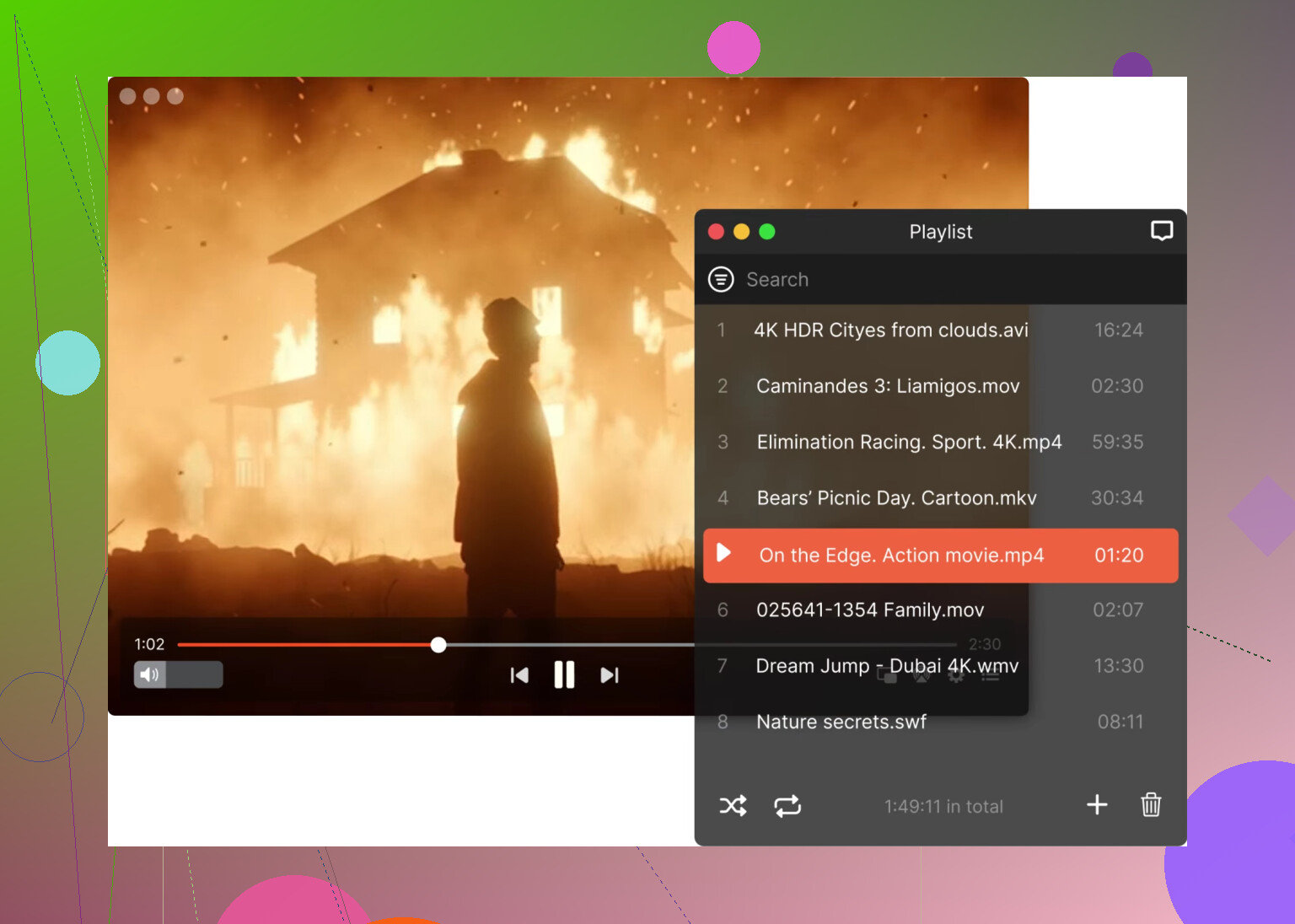
Elmedia Player
Elmedia Player is a beast if you’re dealing with a mix of files. Most people love it because it’s a “one-stop shop” – it doesn’t care if you throw an MP3, a high-res WAV, or even some weird video format at it. It handles everything super smoothly and has some cool extra features like a built-in equalizer to tweak your sound, which is great if you’re picky about your audio.
QuickTime
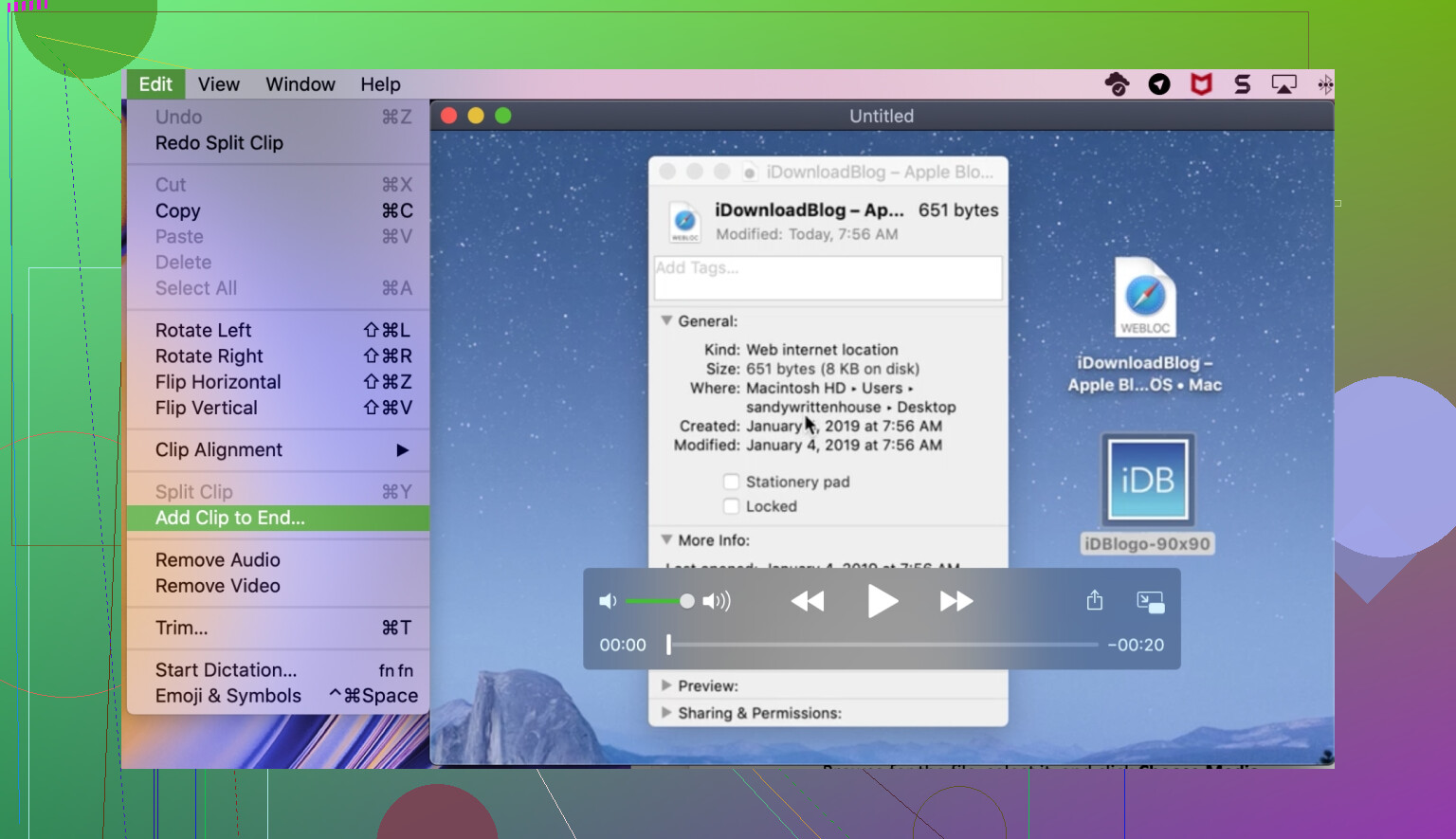
QuickTime is the old reliable that’s already on your Mac. It’s actually pretty decent for a quick listen since it’s clean and fast. However, I’ll be honest: it can be a bit picky. While it handles WAV and MP3 just fine, it’ll occasionally hit a wall if you try to play more obscure professional formats. It’s great for the basics, but you’ll probably want something like Elmedia for the heavy lifting.
Good players for Windows users
KMPlayer
KMPlayer has been a favorite for years because it’s just so versatile. It comes with all the “codecs” (the stuff that helps the computer read the file) built-in, so you don’t have to go hunting for updates. The interface is pretty slick, and it’s highly customizable. It’s a solid pick if you want a player that works right out of the box without any fuss.
PotPlayer
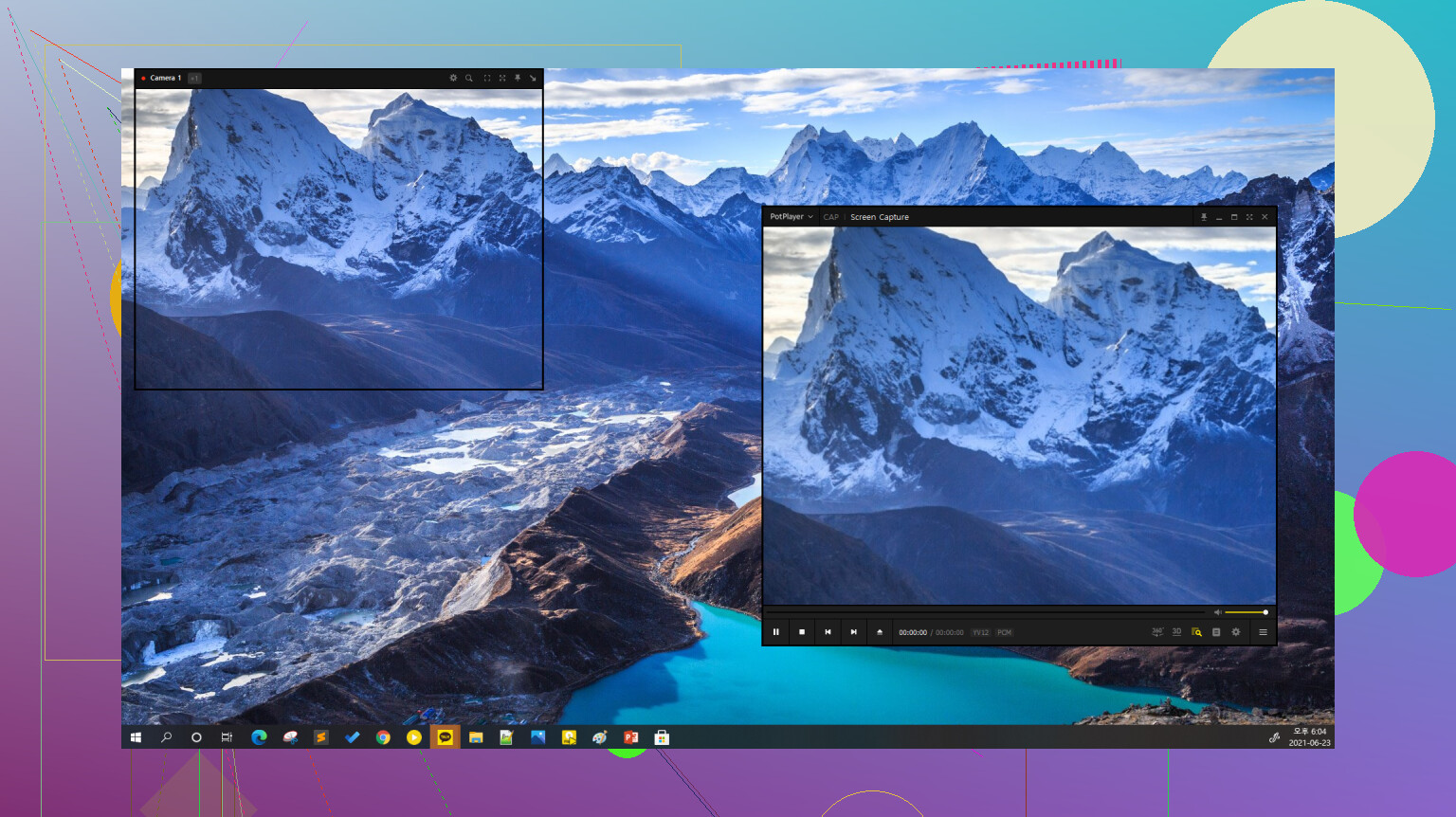
PotPlayer is the one you’ll see all the power users talking about. It’s incredibly lightweight, so it won’t slow your computer down, but it’s packed with advanced settings. If you’re the type of person who likes to dive into the menus and fine-tune exactly how your audio is processed, this is definitely the one for you. It’s fast, free, and plays basically everything in existence.
Hope that clears things up! If you’re just listening to tunes while you work, stick with MP3 and save the space. If you’re starting a garage band, keep it WAV. Let me know if you have any other questions about the technical side of things!
6 Likes
Here is the real-world version, without fluff.
- What changes in sound
WAV
• Lossless PCM. No psychoacoustic tricks.
• What goes in is what comes out.
• Great if you record music or voice and care about small tone changes.
MP3
• Lossy. Throws away data the encoder thinks your ear ignores.
• At 320 kbps, many people do not hear a difference on casual setups.
• At 128–192 kbps, you start to hear it in cymbals, S sounds, reverb tails, dense mixes.
For music production and voiceovers, the issue is not only “does it sound ok now”. It is “will it survive processing”.
- Editing and processing
This is where I slightly disagree with @mikeappsreviewer on how tolerant MP3 is.
If you:
• EQ a lot
• Compress and limit hard
• Time‑stretch or pitch shift
• Noise reduce voiceovers
Starting from MP3 hurts faster than many people admit.
Artifacts show up in high frequencies and in reverb or noise floor. On a VO, you hear weird swishy highs and a sort of grain under the voice.
Starting from WAV keeps all that detail intact while you work. The more steps in your chain, the more this matters.
Rule I use:
• Recording, editing, mixing, mastering, sound design, VO sessions → WAV
• Only-final-export for clients or friends to review → high bitrate MP3
- File size and storage
Typical 44.1 kHz, 16‑bit stereo:
• 1 minute WAV ≈ 10 MB
• 3–4 minute song ≈ 25–50 MB
• Same song MP3 at 320 kbps ≈ 7–10 MB
• Same song MP3 at 192 kbps ≈ 4–6 MB
So for long term storage of finished music for listening, MP3 saves a lot of space.
For project assets and important masters, storage is cheaper than a ruined source file. Keep WAV.
- Streaming, delivery, and platforms
• Streaming services want WAV for upload, even if they convert to compressed formats later.
• Video platforms also prefer lossless or high quality audio in the upload file.
• For podcast hosts, same story, send WAV if they accept it, they handle encoding.
So your workflow for releases:
Record in WAV → Edit/Mix/Master in WAV → Export final WAV master
From that master export:
• MP3 320 kbps for clients, phones, emailing
• Any other formats you need
Never start from MP3 expecting a “pro” result.
- Voiceovers specifically
For VO gigs:
Use WAV when you:
• Record raw takes
• Do noise reduction, EQ, compression, de‑essing
• Deliver to video editors or broadcast
Convert the final approved file to MP3 only when:
• The client explicitly asks for MP3
• It is for quick reference or internal review
If a client sends you a script and insists on MP3 delivery, still record and work in WAV, then export MP3 at the end.
- Playback and players
For simple listening on Mac or Windows, either format works.
If you keep mixed formats or odd files around, I agree with @mikeappsreviewer that Elmedia Player is a solid option. It plays WAV, MP3, FLAC, and a lot of other stuff with no codec drama and has an EQ you can use to check how your mixes translate.
- Quick cheat sheet for you
Music recording and mixing:
• Track, edit, and mix in WAV.
• Export final WAV.
• Create MP3 320 kbps from that final WAV for sharing.
Voiceovers:
• Record and process in WAV.
• Deliver WAV as “master” when possible.
• Create MP3 only as a copy when requested.
Casual listening and hoarding music:
• Rip or download in high bitrate MP3 to save space.
• Keep only special releases or stems in WAV.
If you treat WAV as your working and archive format, and MP3 as your delivery-for-listening format, you align with how most studios work and avoid quality surprises later.
You’ve already got great breakdowns from @mikeappsreviewer and @caminantenocturno, so I’ll try to connect their points specifically to your use case: music + voiceover + exporting for others.
Think of it like this:
1. WAV vs MP3 in terms of “damage”
- WAV: like your original Photoshop file with all the layers.
- MP3: like a flattened, slightly smudged JPEG.
People keep saying “MP3 at 320 kbps sounds basically like WAV,” and yeah, for listening that’s often true. Where I disagree a bit with the “MP3 is fine” crowd is when you start working the file.
For music and VO, the damage shows up when you:
- Compress the voice a lot
- De-ess, EQ, and noise reduce
- Time stretch vocals or instruments
- Limit a mix hard to get it loud
On a casual listen, the MP3 might sound fine. After all that processing, the high end can get swishy, esses get weird, and reverb tails turn into a grainy mush. With WAV, you’ve got more “headroom” before things fall apart.
2. Daily workflow for what you’re doing
If you’re recording yourself, very practical setup:
- Record & edit in WAV
44.1 kHz / 24-bit is a good default for both music and VO. - Do all processing in WAV
Mixing, mastering, noise reduction, everything. - When you are 100% done:
- Export a WAV master for your archive or for clients/platforms.
- Export MP3 320 kbps for:
- Emailing roughs
- Client previews
- Throwing it on your phone or sending in chats
Where I slightly push back on others: I would not even bother with 128 or 160 kbps in 2026 for anything you care about. Storage is cheap, and the artifacty top end at lower bitrates is a nightmare on VO and cymbals.
3. Streaming & platforms
- Most serious platforms (music distributors, podcast hosts, video sites) prefer or require a WAV upload.
- They’ll compress it internally anyway, but you want them to do the first and only lossy encode from your clean WAV, not from an MP3 that’s already thrown stuff away.
So:
Recording to MP3 directly in your DAW or recorder is like handing them a second‑generation photocopy.
4. For your voiceovers specifically
What I’ve seen bite people:
- Client says “MP3 is fine”
They mean “send me an MP3,” not “record directly to MP3.” - If you record VO straight to MP3 and then:
- Remove noise
- Brighten the top
- Add compression
You’ll hear that watery, bubbly high‑end, especially on S and T sounds. Once it’s baked into the MP3, there’s no fixing it. If you start with WAV and only convert at the very end, the MP3 will hold up much better.
So your VO flow could be:
- Record in WAV
- Clean up, edit, process in WAV
- Export:
- WAV for “master” or professional delivery
- MP3 (320 kbps) only if/when they specifically ask for MP3
5. File size in practical terms
For your projects:
- 1 minute of mono VO in 24-bit WAV ≈ 10–15 MB
- 1 minute of stereo music in 24-bit WAV ≈ 15–20 MB
- Same minute in MP3 320 kbps ≈ 2.5 MB
So yeah, WAV is bigger, but for your working files and final masters, it’s worth it. Use MP3 only for copies you’ll send around or stream.
6. Playback tools
Since you’ll likely be juggling reference MP3s, WAV mixes, maybe some FLACs or odd formats:
- On Mac, Elmedia Player is actually pretty handy.
It happily plays WAV, MP3, FLAC, whatever, without codec drama, and has an EQ so you can quickly check how your mix or VO sounds on different curves. If you end up with lots of test exports and want one app that just opens everything, it’s a solid, low‑friction choice.
7. TL;DR tuned to you
- Recording / editing / mixing / mastering: WAV only
- Archiving important stuff (final mixes, VO sessions): WAV
- Sending previews, casual listening, quick client check: MP3 320 kbps
- Never convert MP3 back to WAV expecting it to “restore” quality
- If anything might be edited later, keep the WAV
If you treat WAV as your “work file” and MP3 as your “postcard version,” you’ll avoid 95% of the quality headaches people run into later.
WAV vs MP3 has already been nailed technically by @caminantenocturno, @ombrasilente, and @mikeappsreviewer, so here are the missing practical angles they only brushed past:
- When MP3 is actually the right choice for you
They focused a lot on “never start from MP3,” which is mostly true, but if you are:
- doing quick scratch ideas on a laptop with limited SSD
- exporting 20+ versions of temp music or VO for client approvals
- sending stuff into group chats where people listen on laptop speakers
then recording and editing in WAV, but auto‑exporting scratch refs straight to MP3 can save a ton of time and bandwidth. Just be strict that your DAW session itself always points at the original WAV takes, not those refs.
- Latency & system load angle nobody mentioned
For real‑time work:
- WAV decoding is trivial for modern machines.
- MP3 decoding can spike CPU slightly if you stack a lot of MP3 tracks plus heavy plugins.
If your sessions get dense (lots of FX, stems, temp SFX, guide VO), having everything as WAV can make your DAW feel a bit snappier and less glitch‑prone at low buffer sizes. Subtle, but noticeable on older laptops.
- Archiving for “future you”
Everyone said “keep WAV for masters,” which I agree with, but I’d push it further:
- Keep raw takes of important VO and music in WAV, even if you deliver MP3.
- Export a consolidated multitrack WAV package for finished songs or big VO jobs.
Ten years from now, new encoders, new formats, maybe AI upscalers: you will be glad you kept clean WAV tracks instead of only a final MP3 mix.
- Where I do disagree slightly: bitrate paranoia
You will see a lot of “always use 320 kbps.” Honestly:
- For client previews and internal notes: 192 kbps is totally fine.
- For public release or showreel material: yes, go 256 or 320 kbps.
The real danger is re‑encoding: MP3 → MP3 → MP3 across different apps. That is where quality crumbles, far more than the difference between 192 and 320 once.
- Utility players & workflow checking
Since you are juggling both WAV and MP3, a neutral player on macOS helps you sanity check how your stuff translates outside the DAW.
Elmedia Player is actually good in that “just play anything I throw at you” role and fits well in an audio workflow:
Pros of Elmedia Player:
- Plays WAV, MP3 and a bunch of other formats without codec hunting
- Built‑in EQ lets you quickly simulate “bad speakers” or tweak playback to audition how harshness or low‑end translates
- Handles playlists and assorted media so you can compare your mix / VO next to reference tracks easily
- Less clunky than juggling different default system players
Cons of Elmedia Player:
- Not a DAW, so no waveform editing or serious analysis tools
- Some advanced options are hidden in menus and take a moment to discover
- Overkill if you only ever play a couple of MP3s and do everything else inside the DAW
Compared to the tools and approaches mentioned by @caminantenocturno, @ombrasilente, and @mikeappsreviewer, Elmedia Player is not replacing your production setup, it just sits beside it as a reliable reality‑check player.
- Simple rule set tailored to music + VO
- Record & edit: always WAV
- Heavy processing chains: always start from WAV
- Final master: keep a WAV version archived
- Delivery: MP3 only as a copy, pick 192+ kbps for casual, 256/320 for showreel or release
- Never re‑export MP3 to a new MP3 if you can go back to the WAV
If you stick to “WAV for any file that might be touched again, MP3 only for final listening copies,” you are basically getting studio‑level safety without complicating your life.