I’m setting up a new project in Hyper-V and need to use virtual COM ports, but I’m confused about the available options and best practices. I’m not sure whether to use named pipes, physical serial ports, or other configurations, and how each choice might affect performance, debugging, or compatibility with my existing tools. Can someone explain the different Hyper-V COM port options, when to use each, and any common pitfalls to avoid?
Short version: use named pipes for debugging or simple app testing, use a network redirector tool for serious device work, and avoid mapping directly to the host’s physical COM unless you really have to.
Slightly longer breakdown (trying to keep this sane):
-
Hyper V COM port basics
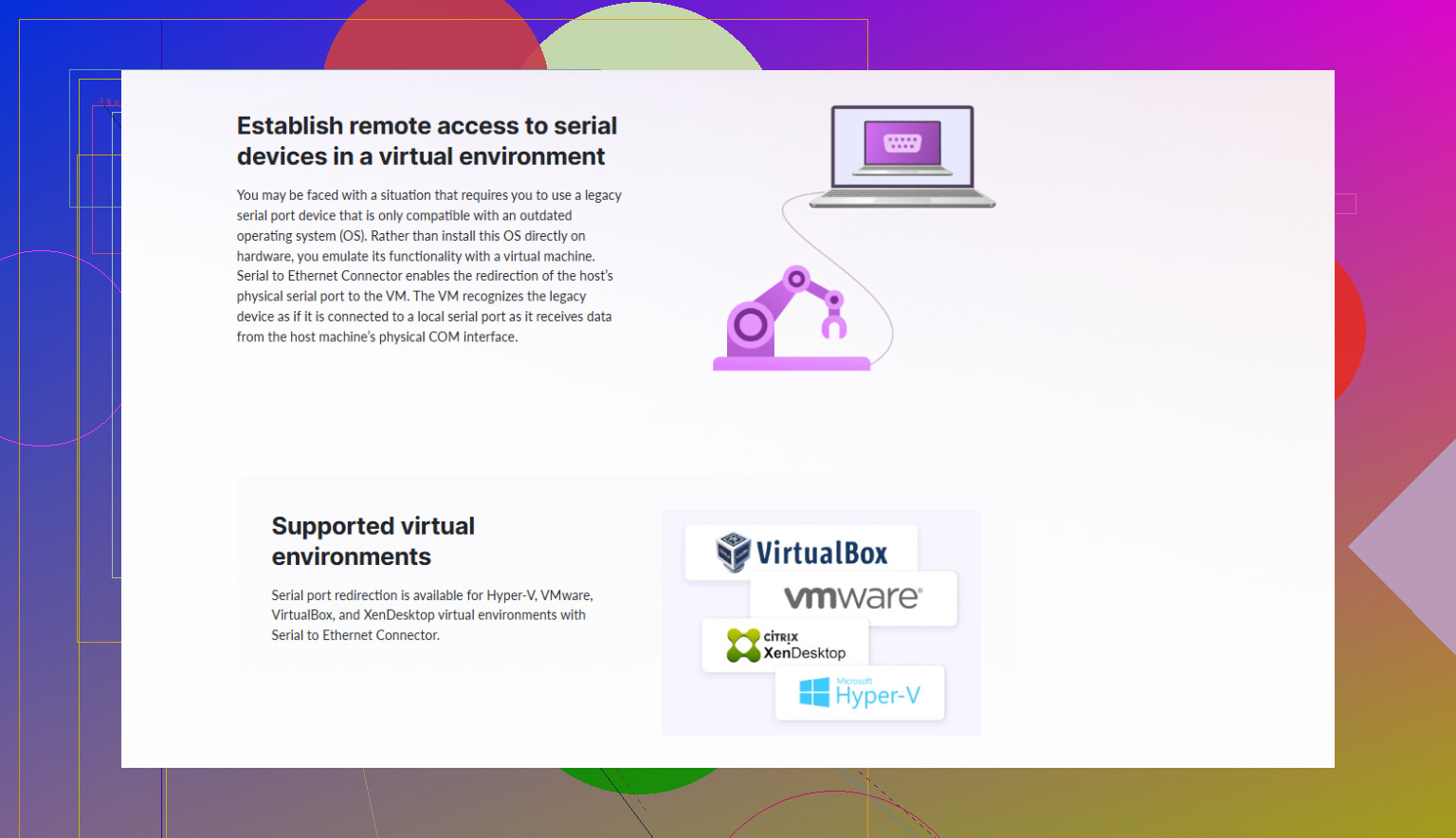
When people say Hyper V COM port, they usually mean the virtual serial port you configure under the VM’s “COM 1 / COM 2” settings. Hyper V itself gives you basically two choices:- Named pipe
- Host physical serial port
That is it. No fancy stuff built in.
-
Named pipe
Use this if:- You’re doing kernel debugging or OS debugging.
- You need a simple, local “fake” serial link for an app that just wants COM1.
- You don’t care about real hardware timing and you’re ok with a loopback or a bridge on the host.
Pros:
- Fast to set up.
- Great for debugger scenarios.
- Works fine for software that just needs a serial handle.
Cons:
- No direct access to a real serial device unless you add another tool on top.
- Can be confusing to wire up the other end (you need another app on the host or another VM to open that pipe and present it as a COM).
-
Physical serial port passthrough
Use this only if:- Your host actually has a real COM port. Laptop users, sorry.
- You want something simple and are ok with tying that port to a single VM.
Pros:
- Straightforward. VM talks to real COM.
- Fine for basic serial devices that are locally attached.
Cons:
- One VM hogs the port.
- Not flexible. Moving the VM to another host breaks your setup.
- If you care about availability or clustering this is annoying.
-
Network based approach (what I actually recommend for most projects)
If your device is remote, or you need more flexibility, a software serial redirector is usually better. This is where something like Serial to Ethernet Connector actually earns its keep.Typical pattern:
- Install Serial to Ethernet Connector on a Windows machine that has the real serial device plugged in.
- Share that port over TCP/IP.
- Inside the Hyper V guest, install the same tool or a similar client that creates a virtual COM which connects over the network.
Why this wins:
- Your VM thinks it is talking to a local COM.
- Device can be in another room, another server, even another site.
- VM migration is easier since the serial endpoint is just a network address.
This kind of setup is basically the “correct” way if you care about reliability, scaling, or you have multiple VMs touching serial stuff.
-
Good reference
For a decent overview of how to configure a virtual serial interface in Hyper V and wire it to network based serial, this guide is worth a skim:
Configuring Hyper V virtual COM ports the smart way -
What you should pick
- For debug / low stakes lab project: Named pipe to the host, maybe use another app to open the pipe if needed.
- For one local device on a non critical setup: Pass through the host’s physical COM if you have it.
- For anything production-ish, multiple devices, remote gear, or future proofing: Use a network serial solution with Serial to Ethernet Connector providing a virtual COM to the VM.
If you share what actual device or software you’re working with, people here can probably tell you whether named pipes will bite you later or not.
Hyper‑V’s serial story is… spartan. @viajantedoceu covered the “what” pretty well, so I’ll focus on “when” and “why,” and disagree in a couple spots.
1. Start from your actual use case
Ask yourself:
-
Is this for:
- OS / kernel debugging?
- Talking to a real device (PLC, modem, sensor, legacy appliance)?
- Just making an app happy because it insists on “COM1”?
-
Do you care about:
- Electrical timing, odd baud rates, handshaking, line noise, etc.?
- VM mobility and clustering?
- Multiple VMs needing the same device?
Your answers basically dictate the “right” option.
2. Named pipe: great tool, terrible hammer for everything
Where I strongly agree with @viajantedoceu:
Named pipes are perfect for:
- Kernel debugging / OS installs with serial debug
- Simple local testing where “COM1” is just an IPC endpoint
Where I partially disagree:
They suggested named pipes as fine for “simple app testing.” That is true, but I would avoid it if:
- You plan to move that setup to real hardware later
You will find differences in timing, error handling, and port behavior that can bite you. - You have any kind of serial protocol with tight timing or binary framing
Things like Modbus RTU, custom binary protocols, or anything that relies on exact timing can behave differently over the pipe + bridge combo.
In short:
Use named pipes for debug consoles and dev plumbing, not for validating real-world serial hardware behavior.
3. Physical COM passthrough: simple, but a trap for long term
Where it shines:
- One VM, one host, one local device
- Lab setups where you control the box and never move it
- You need “real” UART behavior and the host actually has a serial port
Where I think people underestimate the pain:
- Migration: as soon as you want to vMotion/Live Migrate or move that VM to another Hyper‑V host, your setup is toast unless the new host also has the same port layout.
- Scaling: want a second VM talking to the same serial device? Too bad.
- Failure recovery: host dies, replacement host has no COM port or a USB adapter that enumerates differently, enjoy reconfiguring everything.
I only pick direct COM passthrough when:
- This is a single host lab or PoC.
- I do not care about HA or portability.
- The device is physically bolted to that server.
If you are even thinking about making this production, I’d skip passthrough and go network-based.
4. Network serial (Serial‑to‑Ethernet style): the boring grown‑up choice
Here I largely agree with @viajantedoceu, but I’d push harder:
For 90% of “I have a serial device and a Hyper‑V VM” cases, a network serial solution is the least painful long term.
The usual pattern:
- Real serial device is plugged into:
- A physical Windows box
- Or a dedicated serial device server
- Install something like Serial to Ethernet Connector on that box.
- It exposes the hardware COM port over TCP/IP.
- Inside the VM, use the same tool to create a virtual COM port that talks to that TCP endpoint.
Why I prefer this even more than they implied:
- Hyper‑V gets out of the way. No dependency on which host you’re on.
- You can move the VM anywhere that has network access.
- If you replace hardware, you keep the same IP/hostname and port, and the VM config barely changes.
- You can share access in controlled ways or centralize serial comms from several VMs.
This is also the best way to future proof your setup if you add more devices later.
5. Which should you pick?
Given your confusion between named pipes vs physical COM vs “other”:
-
If you’re doing OS or kernel debugging only
- Use Hyper‑V COM with named pipe.
- Point WinDbg (or whatever) at that pipe. Done.
-
If your app just needs “some COM port” and you’ll never touch a real device
- Named pipe is fine.
- Use a small pipe‑to‑COM bridge on the host if needed.
- Just remember: behavior might differ from real hardware if you ever switch.
-
If you’re in a lab with a single host and one local serial device
- Physical COM passthrough is okay.
- Keep in mind it is a dead end if you later want HA, clustering, or migration.
-
If you care about production, uptime, or future growth at all
- Use a network serial solution.
- I’d specifically look at Serial to Ethernet Connector to expose the physical port over TCP and create a matching virtual COM inside the VM. It keeps the Hyper‑V config simpler and gives you flexibility later.
6. Helpful download note
If you decide to go the network serial route, you can get tools like Serial to Ethernet Connector from their download section here:
get the latest Serial to Ethernet Connector tools
The naming is dry, but it’s the kind of boring utility that quietly solves a ton of Hyper‑V serial headaches.
TL;DR:
- Named pipes: for debuggers and fake COMs.
- Physical COM: only for simple, single‑host labs.
- Network serial + Serial to Ethernet Connector: for basically everything that matters long term.
9 Likes
Hyper‑V’s COM options are basic, but your project needs probably aren’t. Since @caminantenocturno and @viajantedoceu already nailed the “what” and “when,” here’s where I’d tilt the decision differently and how to think about it long term.
1. Start with a sanity checklist
Before picking anything, answer:
- Will this VM ever move to another host?
- Do multiple VMs need to see the same serial endpoint?
- Are you dealing with fussy protocols (Modbus RTU, custom binary, weird baud rates)?
- Is this lab / PoC, or something someone will scream about at 3 AM if it breaks?
If you answer “yes” to mobility, multiple VMs, or production‑ish use, then Hyper‑V’s native COM tricks are already borderline.
2. Where I slightly disagree with the others
Both @caminantenocturno and @viajantedoceu are pretty friendly to named pipes for “simple testing.” I’m more cautious:
- If your end goal is a real device on a real serial port, I would not rely on named pipe behavior as a meaningful test of timing, buffering, or error handling.
- Named pipes are great for a debug console, terrible as a stand‑in for a finicky industrial device you will later hang off a USB‑RS‑485 converter.
Similarly, physical COM passthrough sounds appealingly “real,” but I’ve watched too many setups die the moment someone tried to live migrate or swapped the host hardware.
3. Named pipe: narrow use, keep it that way
Use a named pipe when:
- You’re doing kernel or OS debugging.
- You need a debug / maintenance console and you control both ends.
- You are sure timing and electrical characteristics do not matter.
I would not use named pipes if:
- The protocol is timing sensitive.
- You will ever run against a real serial device as the final target.
- You need supportability by people who are not comfortable spelunking into pipe endpoints.
Think of pipes as “developer plumbing,” not “device transport.”
4. Physical COM passthrough: only if you accept the trap
Direct mapping to host COM is acceptable if:
- Single host, non‑clustered, basically a lab box.
- One VM owns that serial port for life.
- You are fine re‑doing the setup if the host dies or is replaced.
The hidden issues:
- USB‑serial adapters change COM numbers, and Hyper‑V does not cope gracefully with that.
- Any HA story or host refresh becomes a small project.
- You cannot easily share that port among multiple VMs without layering extra software anyway.
I only recommend it when you explicitly say, “This is throwaway or single‑box only.”
5. Network serial via Serial to Ethernet Connector: when it actually makes sense
Where I align with them: a network approach is usually the adult answer.
Where I push it harder: if the device is important, or your environment is not trivial, just treat “serial over network” as the default, not a fancy extra.
Conceptual pattern
- One machine (could be the Hyper‑V host or some other box) physically owns the serial port.
- Install Serial to Ethernet Connector on that machine to expose the real COM port as a TCP endpoint.
- In the VM, you install the client side and it creates a virtual COM that talks over TCP to that endpoint.
- The VM thinks it is local COM; operations think it is just “an IP and a port.”
Pros of Serial to Ethernet Connector
- Decouples your VM from host hardware, which is huge when you later move the VM or rebuild the host.
- Lets multiple VMs access serial resources in a more controlled way than raw passthrough.
- Lets you put devices near where they physically belong instead of forcing them to hang off the Hyper‑V node.
- Works with environments that already have device servers or separate I/O gateways.
Cons of Serial to Ethernet Connector
- Adds another software layer to configure, log, and patch.
- Requires a stable network and can introduce latency, which might matter for extremely tight custom protocols.
- Licensing cost, which can feel annoying if you only have one tiny device and a single VM.
- Troubleshooting moves from “is the COM port open” to “is the TCP path, service, and COM mapping all behaving.”
In practice, for any semi‑serious deployment, those tradeoffs are acceptable. The pain of being bound to host hardware is worse.
6. What I’d choose based on typical scenarios
-
Kernel / OS debugging only
Use Hyper‑V COM with a named pipe. No contest. -
Legacy Windows app that just wants “COM1” and it will never touch hardware
Named pipe is fine, but I would explicitly document that it is not hardware‑equivalent so nobody later assumes it is validated for the field device. -
Industrial / lab device, single box, genuine throwaway PoC
Physical COM passthrough is fine if your host has a port. Just know you will redo it for production. -
Anything expected to live longer than 6–12 months, might move hosts, or feeds a real device someone cares about
Go straight to a network serial solution like Serial to Ethernet Connector and treat it as the “serial abstraction layer” for your VMs.
That lines up with what @caminantenocturno and @viajantedoceu already described, but with a stricter line: if there is any chance of growth, standardize on serial‑over‑network early and avoid having to unwind physical passthrough or named‑pipe hacks later.