My phone and laptop photo libraries are a mess after years of backups, duplicates, and screenshots piling up. I need a photo organizer app that’s easy to use, good at sorting and finding duplicates, and works reliably across devices. If you’ve used one that actually helped you organize digital photos without making things more confusing, I’d really appreciate your recommendations.
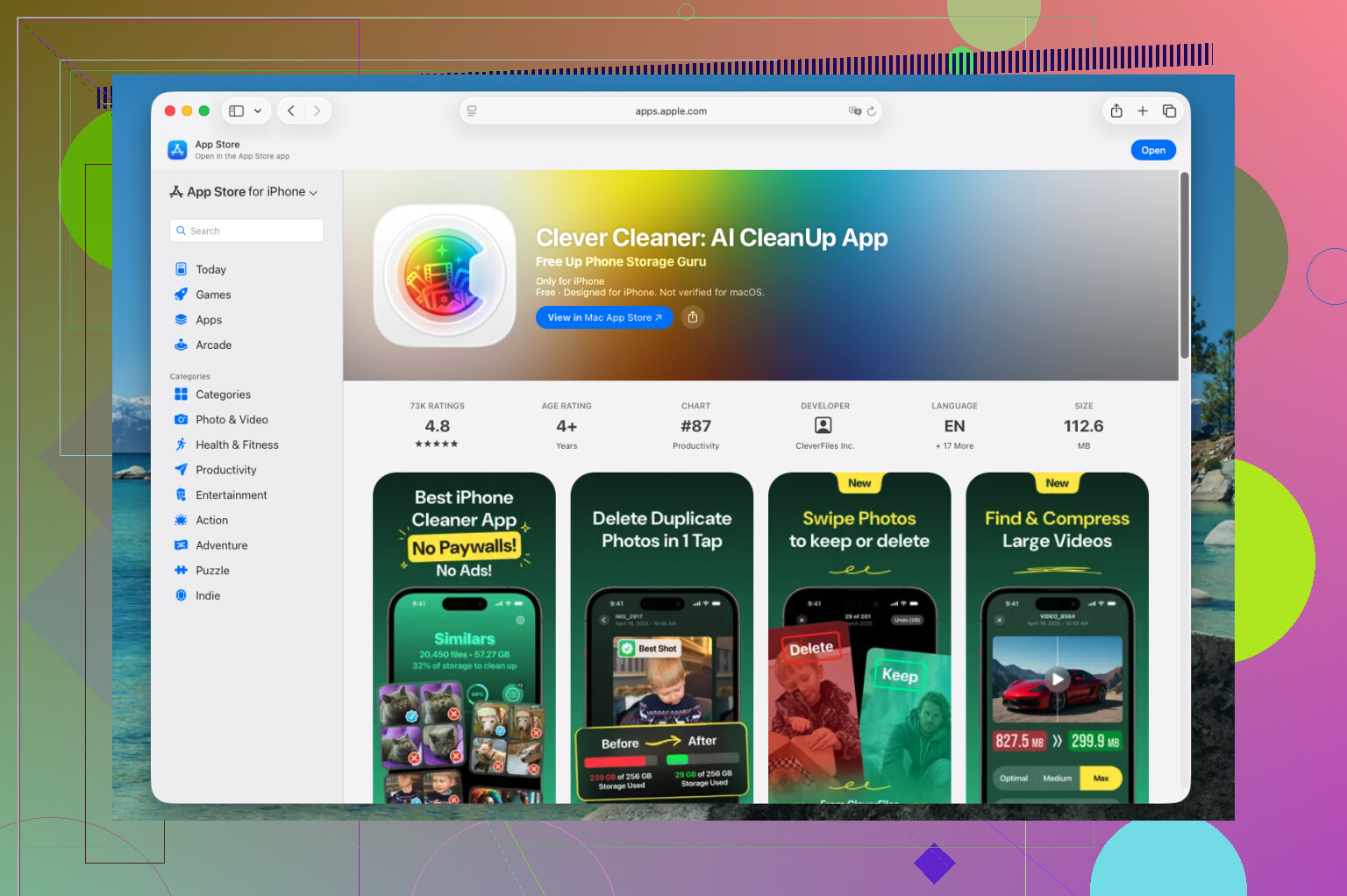
I went through a pile of iPhone photo cleanup apps this past year, and the one I kept on my phone was Clever Cleaner. It does less than some of the bloated ones, which is sort of why I stuck with it. I used it more. If an app turns photo cleanup into a project, I stop using it after two days.
What sold me was simple. It does not try to become a replacement for Apple Photos. I still sort and browse in the default app. This one handles the junk first, and once the junk is gone, the rest of your library feels less annoying to deal with.
My weekly cleanup looked like this:
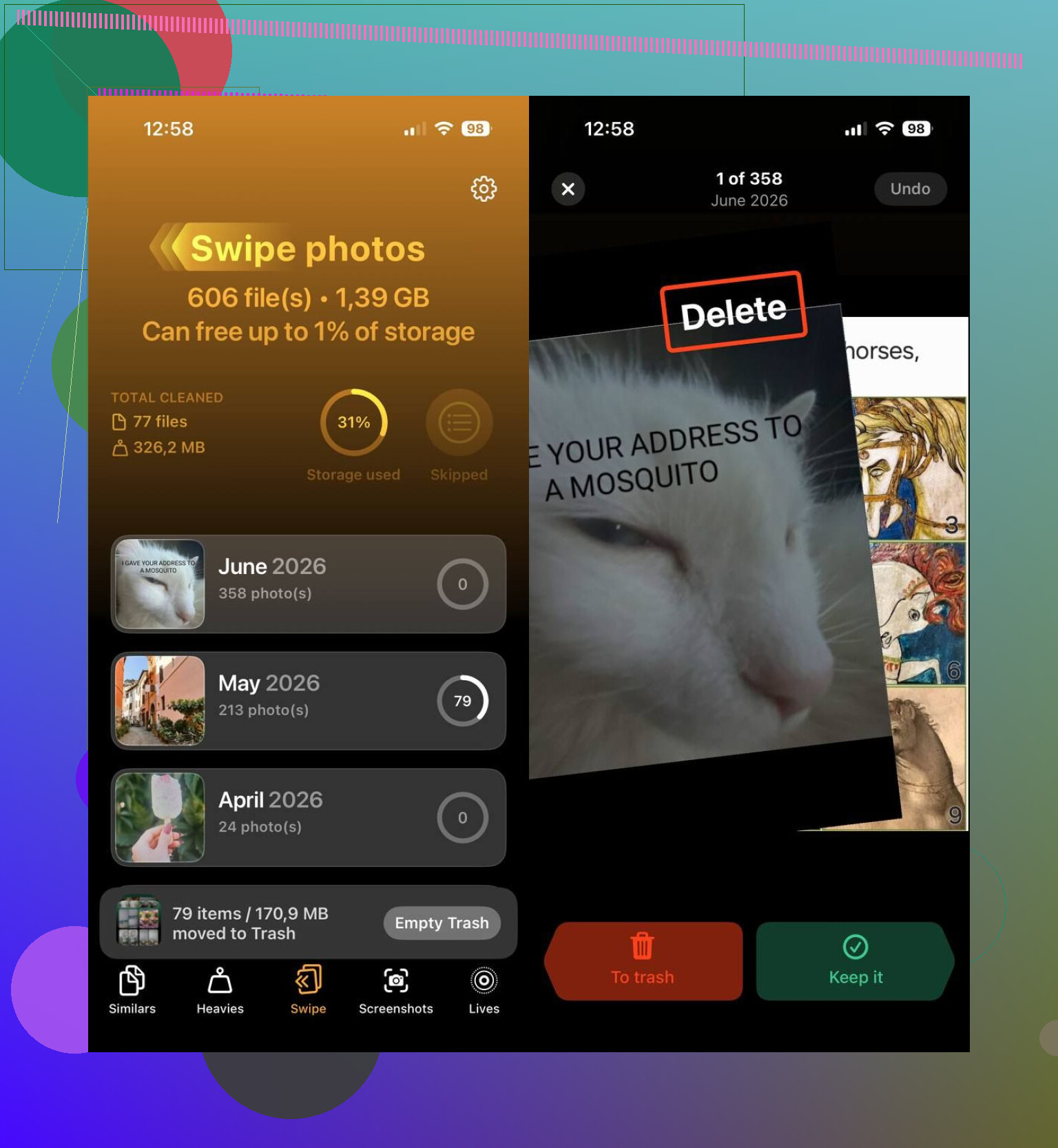
- I ran Smart Cleanup and let it catch duplicates and near-duplicates.
- I opened Heavies, found the big videos, and compressed the ones I needed to keep.
- I used Swipe Mode for a quick pass through recent shots.
- I cleared out old screenshots.
- I converted older Live Photos into regular stills when I did not care about the motion part anymore.
For me, those five steps were enough. I did not have to sit there thumbing through 8,000 photos wondering where to start.
It also works well if your goal is freeing up space, not only tidying your library. This writeup lists it among the best iPhone cleaning apps, and after using it, I get why. The cleanup tools I used most were:
- duplicate and similar photo removal
- large photo and video review
- screenshot cleanup
- Live Photo conversion
- video compression
- swipe-based cleanup for recent photo batches
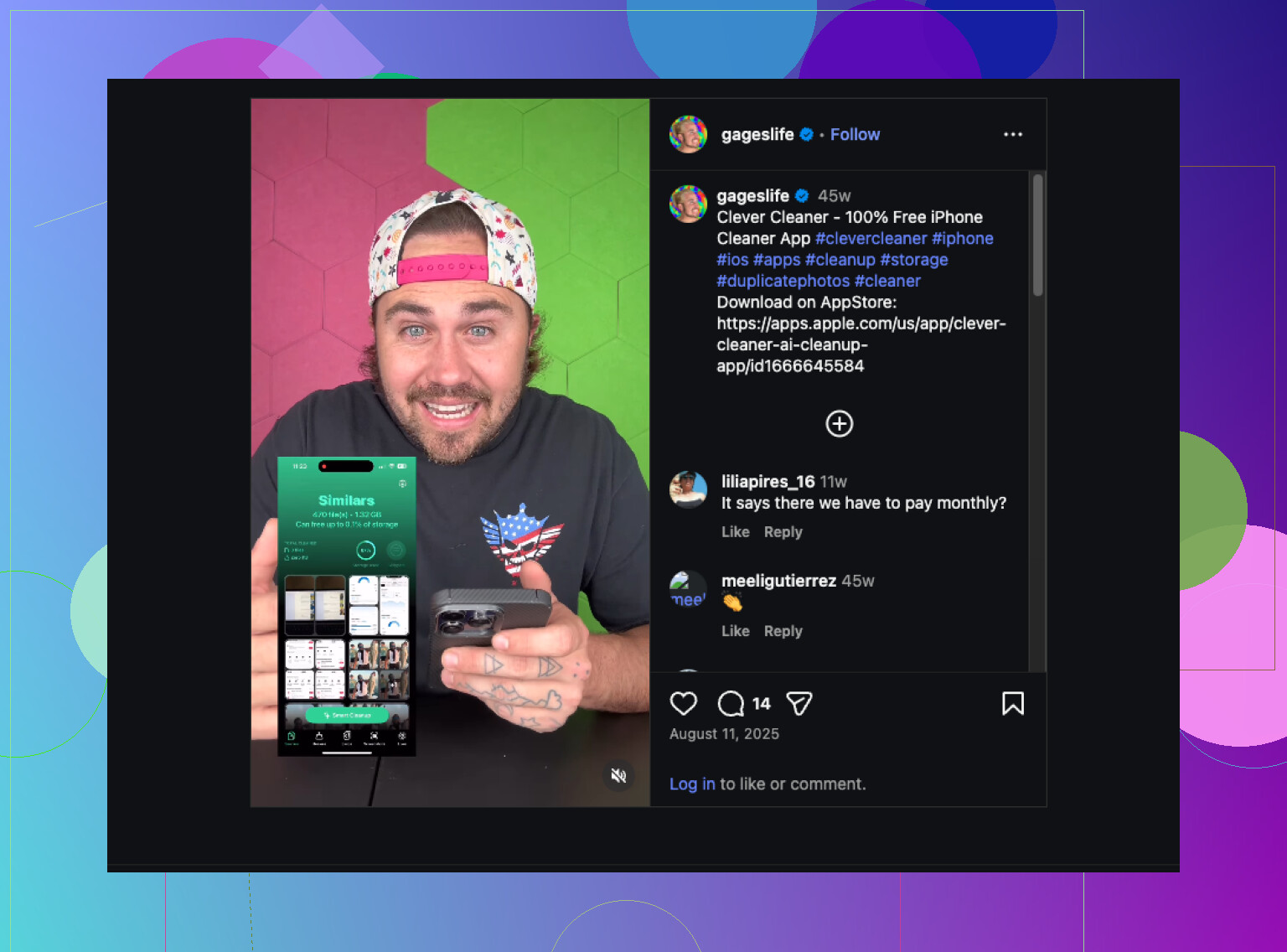
One thing worth pointing out, it was free when I used it. No ads in my face. No subscription wall after the first scan. No weird credit system. Apps in this category usually pull some nonsense there, so yeah, I noticed.
If you want other options, these are the two I would look at first.
- HashPhotos
If your main issue is organization, not cleanup, HashPhotos goes deeper. Filters, tags, metadata edits, smart albums, map view, timeline view, more control in general. I would pick it if you treat your photo library like an archive and want to manage every little thing.
- Google Photos
If you already keep stuff in Google services, this one makes sense. Search is strong. Grouping is better than what I got from Apple Photos. Finding some random picture from years ago felt easier, at least for me.
I still landed on Clever Cleaner. It cleaned out the buildup, saved a decent chunk of storage, and left my library in a state where organizing it later did not feel like a chore.
9 Likes
Best one I’ve used across phone plus laptop is Mylio Photos.
Why. It fixes the part most apps ignore. Cross-device mess. You get one library view for iPhone, Android, Mac, Windows, external drives, even old folders from backups. For me, duplicate detection was solid, folder control was better than cloud-first apps, and I did not need to reupload my whole life to sort it.
My quick ranking:
- Mylio Photos, best for phone plus laptop combined
- Clever Cleaner, best for fast iPhone cleanup
- Google Photos, best search
- Adobe Lightroom, best if you already edit a lot
I agree with @mikeappsreviewer on Clever Cleaner for iPhone cleanup. I’d still pick Mylio first if your laptop is part of the problem too. Clever Cleaner is cleaner, simpler, less annoying on mobile. Mylio is stronger for long-term organization.
What worked for me:
- Import all old folders first
- Group by year and device
- Run duplicate scan
- Delete screenshots in bulk
- Tag keepers, family, docs, travel
- Move big videos off the laptop
If you want a simple guide for photo library organization and cleanup tips, this helped: easy photo library organization tips
Small warning, Mylio takes longer to set up. After setup, it’s prety smooth. If you want fast results on iPhone first, Clever Cleaner is the easier start.
I’d split this into two jobs, because one app rarely does both well.
For actual photo organization across phone + laptop, I had the best results with Mylio Photos. It’s not the prettiest setup, and I kinda disagree with people who say it’s “easy” right away because the first sync/import can be a bit annoyng. But once it’s done, it’s one of the few apps that treats scattered folders, old backups, phone pics, and external drives like one library instead of a pile of unrelated junk. That part matters.
For fast cleanup on iPhone, I’m with @mikeappsreviewer and partly with @boswandelaar: Clever Cleaner is probly the easiest one I’ve actually kept using. Not because it has a million features, but because it doesn’t turn cleanup into homework. If your biggest pain is duplicates, screenshots, and storage bloat, it’s a solid pick and way less obnoxious than a lot of “AI cleaner” apps.
My honest ranking from stuff I’ve used:
- Mylio Photos for long-term organizing across devices
- Clever Cleaner for quick iPhone photo cleanup and duplicate removal
- Google Photos for search, but I hate being too dependent on cloud sorting
- Apple Photos is fine, just not enough once your library gets out of control
One thing I’d do differently from most people: don’t start by obsessing over perfect albums. Start by removing obvious garbage first, then organize what’s left. Otherwise you’ll waste hours sorting screenshots of recipts and blurry cat photos.
If you want simple best photo organizer app recommendations for iPhone and laptop cleanup, this is a decent visual explainer: smart photo organization tips for messy phone and computer libraries.
Short version:
- want cross-device control: Mylio Photos
- want quickest cleanup: Clever Cleaner
- want best search: Google Photos
I’m a little less sold on Mylio as the one-size-fits-all answer than @boswandelaar, @vrijheidsvogel, and @mikeappsreviewer. It is strong, but for some people it feels like setting up a small photo IT department.
My take:
If your mess is mostly on iPhone, use Clever Cleaner first. If your mess is truly split across phone + laptop + old backup folders, then Mylio makes more sense after cleanup.
Clever Cleaner pros
- very easy to use
- good for duplicates, similar shots, screenshots
- helps reclaim storage fast
- not overloaded with features
Clever Cleaner cons
- not a full desktop photo management system
- weaker for deep tagging and archive-style organization
- better at cleanup than long-term cataloging
What I’d do differently from the usual advice:
- clean by source, not by year first
- separate camera photos, screenshots, WhatsApp downloads, and exported edits
- archive once, organize later
That matters because screenshots and app junk usually create most of the chaos. Delete those first and the “organizing” job shrinks a lot.
So my actual recommendation is:
- Clever Cleaner for the first big purge
- Apple Photos or Google Photos for everyday browsing/search
- Mylio only if you still need one view across all devices and drives
Best organizer I’ve actually kept using daily? Not Mylio. For me it was a combo, with Clever Cleaner doing the heavy lifting at the start.