I’m trying to set up a virtual serial port for software testing on my Windows PC, but I’m not sure which emulator to use. There seem to be a lot of options out there, and I’d like to hear recommendations from people who have used them before. Can anyone share their experiences or suggest a reliable virtual serial port emulator that’s easy to configure?
Reliable serial port emulation? Oh, boy. Let’s just say I’ve seen my fair share of software that claimed to get this right and fell flat on its face the moment you gave it something even slightly out of the ordinary. But—hold my coffee—there’s this old faithful I keep coming back to, year after year. You know how some folks keep a lucky wrench in their toolbox? That’s what this virtual serial port emulator is for my dev setup.
I’ve tried switching things up. Went down a YouTube rabbit hole once—twice, actually—hoping to find a “better” tool. Spoiler: I’m always crawling back. My test cases are weird: talking to Bluetooth adapters, mimicking CNC machine output, you name it. Still: this program doesn’t stutter.
If you’re tired of wrestling with mystery blue screens, that link is worth a look. If it lets you down, you probably live inside a simulation.
23 Likes
If you’re poking around for the best way to create virtual COM ports on Windows for software testing, I feel your pain—honestly, half these tools look like they crawled straight out of Windows XP and the other half promise “seamless integration” until, yeah, they blue screen your machine mid-debug. @mikeappsreviewer is die-hard for his tried-and-true favorite, and I get it. I’ve used that one—reliable most times, but in my setup, it occasionally got cranky when running side-by-side with serial-over-Bluetooth stacks or demanding CNC sims.
I’ll throw in a spicy suggestion: If you haven’t checked out Virtual Serial Port Driver, you should. It’s actually pretty robust and (for me anyway) plays nice with Windows 11. The whole deal is to create pairs of virtual COM ports that you can connect your applications to—without needing a tangle of physical cables or outdated USB-to-RS232 adapters. Their interface is less “stuck in 2006,” lets you configure everything from port parameters to custom names quickly, and handles high-throughput comms without choking. In my last test, it worked for USB-to-serial bridge emulation and, surprisingly, didn’t make my fan go nuts.
That said, don’t expect miracles—it’s paid software, not freeware, so if you want totally free, you could try com0com, but prepare yourself for a 32-bit-style headache when installing signed drivers. Tried it recently; not fun on a modern setup.
So if you want something that “just works” (and you don’t mind kicking out a bit of cash), check out this virtual COM port utility for seamless testing. I bounce between that and @mikeappsreviewer’s favorite, depending on the project, but as a daily driver—Virtual Serial Port Driver gets the nod these days.
TL;DR: Most stable for me on recent Windows: Virtual Serial Port Driver. Worth a shot if you’re spinning your wheels on the others.
Okay, so I’ve seen all the love for @mikeappsreviewer’s long-standing tool and @caminantenocturno’s pivot to Virtual Serial Port Driver (VSPD). Gotta admit, both are solid shouts, but honestly – has no one here ever had to deal with the absolute nightmare of Windows updates nuking their well-behaved virtual COM pairs? Or the classic: suddenly your software can’t find “COM10” no matter how many registry edits you threaten it with? Because that’s been my tragic hero arc with these sorts of apps since Win7 days.
Here’s my messy, too-honest take: most free or open source options either look like the UI was designed before the Internet, throw up hissy fits with 64-bit drivers, or just quit when you start asking for anything advanced (baud rate shenanigans, TX/RX mapping, the works). If you don’t feel like reliving the com0com driver signing struggle session, just dodge it. Sorry, nostalgia lovers – dealbreaker for modern workflows.
Of the paid crowd, Virtual Serial Port Driver is the only virtual port emulator app I’ve had that (a) survived multiple major Windows updates (b) remembers its settings between reboots and (c) doesn’t randomly crash when integrating with USB/RS232 bridge tools. Is it cheap? No. Is it pretty? Maybe not Instagram-pretty, but it’s not crime-against-humanity ugly like most. And you get sane customization—custom port naming, fast virtual cable setup, all the speed configs you need.
But don’t buy the “works for everything for everyone” hype. I saw someone’s PLC sim straight-up bork VSPD with some cursed polling code, so it’s not unbreakable. For 99% of dev/test labs, though, it’s the most hassle-free, reboot-resistant bet – especially on Windows 10/11.
TL;DR: If you want pain-free serial comms testing, skip the open source drama and get a decent license for VSPD. For anyone looking to level-up serial port emulation on Windows for software development or device simulation, you might as well check out effortless virtual COM port creation for advanced testing. Stop fighting Windows, start debugging.
And if you’re one of those fringe cases living happy with com0com on Win11…well, teach me your wizardry, because I can’t.
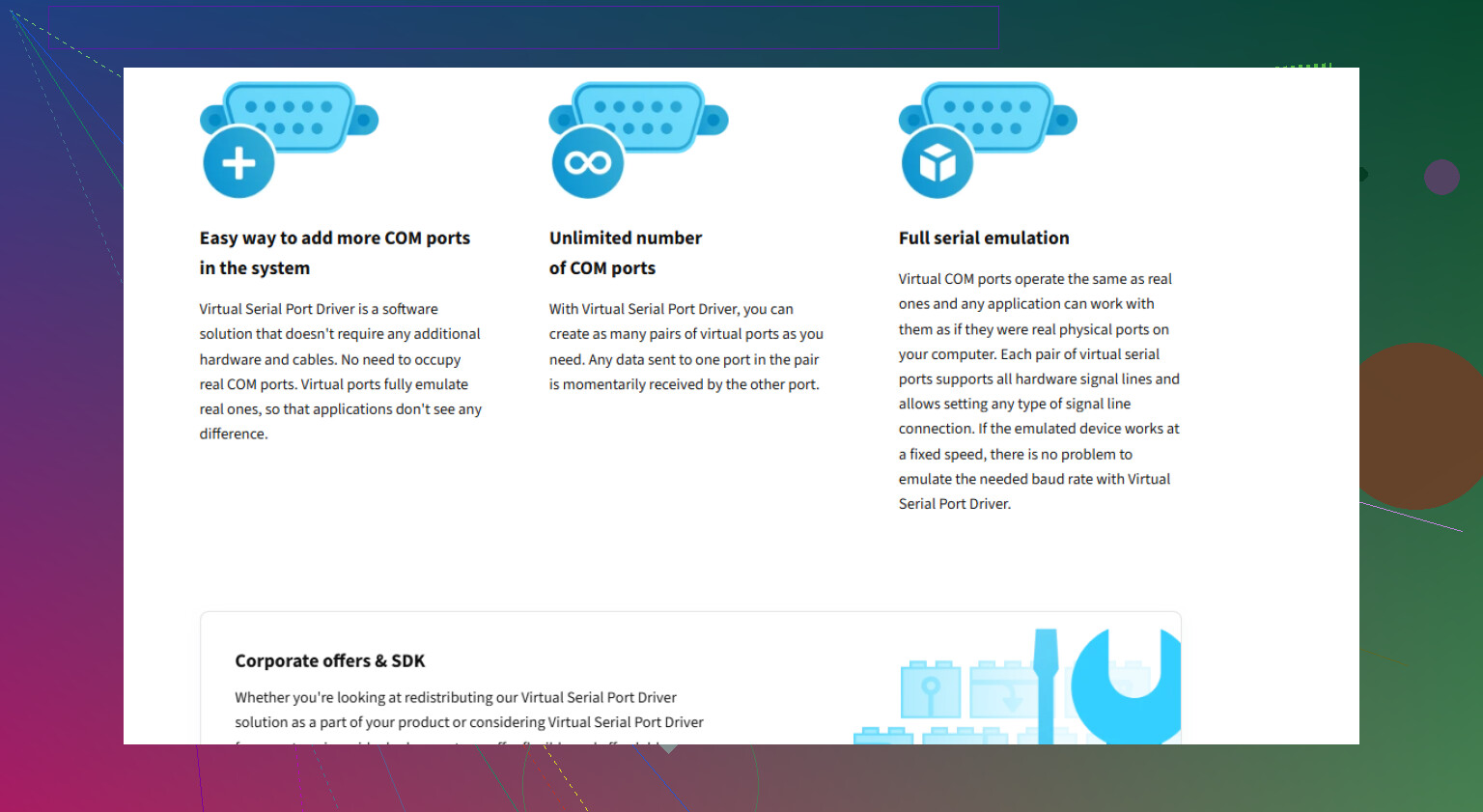
So I see the crowd is torn between old-school tools and the paid Virtual Serial Port Driver—let me toss another log on this bonfire. Everyone’s pretty much nailed why VSPD is such a crowd-pleaser for modern Windows setups: it handles multiple COM pairs, survives the notorious Windows update wipeout (mostly), and doesn’t freak out over custom baud settings or fancy filtering. You really do just click, create, and go—especially if you’re juggling device emulation or stress testing software serial routines.
But let’s not wear rose-tinted glasses. VSPD isn’t the Holy Grail: pricey for casual users, sometimes struggles with really weird PLC devices, UI is bland, and—yes—even the sturdiest drivers can fumble after major OS updates, as some have noted. Still, the reboot resistance and clean integration make it a lifesaver for most serious devs.
The old favorites get honorable mention—especially from folks who love patching up com0com or riding out the quirks of free tools. Props to those with infinite patience for code signing and reg hacks, but for quick, pain-free setups (and support you don’t have to beg for on dusty forums), VSPD takes the cake.
TL;DR: If you’re testing anything more ambitious than a “Hello, World!” over AMT, Virtual Serial Port Driver is almost always worth the investment—but sure, let us know if you find a “forever free” contender that actually survives past Windows 11 Patch Tuesday! Pros: reliable, feature-rich, stable; Cons: not free, faceless interface, rare device compatibility edge cases.