My iPhone has worked fine for years, but lately it’s suddenly very slow, apps lag, and basic tasks take longer than usual. I haven’t changed much besides regular updates, so I’m trying to figure out if this is a battery, storage, iOS update, or hardware issue and what I can do to fix it.
When an iPhone starts lagging on stuff as basic as typing, the first thing I’d check is storage. Not because “1GB free” is some magic fix, but because that number gets misunderstood a lot.
The 1GB thing is real, but it is the bare minimum
Apple’s 1GB recommendation is more about avoiding crashes, failed updates, and weird boot problems. It does not mean the phone will feel good with only 1GB left. For normal use, you usually want more like 10 to 20 percent of the phone’s total storage free.
When storage is almost full, iOS has very little room for temporary files, cache, and virtual memory. So simple actions like opening apps, scrolling, or typing can turn into a mess because the system is constantly trying to move data around in a packed space. Restarting might make it feel better for a minute, but it will slow down again if the storage problem is still there.
Deleting a couple apps usually is not enough
Safari cache and unused apps can help a bit, but the big storage hog is usually Photos. Years of 4K videos, screen recordings, burst shots, and ten versions of the same picture add up fast.
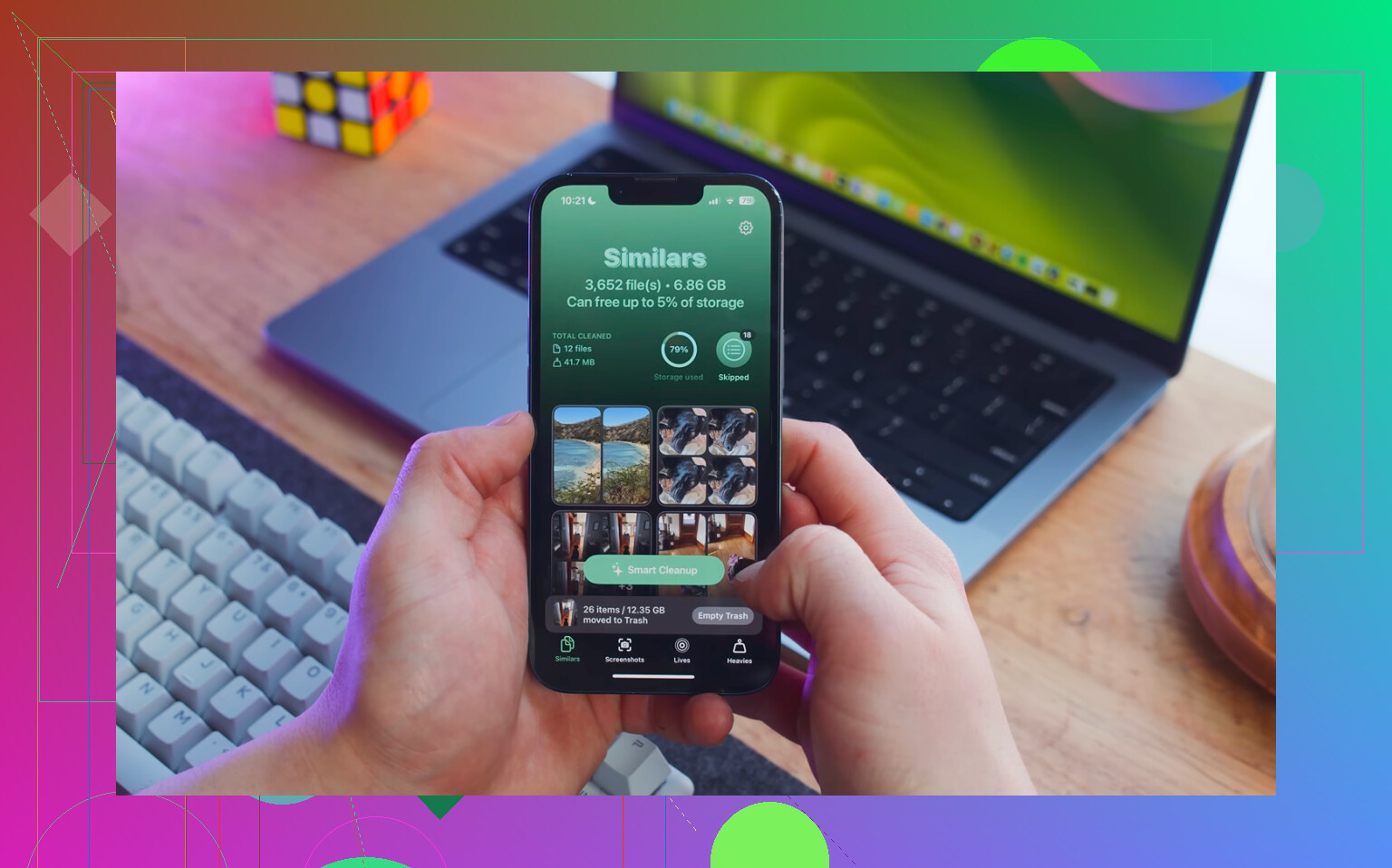
Manually sorting through all of that is painful, especially if you are trying to find the actual large files. Clever Cleaner is useful for this because it is free, has no ads or subscription, and focuses on the stuff that actually frees space.
The order I’d use:
- Start with the Heavies tab. It sorts files from biggest to smallest and shows the exact size, so giant 4K videos and forgotten screen recordings are easy to spot. Deleting just a few of those can free several GB right away.
- Then check the Similars tab. It groups near-duplicate photos and picks a Best Shot, so you are not manually comparing every burst or repeated sunset photo one at a time.
- After deleting things, open Photos, then Albums, then Recently Deleted, and choose Delete All. This part matters. Until you empty Recently Deleted, those files can sit there for 30 days and still count against your storage.
Clever Cleaner does its processing on the phone, so your files are not uploaded somewhere else.
A few settings worth checking too
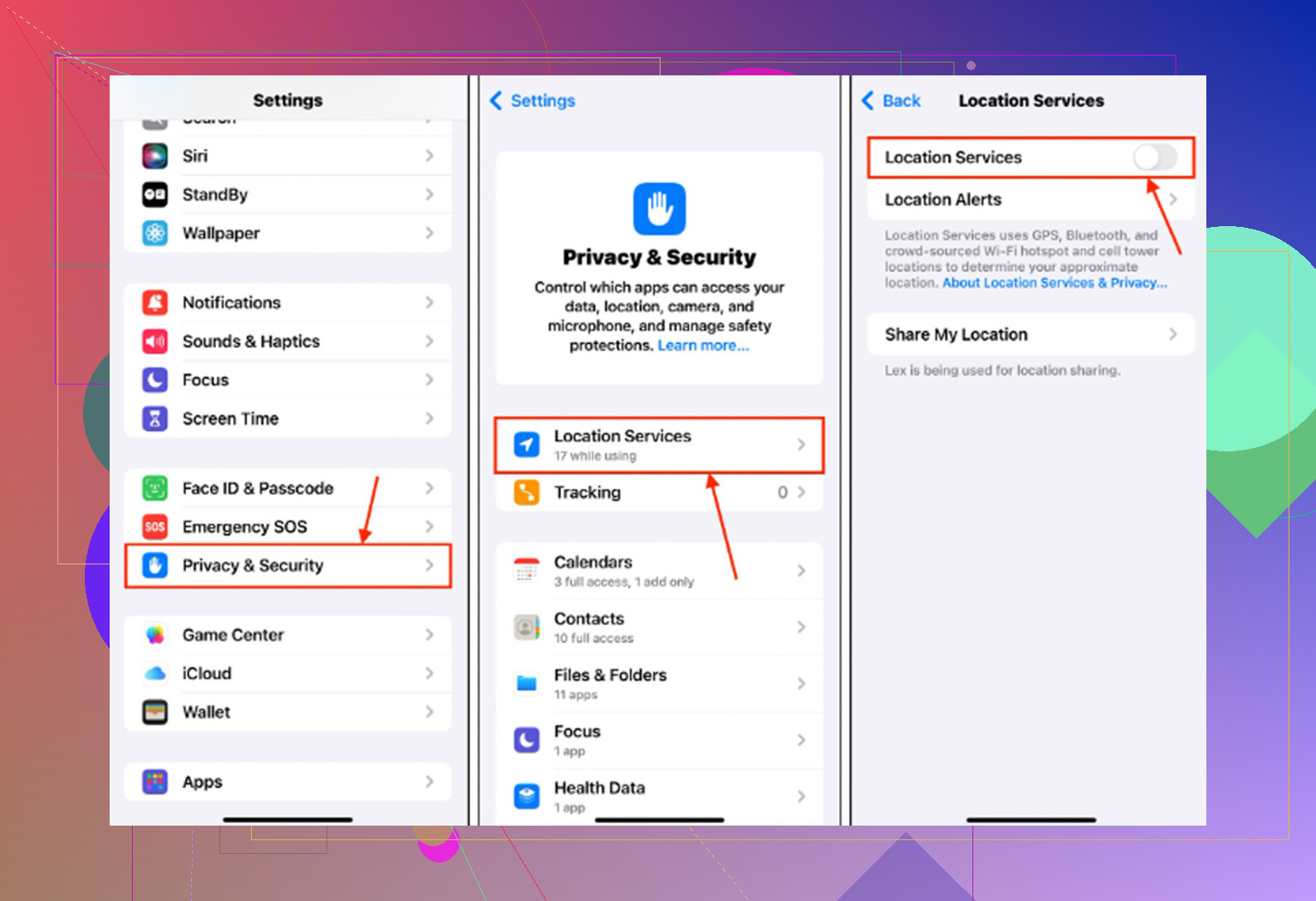
Go to Settings > General > Background App Refresh and turn it off. It can keep apps doing work in the background when you already need every bit of performance you can get.
Also go to Settings > Safari > Clear History and Website Data. Safari can build up its own pile of cache over time.
And if Low Power Mode is always on, turn it off for normal use. It saves battery by limiting performance, so it can absolutely make an already-slow phone feel worse.
If freeing storage does not fix it
Check Settings > Battery > Battery Health. If maximum capacity is under 80 percent, iOS may be limiting performance to avoid unexpected shutdowns. At that point, clearing storage will not fully solve it. The real fix is a battery replacement.
One exception: if this started right after an iOS update, give it a little time. The phone may be reindexing stuff in the background. Keep it plugged in on Wi-Fi overnight and wait two or three days before judging it. That kind of post-update slowdown is usually temporary.
9 Likes
The hidden downside of “I haven’t changed anything” is that updates can change settings for you. If storage and battery health look okay, I’d try Reset All Settings before doing a full erase: Settings > General > Transfer or Reset iPhone > Reset > Reset All Settings. It won’t delete your photos/apps, but you will have to redo Wi-Fi, wallpaper, notifications, and some preferences.
Don’t reset or wipe the phone while it’s hot, syncing, or restoring in the background, because that can make the slowdown look worse than it really is. The storage and battery suggestions above are valid, but I’d first check for something stupidly simple: is Photos/iCloud still “syncing,” is the phone warm even when idle, or is one app chewing battery under Settings > Battery? A bad app update, VPN/ad blocker, stuck mail account, or constant photo sync can make an older iPhone feel broken overnight. If you see one app with weird usage, delete/reinstall that app or turn off its background access before doing bigger resets.